Secure Credential Storage in CLI Tools
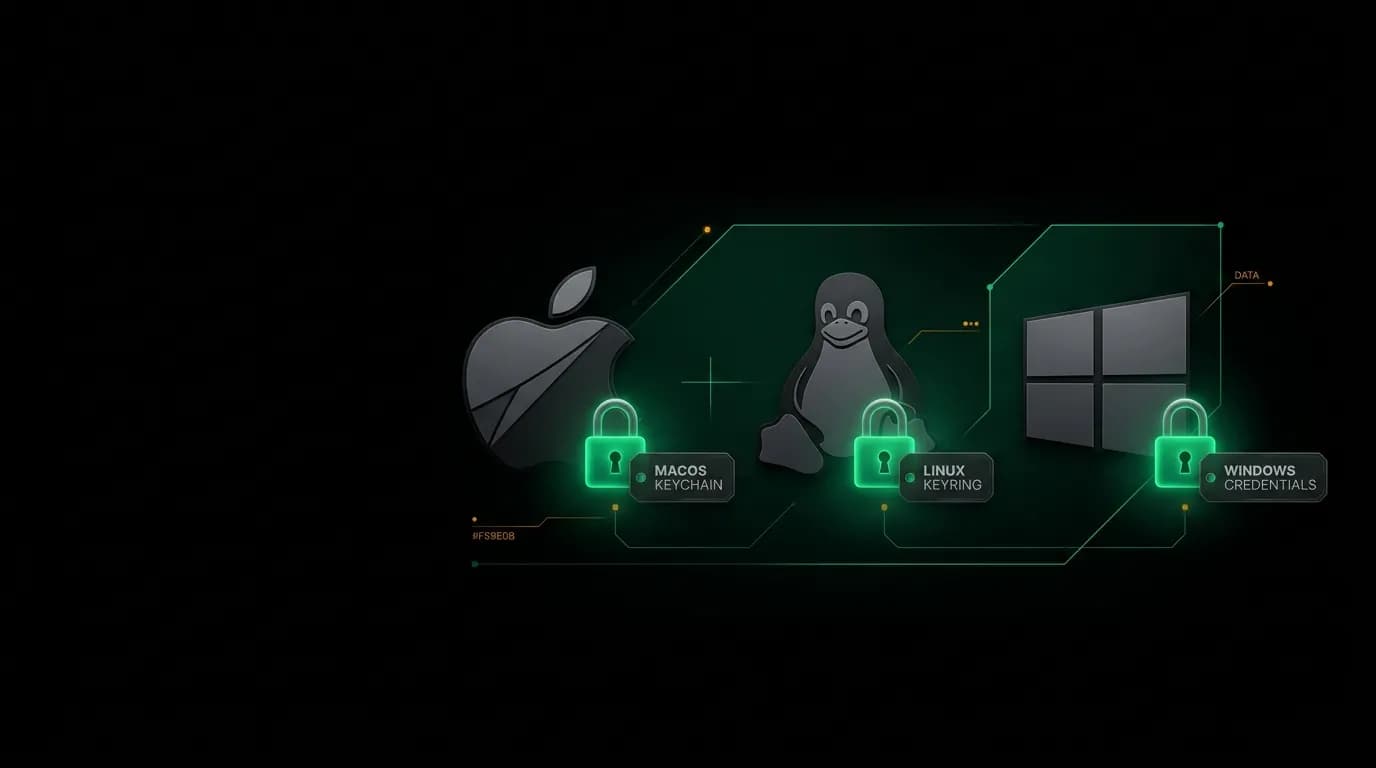
Our CLI stores credentials in OS keychains — macOS Keychain, Linux libsecret, Windows Credential Manager. File-based fallback and environment variable patterns for every scenario.
A security audit flagged a developer on our platform whose API key was stored in their `~/.bashrc` file. It was there in plain text, loaded into every shell session, visible to any process running under their user account, and backed up to their dotfile repository that they shared publicly on GitHub.
They did not do this because they were careless. They did it because our CLI did not provide a better option at the time. The login flow printed the key and told the developer to "store it securely." That instruction meant different things to different people, and for this developer, it meant "put it where my shell can find it."
We replaced that instruction with a credential storage system that handles security correctly on every platform, so developers never have to figure out "store it securely" on their own.
OS keychain integration

The right place to store secrets on any operating system is the OS-provided credential store. These are designed specifically for sensitive data, protected by the operating system's security model, and encrypted at rest.
macOS uses Keychain Access. Our CLI stores API keys as keychain items tagged with our application identifier. The keys are encrypted using the user's login keychain, which means they are accessible only when the user is logged in and only to our application (unless the user explicitly grants access to other applications).
Linux uses libsecret, which backs onto GNOME Keyring or KDE Wallet depending on the desktop environment. The same principle: secrets are stored in an encrypted store managed by the OS, accessible only to authorized applications.
Windows uses the Credential Manager. API keys are stored as Windows credentials, encrypted by the Data Protection API, and accessible only to the user who created them.
The developer never interacts with the keychain directly. Running `nowah auth login` triggers a browser-based authentication flow. After authentication, the CLI receives a token and stores it in the keychain silently. The next time the developer runs a CLI command, the token is retrieved from the keychain automatically.
From the developer's perspective, they log in once and the CLI remembers. From a security perspective, the credential is encrypted at rest, scoped to the user, and never written to a readable file.
File-based fallback
Not every environment has a keychain available. containers containers, minimal Linux servers, headless CI environments, and some WSL configurations do not have access to the OS credential store.
For these environments, we provide a file-based fallback. The CLI detects that no keychain is available and falls back to an encrypted configuration file stored at `~/.nowah/credentials`.
The file is encrypted with AES-256 using a key derived from the machine's hardware identity. This is not as secure as an OS keychain (the encryption key can be derived by any process running on the same machine) but it is significantly better than plain text.
The fallback creates the file with restrictive permissions (600 on Unix, equivalent on Windows) so that other users on the same system cannot read it.
When the CLI uses the fallback, it prints a one-time notice: "Keychain not available. Credentials stored in encrypted file at ~/.nowah/credentials. For maximum security, use an environment with OS keychain support." This keeps the developer informed without blocking them.
Environment variables for CI/CD

Continuous integration environments should not use interactive login or persistent credential storage. They should use environment variables that exist only for the duration of the build.
Our CLI checks for the `NOWAH_API_KEY` environment variable before checking the keychain or file. If the variable is set, it takes precedence. This means CI pipelines can inject the key via their secrets management system (whatever that might be) and the CLI uses it without any storage.
The environment variable is never persisted to disk by the CLI. It lives in process memory only. When the CI job ends, the credential disappears with it.
We recommend naming the variable `NOWAH_API_KEY` (not `API_KEY` or `KEY`) to avoid collisions with other tools. The specific prefix makes it clear what the variable controls and reduces the risk of accidental leakage through generic variable names.
For CI pipelines that run multiple environments, the variable name supports suffixes: `NOWAH_API_KEY_STAGING`, `NOWAH_API_KEY_PRODUCTION`. The CLI checks for the environment-specific variable first, then falls back to the generic one.
Multi-account security
Developers often work with multiple environments: development, staging, and production. Each environment should use different credentials, and they should be isolated from each other.
Our CLI supports profiles. `nowah auth login --profile staging` stores staging credentials separately from the default profile. Switching between profiles is a single flag: `nowah search flights-layer-ai-agent-search-flights) --profile staging`.
Each profile stores its credentials independently in the keychain. The default profile key is `nowah-default`. The staging profile key is `nowah-staging`. They do not share state, and revoking one does not affect the other.
This isolation prevents the most common multi-environment mistake: accidentally running a production command against staging or vice versa. When the developer is in their staging profile, they can only use staging credentials. Switching to production requires an explicit profile flag.
Token lifecycle
The CLI's token lifecycle has four states: issued, active, expiring, and cleared.
Issued. After a successful login, the token is stored in the keychain. It is immediately usable.
Active. The token works for all CLI commands. The CLI does not check token validity on every command (that would add latency). It checks when a command fails with a 401, at which point it prompts for re-authentication.
Expiring. When the token is within 24 hours of expiration, the CLI prints a subtle notice: "Your session expires soon. Run `nowah auth login` to refresh." This prevents the surprise of a sudden authentication failure during a critical workflow.
Cleared. Running `nowah auth logout` removes all stored credentials for the current profile: keychain entries, fallback files, and any cached session data. The logout is thorough. No orphaned credentials remain.
Logout also clears any cached data that was fetched using the credential: recent search results, cached API responses, and local state. This ensures that a developer who logs out of a shared machine leaves no trace of their session.
Security checklist for CLI tool builders
If you are building a CLI that handles credentials, here is the minimum bar.
Use the OS keychain on platforms that support it. Do not invent your own encryption. The OS has a dedicated, audited, maintained credential store. Use it.
Provide an encrypted file fallback for environments without keychains. Plain text files are not acceptable, even with restrictive permissions.
Support environment variables for CI/CD. Never require interactive authentication in automated environments.
Never log credentials. Not to stdout. Not to log files. Not to error messages. When displaying keys for user reference, mask all but the first few characters.
Clean up on logout. Remove keychain entries, files, and cached data. A developer who logs out should be confident that their credentials are gone.
Store the minimum credential needed. If a short-lived token works, do not store a long-lived API key. Short-lived credentials limit the damage window if they are compromised.
Credential storage is the kind of work that nobody notices when it is done right and everyone notices when it is done wrong. Do it right the first time.
Nowah is an AI travel agent that searches and books real flights and hotels through conversation — no filters, no thirty open tabs. Plan your next trip.