Turning travel screenshots into an itinerary research brief
Turn screenshots into research questions by separating visible details, client-confirmed preferences and unverified source claims.
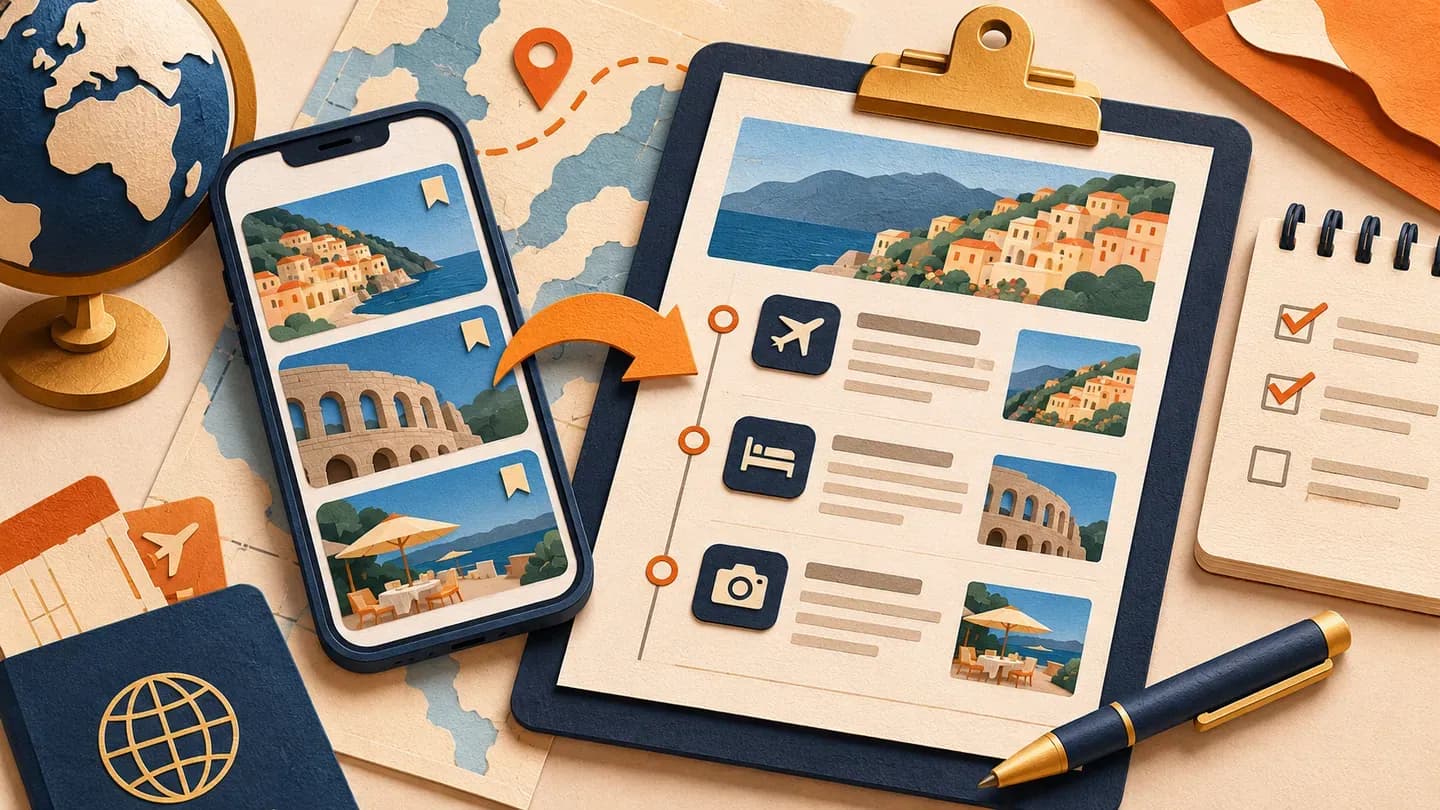
Turn travel screenshots into a research brief by recording what is actually visible, asking what the client likes and separating that preference from details requiring verification. Use Nowah to explore the resulting trip structure, with actual source and supplier checks handled through the agency process. A screenshot is inspiration and possible evidence to investigate, not proof of current availability or a complete travel arrangement.
Do not assume an image identifies the exact property, room, venue or date. Crops, reposts and missing context can leave important details unknown. The useful output is a clear planning question rather than a confident guess about the image's origin.
Start with a minimal relevant collection
Ask for a small relevant screenshot selection, then use Nowah's inspiration-planning capability to explore the trip those images suggest. Keep the client's explanation beside the visual material. The preference collection guide helps clarify what each image actually means to them.
Use the approved process for receiving and sharing material. Screenshots can contain account names, messages, personal details or information about other people. Keep only what the research task needs and avoid copying unrelated content into a general planning prompt.
For staff practice, use fictional image descriptions rather than a real client's collection. The exercise does not require actual screenshots or personal account information to teach the research method.
Separate observation, interpretation and requirement
Use three distinct fields:
Field | Meaning | Example of a planning note |
|---|---|---|
Visible observation | What the supplied material actually shows or states | An outdoor seating area appears in the image |
Interpretation to clarify | What the adviser thinks may appeal | Possibly a view or a quieter setting |
Client-confirmed requirement | What the traveller actually says matters | A private outdoor space is preferred |
Do not move from the first field to the third without the client answer. A photograph of a pool does not establish that the traveller requires one, and it does not establish that the offered room includes access.
Keep uncertain text or location labels marked uncertain. If the original source cannot be recovered, record that limitation rather than inventing a link or relying on visual resemblance.
Use a screenshot-to-brief worksheet
Use this screenshot-to-brief worksheet template when reviewing material explored in Nowah. Separate visible details from interpretation and the client's confirmed requirement. The saved-ideas itinerary process helps combine the resulting interests into a coherent plan.
SCREENSHOT RESEARCH ENTRY
Image label / received date:
Source or original link available:
Visible details relevant to the trip:
Unclear text or missing context:
Client's stated reason for saving it:
Specific place essential or theme flexible:
Requirement or preference confirmed:
Actual location/room/date questions:
Provider evidence needed:
Use in current brief:
Privacy or sharing boundary:
Next action / owner:
The worksheet should not become a catalogue of unsupported facts. A detail can remain a research lead while the underlying theme becomes a useful planning preference.
Worked hypothetical example: eight images
This example is fictional. Two adults planning ten destination days and nine nights in Portugal send eight screenshots: three accommodation images, two food-related ideas and three sightseeing images. The adviser has not inspected actual venues or offers.
One accommodation image shows a terrace-like space, but the room category and property are unclear. The clients explain that outdoor space appeals; they do not require the pictured room. A food image represents a cooking theme rather than a particular provider.
The adviser records those current answers and asks which sightseeing idea is most important. The collection becomes a brief with cultural priorities, one food experience and a preferred outdoor-space feature. Exact venues and rates remain research questions.
One image also includes a cropped promotional amount, but the party, dates and room basis are absent. The adviser records it as incomplete context rather than a budget fact or an available rate. If the client wants that specific arrangement, the next task is to locate and inspect the relevant current offer.
Another screenshot's caption appears to name an area, but it may be a repost rather than the original source. Do not use that caption to place the experience confidently on a route. Ask for context and keep the location question open until it is supported.
These distinctions help avoid a common handoff problem: an observation becomes a location guess, then the guess becomes a hotel search instruction. The worksheet should preserve each stage so another adviser can see what came from the material, what the client confirmed and what still requires evidence. A polished summary should not erase those boundaries.
The counts describe the fictional input, not a claim that any screenshot-processing tool has analysed a real collection.
Develop the fictional eight-image brief in Nowah around the confirmed themes rather than reproducing every pictured stop. Use the multi-city route review to check whether the ideas justify additional bases.
Recover source context where practical
If a specific place matters, ask whether the client has the original link or other relevant context. Inspect an appropriate actual source before using a venue, feature or price in a recommendation.
A screenshot can show a past promotion or a room different from the current offer. Record the source and relevant date basis where available. Keep the unresolved source question visible until the actual information supports the intended recommendation. Do not assume a displayed amount applies to the client's party or stay.
If context remains incomplete, use the underlying theme to explore alternatives with the client’s agreement. Do not identify a property from architectural similarity and present the guess as a discovery. A concise note saying source unknown is more accurate and gives the next adviser a clear task.
Use Nowah with the clarified summary
Nowah's features include conversational research, editable day plans, map/timeline views and importing travel inspiration. Use supported inspiration workflows where appropriate without assuming screenshot recognition, text extraction or every upload format is available.
A manually prepared fictional summary can be used directly:
Develop a ten-day, nine-night Portugal concept for two adults. Their screenshot collection has been clarified into cultural visits, one cooking-themed experience and a preference for private outdoor space at accommodation. Specific pictured venues are not essential. Compare a two-base direction with a direction including one regional overnight. Allocate nights and mark transfers. List questions about exact dates, airports, room features, source provenance and budget scope. Do not identify properties from images or invent prices, facilities, opening times or confirmations.
Review the response against the client's actual explanations and inspect geography in Nowah. The result is a planning direction to investigate, not evidence that the screenshots' apparent features are available.
Convert visual expectations into actual offer questions
For the outdoor-space preference, ask what the clients mean: private or shared, attached to the offered room or elsewhere, essential or optional. Do not infer those details from a broad terrace label.
For a specific room candidate, inspect the actual category, occupancy, bedding, inclusion and relevant conditions. A property gallery can contain images of several different arrangements. Keep the offered room linked to its own evidence.
For food and sightseeing ideas, investigate actual provider content, date information, access and relevant requirements. A theme can guide research without establishing suitability. Keep a required provider response separate from the client's enthusiasm for the idea.
Build one coherent route from the ideas
Group the confirmed themes by relevant base and identify which specific candidates would create extra movement. Do not connect distant places merely because the screenshots were saved together.
Count nights and protect arrival, transfer and departure work. Nine nights do not create unlimited activity periods, and adding a regional stay changes packing and room research.
Ask the clients whether the additional setting serves an important priority. If they prefer a simpler route, retain the underlying themes without implying that the exact pictured arrangement has been reproduced. The itinerary should answer the brief they confirmed, not a speculative visual profile.
Present the interpretation for review
Use a client script:
I have translated the images into these priorities: [themes]. These details remain uncertain: [source or feature questions]. This route direction investigates [structure]. Please confirm whether that matches what appealed to you before we select actual services.
Let them correct the interpretation. A planning tool's response cannot supply consent or prove that the traveller wanted something they have not said.
Prepare the client-facing proposal in the agency's usual tools, with concept, candidate and confirmed status clear. Obtain approval of exact selected services, complete amounts and relevant supplier conditions before booking or payment.
Maintain provenance when the brief changes
If the client adds another image, ask whether it changes a requirement or is optional inspiration. Update the ledger and current brief only to reflect the actual instruction.
If dates, property or room category change, revisit the relevant feature and price evidence. Do not transfer a screenshot's apparent detail to an unrelated offer. Keep superseded interpretations distinguishable from current requirements.
Use Nowah for the editable trip exploration and relevant inspiration research, with the screenshot worksheet and client decisions in the agency record.
Open Nowah with the fictional clarified summary and review the features before turning the next saved images into a usable research brief.