Using client photographs with clear permission
Use client photographs with a clear permission record, defined publication scope and practical checks. Includes a request template and a Nowah planning alternative.
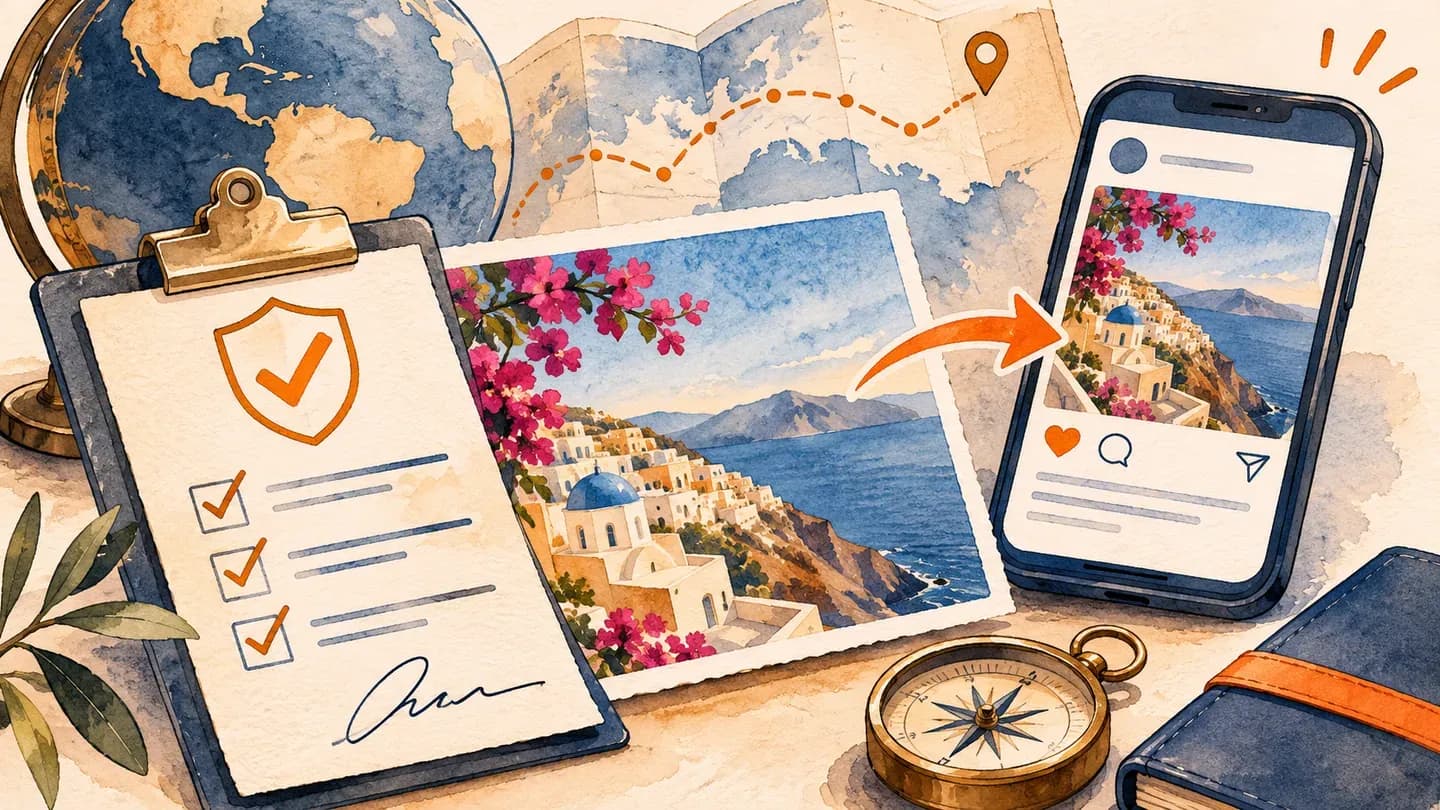
Using a client's photograph should begin with a clear explanation of the proposed use and a record of the permissions and other requirements you need to resolve. Identify the exact image, publication channel, caption and intended edits before asking. Nowah can help your agency create useful travel planning content without depending on private client images, so requesting a photograph remains a choice rather than a condition of good service.
This article offers a practical editorial workflow, not a universal legal permission form. Copyright, privacy, publicity and other requirements can differ by jurisdiction and circumstance. Check the rules that apply to your agency and proposed use, and obtain appropriate advice when needed. A friendly message from one traveller may not answer every relevant question.
Separate the image from the story you want to tell
Decide why the photograph is needed. Does it illustrate a location, show a genuine client experience or support a particular planning lesson? Write the intended message first. If the message works equally well with an appropriately sourced illustration or a fictional example, the client image may be unnecessary.
Use Nowah to develop the planning lesson before deciding whether a client photograph is necessary. Pair fictional planning inputs with image selection to choose a visual that explains the article without relying on personal records.
Do not treat a photograph sent during a consultation or after a trip as an invitation to publish it. The client may be sharing privately. Ask about the specific intended use through an appropriate channel, and make it easy for them to decline without affecting their travel service.
Also check the caption. A photograph of a traveller near a hotel does not establish that they booked through your agency, endorsed the property or experienced every facility you describe. Use only an accurate account, with any testimonial or experience wording reviewed separately.
Identify the permissions and evidence to check
Ask who created the photograph and who can authorise your intended use. The person appearing in or sending an image may not be the person who can grant all necessary image rights. Record the answer and resolve uncertainties before publication rather than relying on an assumption.
For a UK reference, GOV.UK's copyright guidance explains routes for using protected material, including an appropriate licence, and notes that permission can be limited to specific uses. Apply that guidance within its jurisdiction; obtain the relevant guidance for other markets.
Treat personal information questions separately from copyright permission. The UK ICO explains lawful bases and that consent is not the only possible basis for processing personal information. Your practical request to the client should not be mistaken for a complete determination of every applicable data protection requirement.
Describe the exact proposed use
Specify the channel, context and version you want to publish. A single social post, a website article and a paid advertisement are different uses. Explain the proposed caption, whether the client will be named or tagged and whether the image will be cropped or otherwise edited.
Ask about other identifiable people or sensitive details in the image. A client may be comfortable with their own appearance but unable to speak for everyone shown. Where children or private circumstances are involved, use the appropriate additional review process and jurisdiction-specific guidance rather than a generic assumption about family permission.
Keep the request understandable. Avoid an unnecessarily broad demand for unlimited future use if your actual need is one educational post. A defined scope is easier for the client to evaluate and easier for your team to follow later. If the proposed use changes, reopen the relevant checks.
Use a request template and a separate asset record
Adapt this request to your agency's approved process:
Thank you for sharing the photograph. We would like to consider using the identified image in one educational social post about the planning topic described below. We have included the proposed caption, channel, edits and any naming or tagging. Please tell us whether you are comfortable with that specific use, who took the image and whether there are other permissions or restrictions we should resolve. You can decline; it will not affect your travel service. We will confirm the agreed scope before publication.
Use a proper permission and rights process for the actual circumstances rather than assuming this wording is legally sufficient. The template helps start a clear conversation; it is not a replacement for the documentation your agency needs.
Maintain an asset-use register:
Field | Record |
|---|---|
Asset reference | Exact image and approved version |
Source | Who supplied it and who created it |
Intended use | Channel, purpose and publication context |
People | Relevant identifiable people and checks required |
Caption | Approved wording and naming choices |
Edits | Authorised crop or modification scope |
Permission evidence | Relevant approvals, rights and restrictions |
Publication | Actual location and date |
Future use | What requires another review |
Contact | Person responsible for questions or concerns |
Work through a hypothetical reuse request
Imagine a fictional client who sends a holiday photograph showing an outdoor family meal. The agency wants to use it in one social post explaining the value of a relaxed itinerary. The proposed caption does not name the children or identify the exact property.
For the hypothetical reuse request, develop the same travel point in a fictional Nowah itinerary first. The behind-the-scenes demonstration method offers another way to show the planning work if the proposed image cannot appropriately be used.
The agent asks about the photographer, the people shown and the specific intended post. The agency resolves the required checks through its normal process and records a defined permission scope. The client reviews the caption and declines tagging. The published version follows that choice.
Later, a colleague wants to reuse the same image in paid promotion. The asset register shows that the original decision concerned one social post. The colleague holds the new use and seeks the necessary additional review and authorisation instead of treating the old approval as unlimited.
If the client raises a concern after publication, the named agency contact responds, checks the record and follows the applicable process. Do not promise an absolute legal outcome in advance. Explain what your agency can do operationally, such as reviewing its own publication and addressing the concern through the proper channels.
Use Nowah when a fictional planning example is better
Nowah can help you develop educational content around a travel decision without exposing a client's image or circumstances. Its planning and itinerary features let you explore a fictional sequence, compare tradeoffs and identify a useful lesson for readers.
Nowah is useful when the educational task matters more than a particular photograph: its editable plan can underpin a fictional demonstration while image permissions are handled separately. Explore Nowah’s planning features.
Try this prompt:
Explore a fictional family itinerary example for an educational agency post. The family values relaxed shared meals and prefers fewer movements between activities. Compare a packed sightseeing day with a simpler day structure. Explain the planning tradeoff and the questions an agent should verify. Do not use a real client's details, invent testimonials or imply that any photograph proves a booking or service outcome.
Review Nowah's response and build the post around the checked insight. Choose an appropriately authorised visual that matches it, or use a clearly identified editorial illustration. The planning example can demonstrate your judgement without borrowing the authenticity of a client story that you cannot properly support.
Do not upload a private photograph into another service simply because the client allowed one publication. Evaluate that proposed processing or use separately through the agency's appropriate procedure. Nowah is useful for the fictional planning task; it does not remove the need to understand the scope of the image permissions.
Check the final version and maintain the record
Before publishing, compare the complete asset, caption and channel with the recorded scope. Check for details revealed by the crop or surrounding text, including names, documents or private location information. Confirm that the person publishing can locate the relevant authorisation rather than relying on a colleague's recollection.
After publication, record the actual location and keep the asset status current. If a restriction, expiry or concern affects future use, make it visible to the team. An image should not circulate indefinitely through an unlabelled shared folder after its original context has been forgotten.
Include scheduled and draft uses in a review when the status changes. Removing an image from one published post will not stop a queued campaign or a colleague's unfinished design from using it again. Give the responsible person a practical way to find those planned uses and update their status, following the agency's applicable obligations and agreed process.
Keep the permission conversation separate from pressure to provide a testimonial. If the client is comfortable sharing a picture but does not want an endorsement attached, respect that distinction. A neutral caption can describe the educational topic without implying personal praise. Ask the final reviewer to check both what the words explicitly say and what the image-and-caption combination could reasonably suggest about the client's experience.
Build the process around a respectful choice and evidence you can follow. Open Nowah to create a fictional planning example when client imagery is unnecessary, and use a defined permission workflow when a real photograph adds appropriate value. Nowah supports the educational travel content, while your agency's checks govern the material it chooses to publish.