Building an AI-Friendly API Sandbox
Your sandbox needs to serve both human exploration and AI agent testing. Deterministic fixtures, test mode flags, reproducible scenarios, and agent-specific features make it work.
We had an AI agent that passed every sandbox test we threw at it. Perfect scores across the board. Then it hit production and booked the same flight twice in forty seconds.
The problem was not the agent. The problem was that our sandbox lied. It returned slightly different data on every call, accepted parameters that production rejected, and had no way to simulate the timing-dependent failures that real travel APIs produce constantly. We had built a sandbox for humans who want to see pretty responses, not for machines that need predictable behavior to build reliable systems.
That experience rewrote how we think about sandbox design. A sandbox that serves both human developers and AI agents needs different properties than one built for either audience alone.
Deterministic fixtures are the foundation

The first thing we changed was making sandbox responses deterministic. When you search for flights from JFK to CDG on a specific date with specific parameters, you get the exact same results every time. Same prices. Same flight numbers. Same layover durations. Same seat availability.
This sounds obvious, but most API sandboxes use randomized test data. They generate fake flights with random prices on every call because it looks more realistic. That is fine for a human poking around in a browser. It is terrible for an AI agent running an evaluation suite that needs to assert "the cheapest direct flight costs $487" and get a consistent answer.
Our deterministic fixtures cover the full range of travel scenarios. Economy flights with connections. Business class directs. Hotels in different price ranges. Properties with and without free cancellation. The data refreshes weekly to stay realistic, but within each weekly cycle, identical requests produce identical responses. This gives evaluation suites stability without the test data becoming stale.
Test mode without a separate URL
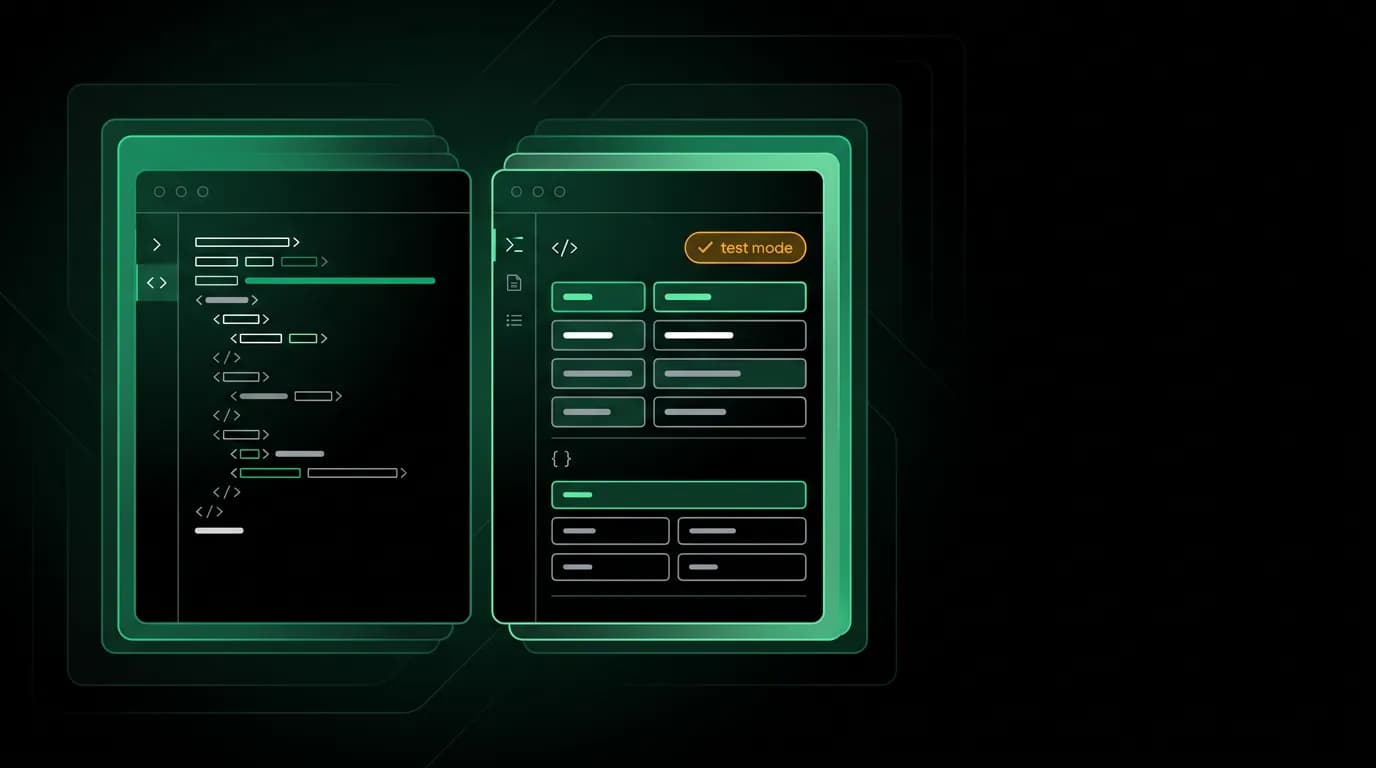
We debated whether to run the sandbox on a separate URL or use the same endpoints as production. We went with a single URL and a header-based switch: include `X-Test-Mode: true` and the API returns sandbox data. Remove the header and you are in production.
This matters because it means developers and agents can switch between test and live without changing any code except a single header. No separate base URLs to manage. No configuration files to maintain per environment. The middleware checks the header, routes to test data if present, and routes to live data if not.
For AI agents, this is especially valuable. The agent's tool definitions stay identical whether it is running evaluations or handling real user requests. The only variable is one header, which the orchestration layer controls.
Pre-built scenarios for every failure mode
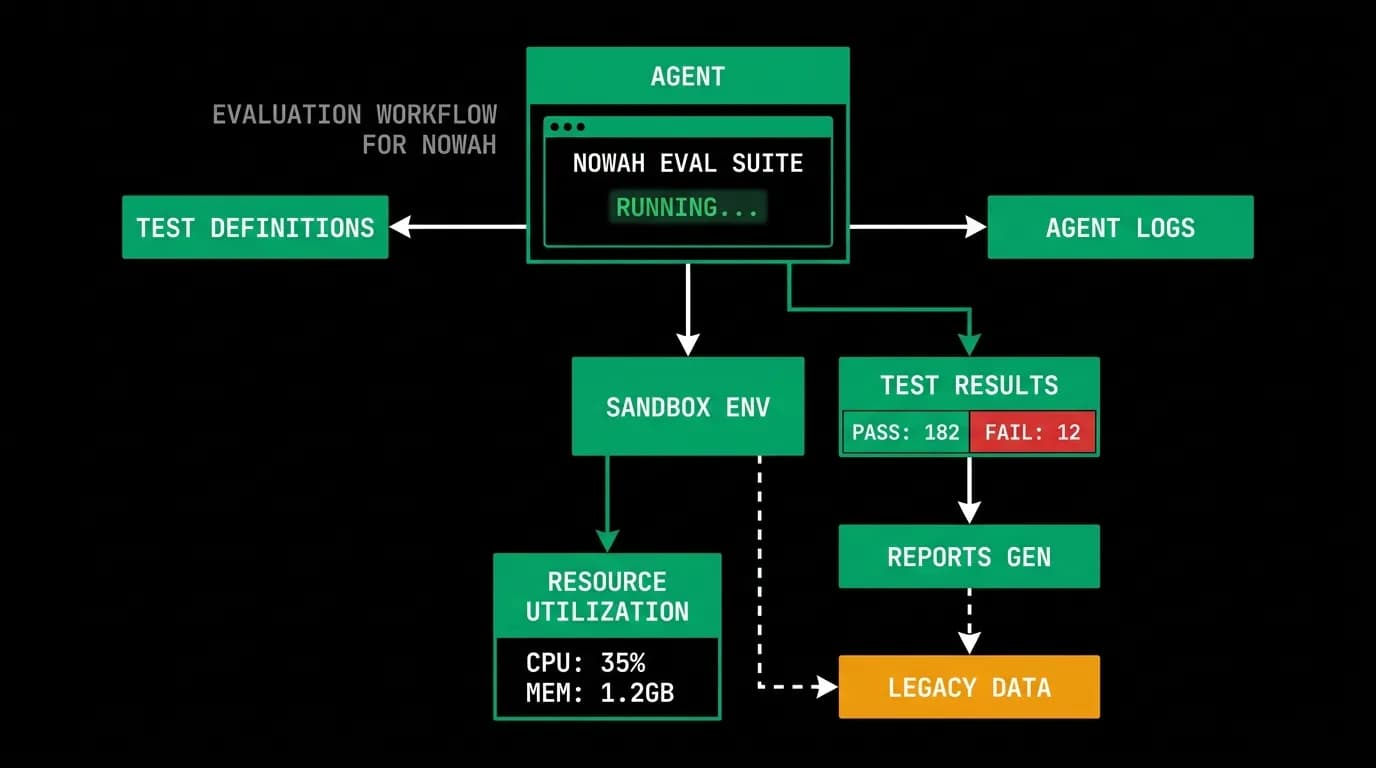
Real travel APIs fail in specific, predictable ways. Offers expire. Payments get declined. Providers reject bookings after price changes. Inventory disappears between search and checkout.
We built pre-built test scenarios that trigger each of these failure modes on demand. Want to test what happens when an offer expires between selection and booking? There is a scenario for that. Payment authorization fails? Scenario. Provider timeout during booking confirmation? Scenario.
Each scenario is triggered by including a specific test case identifier in your request. The sandbox recognizes it and simulates the exact failure condition, including realistic timing. The timeout scenario actually takes 30 seconds to respond, because your error handling code needs to deal with real latency, not instant failure.
This is where AI agent testing gets serious. An agent that can handle the happy path is table stakes. An agent that gracefully recovers from an expired offer by re-searching and re-presenting options to the user -- that is the agent you want in production. These scenarios let you test that recovery logic against every failure mode your agent will encounter in the real world.
Agent-specific sandbox features
Beyond deterministic data and failure scenarios, we added features specifically for AI agent development.
A tool schema validation endpoint lets agents verify their tool call parameters before making actual requests. The agent sends what it thinks is a valid search request, and the endpoint returns either "valid" or a detailed explanation of what is wrong. This catches parameter mismatches early, before they cause confusing errors downstream.
Error simulation lets agents test their handling of every error code in our taxonomy without triggering real failures. This is different from the scenario-based testing above. Error simulation returns a specific error response immediately, while scenarios simulate the realistic conditions that produce those errors.
Latency injection adds configurable delay to sandbox responses. Production APIs are not instant. Network conditions vary. Agents need to handle variable response times without breaking their conversation flow or timing out prematurely.
The human side still matters
None of this replaces the need for a good human-facing sandbox experience. The interactive explorer with pre-filled examples, syntax-highlighted responses, and one-click copy buttons is still where most developers have their first interaction with the API. That experience needs to be fast, clear, and frictionless.
We target under two minutes from landing on the sandbox to executing a successful flight search. Pre-filled authentication means zero setup. Example queries cover every endpoint with realistic data. The split-pane view shows your request on the left and the response on the right with JSON folding for large payloads.
The "Copy as Code" button generates working snippets in a single typed language across the stack, Python, Go, and Ruby. Every snippet includes all necessary imports and is runnable without modification. A developer should be able to paste the generated code into their project and see it work immediately.
Keeping sandbox fidelity as the API evolves
The hardest part of sandbox maintenance is preventing drift between sandbox behavior and production behavior. When we add a new field to a response, the sandbox needs it too. When we change validation rules, the sandbox needs to enforce the same rules.
We run a fidelity test suite that makes the same requests against sandbox and production, comparing response schemas. Not the values, since those differ by design, but the structure. Same fields, same types, same validation behavior. When fidelity tests fail, we know the sandbox has drifted and fix it before developers encounter the inconsistency.
The sandbox data refreshes weekly with updated prices, availability, and property details. Within each refresh cycle, determinism holds. Between cycles, the data shifts to stay current. This cadence balances realism with the stability that evaluation suites need.
Building a sandbox that serves both humans and AI agents is more work than building one for either audience alone. But the alternative is what we started with: a sandbox that gives you false confidence and lets you discover the real problems in production. That cost us a double booking and a lot of credibility with an early integration partner. The investment in sandbox fidelity has paid for itself many times over.
Nowah is an AI travel agent that searches and books real flights and hotels through conversation — no filters, no thirty open tabs. Plan your next trip.