API Sandbox Design: From Zero to First Call in Two Minutes
The sandbox is where developers decide to use your API. Pre-configured auth, example queries, instant feedback, and 'Copy as Code' buttons minimize time to first call.
I once spent fifteen minutes trying to use an API sandbox that required me to create an account, generate an API key, configure an environment, and read a setup guide before I could make a single test call. By the time I finally got a response, I had already decided to evaluate the competitor.
The sandbox is where developers form their first real opinion about your API. Not your marketing page. Not your pricing table. The sandbox. It is where the promises of "easy to integrate" and "developer-friendly" either hold up or fall apart. You get about two minutes before they form that opinion.
The sandbox that defeated itself

We made this mistake early on. Our first sandbox required authentication with a real API key. The logic seemed reasonable: developers would need keys eventually, so why not have them set one up now?
Because "now" is the worst time to add friction. A developer landing on your sandbox is in evaluation mode. They have not committed to anything. They want to poke at your API, see what the responses look like, understand if this thing can do what they need. Making them create an account first is like asking someone to sign a lease before they can look at the apartment.
We removed the authentication requirement for sandbox mode entirely. You land on the page, the sandbox is ready, and you can execute a flight search in under thirty seconds. No sign-up. No API key. No configuration.
The conversion impact was immediate. Self-serve onboarding through the sandbox converts at three to five times the rate of any other onboarding path. When developers can try before they buy (or even before they sign up), they try more and buy more.
Pre-filled examples that actually work
Every endpoint in the sandbox comes with pre-filled example queries. These are not abstract placeholder data. They are realistic searches: JFK to CDG, two adults, economy class, departing three weeks from today.
The date part matters. We dynamically set example dates to the near future so searches return plausible results. Hardcoded dates that slip into the past produce empty results, which makes the API look broken to someone who does not realize the example data is stale.
Each example is designed to return interesting results. The flight search example produces a mix of direct and connecting options at different price points. The hotel search example returns properties across star ratings and price ranges. The booking example uses a pre-created test offer that is always valid.
A developer who lands on the sandbox and clicks "Run" without changing anything should see a rich, realistic response within two seconds. That first successful response is the most important moment in the entire developer journey. Everything after it is easier.
Split-pane design: see everything at once

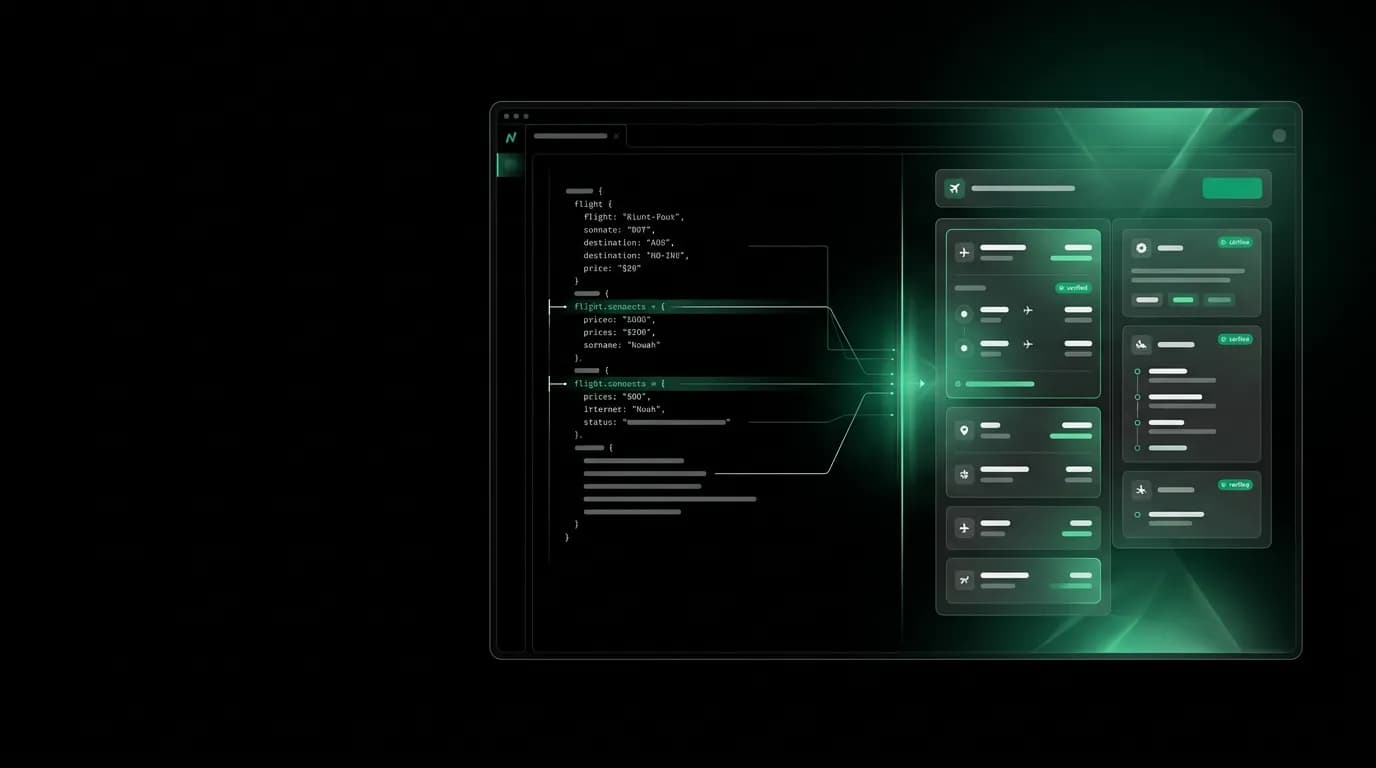
The sandbox uses a split-pane layout. Request editor on the left. Response viewer on the right. Both visible at the same time.
This eliminates context switching. You do not have to click between tabs to compare your request to the response. You change a parameter on the left, hit Run, and the right side updates. The response viewer includes syntax highlighting, JSON folding for nested objects, and a search bar for finding specific fields in large payloads.
Headers are visible but collapsed by default. Most developers do not need to see headers on their first call, but when they start debugging authentication or pagination, the headers are one click away.
Response metadata shows timing information: how long the request took, the response size, and the HTTP status code. These numbers are not just informational. They set expectations for what production performance will look like.
Copy-paste patterns that eliminate translation
The "Copy as Code" button is the bridge between sandbox exploration and real integration work. One click generates a working code snippet in a single typed language across the stack, Python, Go, or Ruby.
Every generated snippet includes all necessary imports and is runnable without modification. This is non-negotiable. A snippet that requires the developer to figure out which library to import or how to configure authentication is a snippet that adds friction instead of removing it.
The a single typed language across the stack snippet uses our SDK with `async/await`. The Python snippet uses the SDK with `with` context managers. The Go snippet includes proper error handling. Each language follows its idiomatic patterns, not a one-size-fits-all template.
"Copy as cURL" is there too, for developers who want the raw HTTP request. And "Open in Editor" launches the query in a web-based code editor for developers who want to experiment with modifications before copying to their project.
We track which language developers copy most frequently, and it informs where we invest in SDK improvements. a single typed language across the stack leads by a wide margin, which is not surprising given our audience, but Python's share has been growing steadily.
Progressive complexity
Not every developer needs to see every feature on their first visit. The sandbox starts with simple search queries and progressively reveals more complex capabilities.
Stage one: basic flight and hotel search. Run pre-filled examples, see results.
Stage two: filtered search. Add parameters like cabin class, direct flights only, price ranges. The sandbox shows these as optional fields that expand when clicked.
Stage three: booking intent. Select an offer from search results and create a booking intent. This introduces the multi-step booking flow.
Stage four: full booking. Complete the payment and confirmation steps in test mode.
Stage five: webhooks. Configure a test webhook endpoint and see events delivered when bookings complete.
Each stage builds on the previous one. A developer who just wants to evaluate search capabilities never has to see the booking flow. But a developer who is ready to build a full integration can walk through the entire process in the sandbox before writing a line of code.
Measuring sandbox success
We track three metrics for the sandbox: time to first successful response, completion rate through progressive stages, and conversion to API key creation.
Time to first response is our north star. The target is under two minutes from landing on the sandbox page to seeing a successful flight search result. We measure this with anonymous analytics and it holds at about ninety seconds on average, with mobile users taking slightly longer due to screen space constraints on the split-pane view.
Stage completion tells us where developers lose interest or get stuck. A sharp drop-off between basic search and filtered search tells us the filtering UI needs work. A drop between search and booking tells us the multi-step flow is not intuitive enough.
Conversion to API key creation is the business metric. A developer who creates an API key has decided to build something with our API. Every sandbox improvement that increases this conversion rate pays for itself in downstream revenue.
The sandbox is not a nice-to-have. It is the most important page in the entire developer experience. Two minutes. That is the window you have to convince a developer that your API is worth building on. Make it count.
Nowah is an AI travel agent that searches and books real flights and hotels through conversation — no filters, no thirty open tabs. Plan your next trip.