Container Orchestration for Microservices
How we run multiple services — AI agent, booking, notifications — in containers without operational chaos, from health checks to resource allocation.
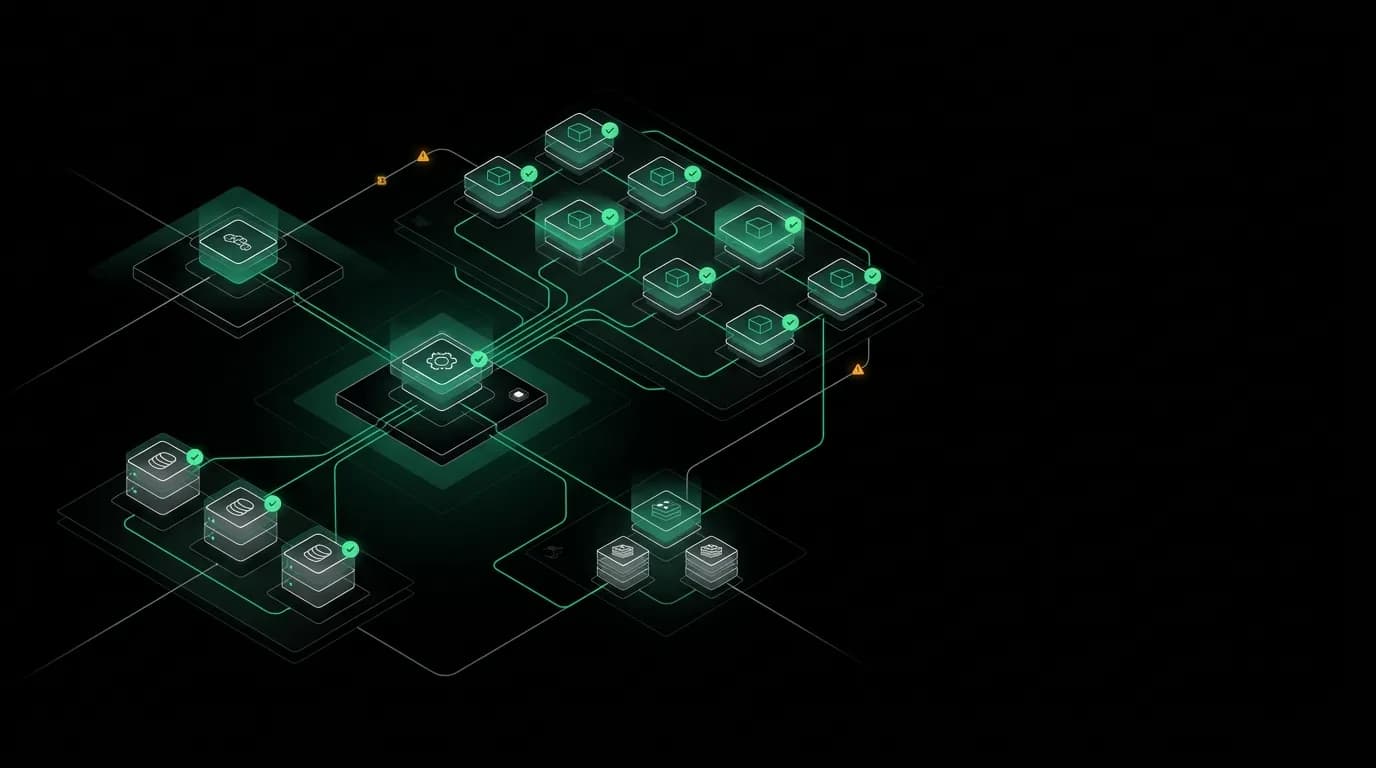
We run an API server, seven background worker queues, a database, and a cache layer. Each component has different resource requirements, different failure modes, and different scaling needs. The AI agent processing consumes ten times the memory of the notification worker. The booking worker needs high priority and low latency. The analytics worker can be slow and use minimal resources.
Keeping all of this running without operational chaos requires container orchestration. Not because it's trendy, but because the alternative (SSH into servers and manage processes manually) doesn't scale past a handful of services without someone eventually running the wrong command on the wrong server.
One service per container
Each of our services runs in its own container. The API server is one container. Each worker queue is its own container. This isolation gives us several things that matter in production.
Independent scaling. When AI chat traffic spikes, we scale up API server containers without affecting worker counts. When the notification queue backs up after a batch of bookings, we scale up notification workers without touching anything else.
Isolated failure domains. If the analytics worker crashes (bad job payload, memory leak, unhandled exception), it doesn't take down the booking worker or the API server. Each container is an independent process with its own lifecycle.
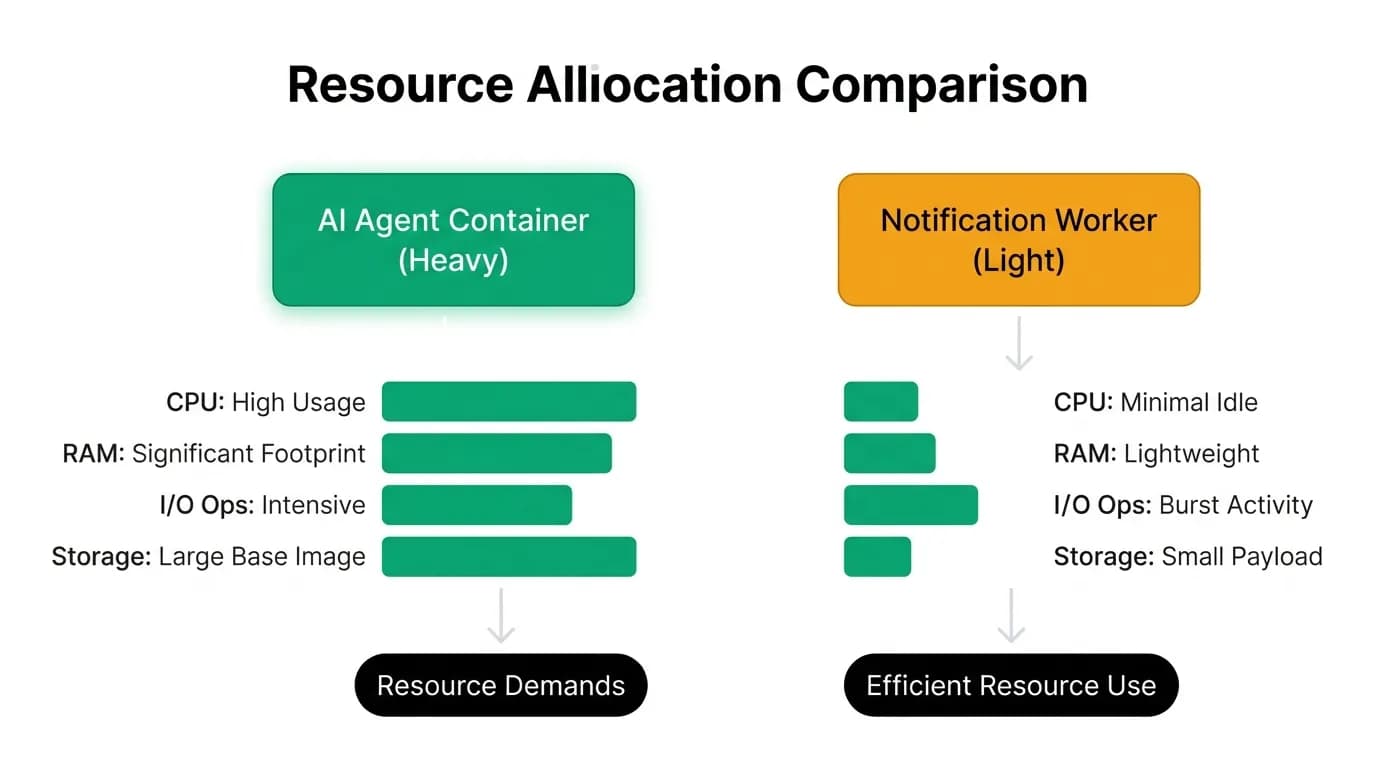
Precise resource allocation. The AI agent endpoint needs substantial memory because language model inference loads large context windows. The notification worker needs almost no memory but benefits from network I/O throughput. We allocate resources per container based on measured workload profiles.
The containers share a base image. Same Node.js runtime, same system dependencies, same security patches. The differentiation is in the entrypoint: the API server starts an Express server, the worker containers start queue consumers. Same codebase, different processes.
Inter-service communication
Our services communicate through three patterns, each chosen for its specific requirements.
HTTP for synchronous request-response. When the API server needs to process a booking, it calls internal endpoints synchronously. HTTP is simple, well-understood, and debuggable with standard tools.
Message queues for asynchronous work. When a booking is confirmed and downstream jobs need to run (email, push notification, document generation), the API server enqueues jobs. Worker containers consume these jobs independently. The queue decouples the producer from the consumer.
Shared cache for fast state. Session data, rate limit counters, and temporary state live in the cache layer. All containers can read and write to it. This shared state enables features like rate limiting (all API instances see the same counters) and session management (any API instance can serve any user's request).
The cache layer is also the queue backend. Jobs are stored in it until workers consume them. This means the cache is critical infrastructure, and we monitor it accordingly.
Health checks and the orchestrator
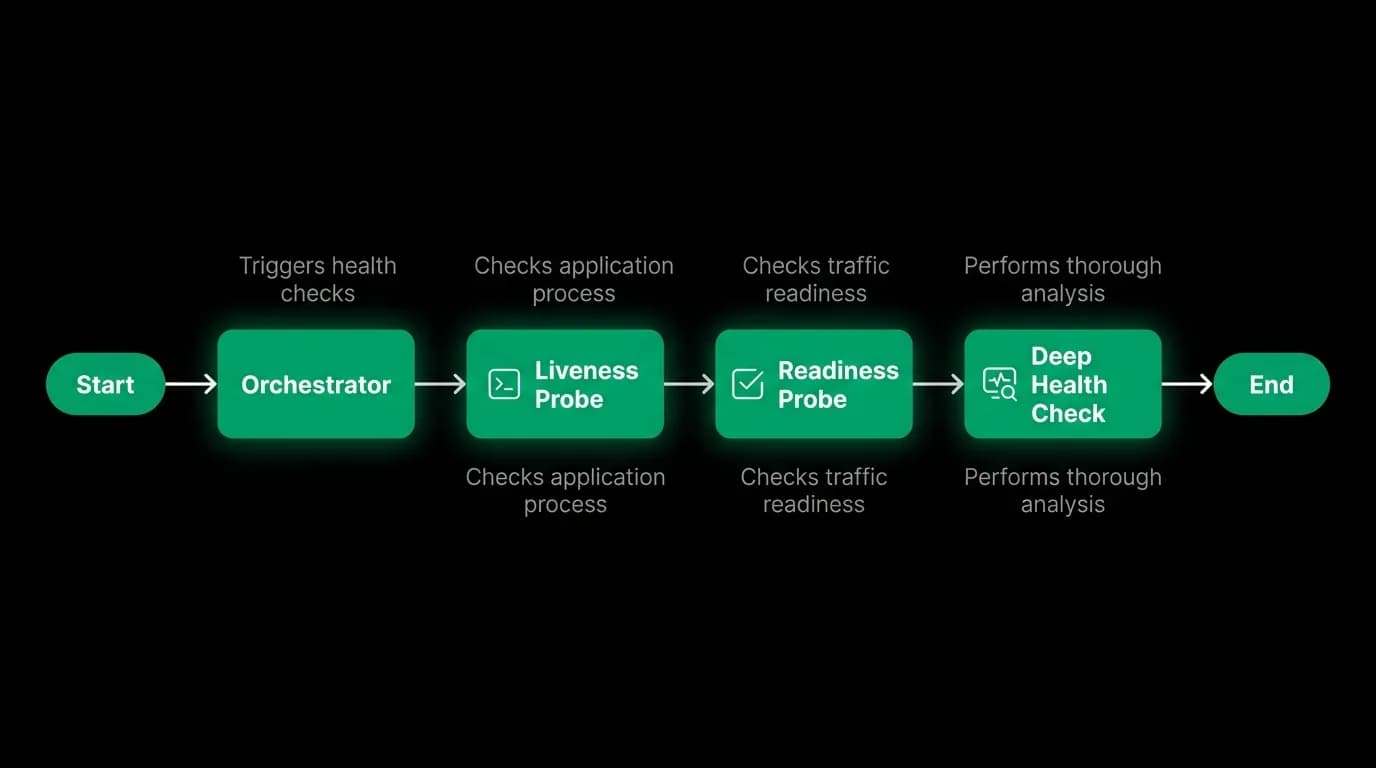
The container orchestrator needs to know whether each container is healthy. We expose two health check endpoints with different purposes.
Liveness probe answers the question: is this process running and responsive? It returns a simple 200 OK if the process can handle HTTP requests. If this probe fails, the orchestrator kills the container and starts a new one. It's a blunt instrument for detecting completely stuck processes.
Deep health check answers the question: can this container actually do useful work? It verifies database connectivity, cache connectivity, and any other critical dependency. If the deep check fails, the orchestrator removes the container from the load balancer (it stops receiving traffic) but doesn't kill it. The container might recover when the dependency recovers.
The distinction matters. A container that can't reach the database is not healthy enough to serve requests, but killing and restarting it won't fix a database outage. The liveness probe detects process-level failures. The deep health check detects dependency-level failures.
Resource allocation for AI workloads
AI agent requests are resource-hungry compared to standard API operations. A typical CRUD request uses minimal memory and completes in milliseconds. An AI agent request can hold significant memory for the conversation context and tool call results, use substantial CPU for response processing, and maintain a streaming connection for seconds.
We allocate resources based on measured profiles:
The API server containers get generous memory limits because they handle AI agent requests alongside standard requests. The memory allocation accounts for peak concurrent AI conversations.
Worker containers vary by queue purpose. The booking worker gets moderate resources with strict processing time limits. The notification worker is lightweight. The analytics worker is allocated for throughput rather than latency.
We set both resource requests (guaranteed minimum) and resource limits (maximum allowed). This prevents one container from monopolizing shared resources while ensuring each container has enough to do its job.
Logging in a containerized environment
When you have dozens of containers spread across multiple instances, logging to local files is useless. You need centralized logging.
Every container logs to stdout in structured JSON format. The container runtime captures these logs and forwards them to a centralized logging service. Every log entry includes the service name, container instance ID, and request correlation ID.
The correlation ID is key. A single traveler request might touch the API server, trigger multiple queue jobs processed by different worker containers, and generate logs across all of them. The correlation ID ties all these log entries together so we can trace a request end-to-end.
Without centralized logging and correlation IDs, debugging a production issue in a containerized environment is guesswork. With them, we can reconstruct exactly what happened to any request across every service it touched.
Operational patterns that reduce chaos
If you're orchestrating containers for a microservices architecture, here are the patterns that have saved us the most headaches.
Treat containers as disposable. Any container can be killed and replaced at any time. Don't store state in the container filesystem. Don't rely on container-local caches that can't be rebuilt.
Set resource limits from day one. An unbounded container that slowly leaks memory will eventually consume all available resources and take down neighboring containers. Limits cap the damage.
Implement graceful shutdown. When the orchestrator sends a termination signal, the container should finish processing active requests before exiting. A worker should complete its current job, not drop it mid-processing.
Monitor per-container, not just per-service. An average latency across all API containers might look fine while one specific container is struggling. Per-container metrics let you identify the outlier.
Use the same container image across environments. Build once, deploy everywhere. Environment-specific behavior comes from configuration, not from different images.
Nowah is an AI travel agent that searches and books real flights and hotels through conversation — no filters, no thirty open tabs. Plan your next trip.