Developer Onboarding Emails That Work
Three emails over five days guide new developers from sign-up to production. Timing, content strategy, call-to-action design, and engagement metrics for each email.
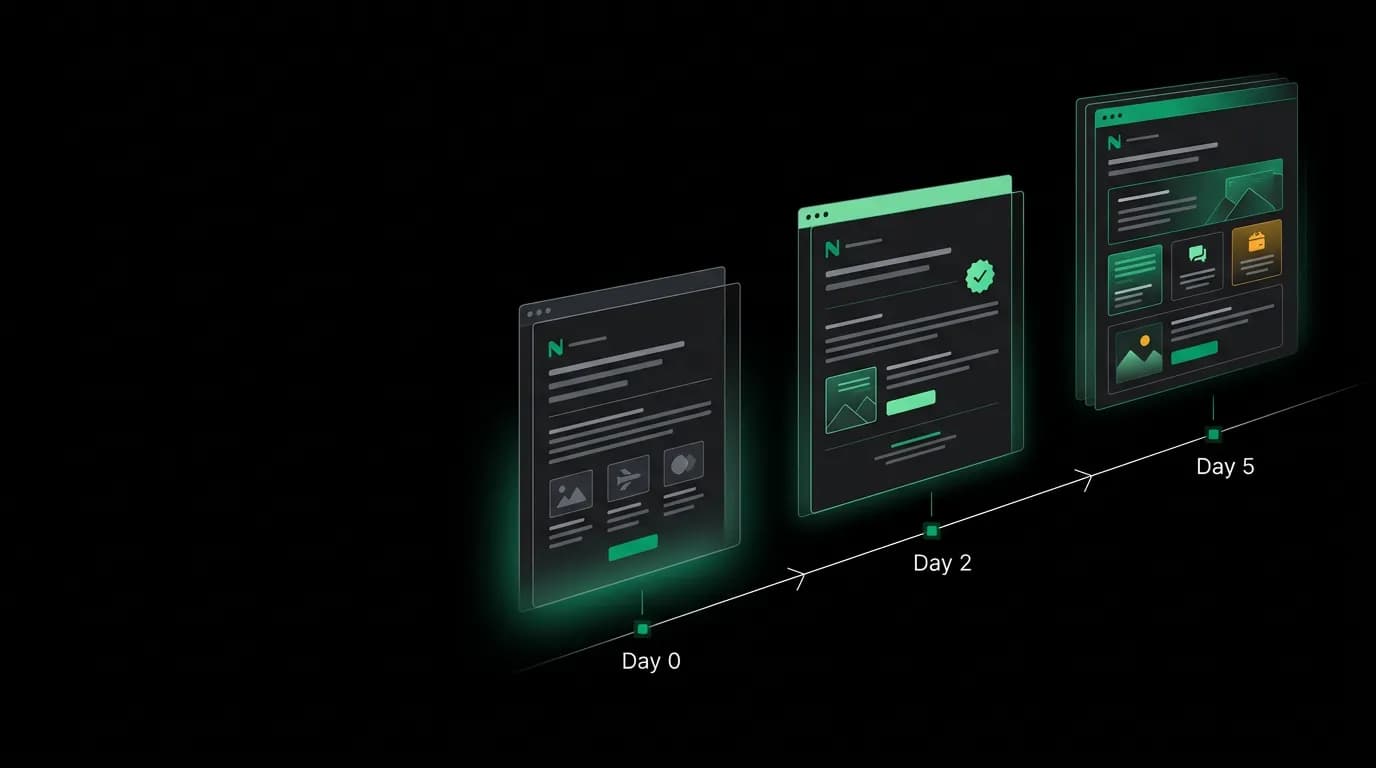
Our first onboarding email had a 2% click rate. It was a wall of text listing every feature on the platform, with six different links and no clear direction. It read like a product brochure, not a helpful message from someone who wanted to help you succeed.
The rewrite was three sentences and one link. "Welcome to Nowah. Here is your quickstart guide. You will make your first flight search in under 5 minutes." That email hit a 35% click rate.
The difference was not copywriting talent. It was understanding what a developer needs at each moment in their journey and giving them exactly that, nothing more.
Email 1 (day 0): welcome and quickstart

The first email arrives within minutes of sign-up. Its only job is to get the developer to make their first API call. Everything else is a distraction.
The subject line is direct: "Your Nowah API key is ready." Not "Welcome to the future of travel APIs!" Not "Get started with Nowah." Developers open emails that promise something useful, not emails that promise excitement.
The body has three elements. A one-sentence welcome. A quickstart link. A note about what the quickstart covers (first flight search in under 5 minutes). That is it. One call-to-action button. No feature tour. No social media links in the footer. No "meet the team" section.
We personalize the quickstart link to the developer's detected programming language. If their browser language settings or sign-up profile suggests Python, the link goes to the Python quickstart. This removes one decision point ("which SDK should I use?") from the developer's path.
Email 2 (day 2): the behavior-triggered check-in
Email 2 only sends if the developer has not completed a successful API call. If they have already made their first call, they do not need a check-in email. They need to be left alone.
This behavior trigger is the most important design decision in the sequence. Generic drip emails ignore what the developer has actually done. Behavior-triggered emails respond to reality.
The subject: "Need help with your first search?" The body acknowledges that they signed up but have not made a call yet. It offers three resources: a link to the interactive sandbox (no setup required), a link to office hours (live help from our team), and a one-line troubleshooting tip for the most common blocker (usually authentication configuration).
The tone is helpful, not pushy. "If you ran into a snag, here are a few shortcuts" reads very differently from "You have not completed your quickstart!" Developers are busy. They might have signed up intending to evaluate later. The email should be useful if they are stuck and ignorable if they are just busy.
Email 3 (day 5): expanding engagement
By day 5, the developer has either made their first call or has not. Email 3 serves both audiences.
For developers who have made API calls, the email introduces advanced features: webhook configuration, booking flow, and analytics. It also invites them to office hours for live help with integration questions.
For developers who have not, it is the last gentle nudge. The same advanced features are presented as reasons to come back and try the platform. No pressure, no "last chance" urgency. Just a reminder that the platform has more to offer than a basic search.
The call-to-action for active developers is "Set up your first webhook." For inactive developers, it is "Try a flight search in our sandbox." Different CTAs for different behaviors.
Call-to-action design
Every email has exactly one primary CTA. One button. One action. This is the rule we never break.
Research and our own data both show that multiple CTAs split attention and reduce click rates. A developer who sees three buttons ("Try the sandbox," "Read the docs," "Join our Discord") has to decide which one to click. That decision costs cognitive effort, and some developers resolve it by clicking nothing.
The button is styled as a button, not a text link. It is large enough to be the obvious next step. The text on the button describes the outcome, not the action: "Make your first search" rather than "Click here."
Engagement metrics
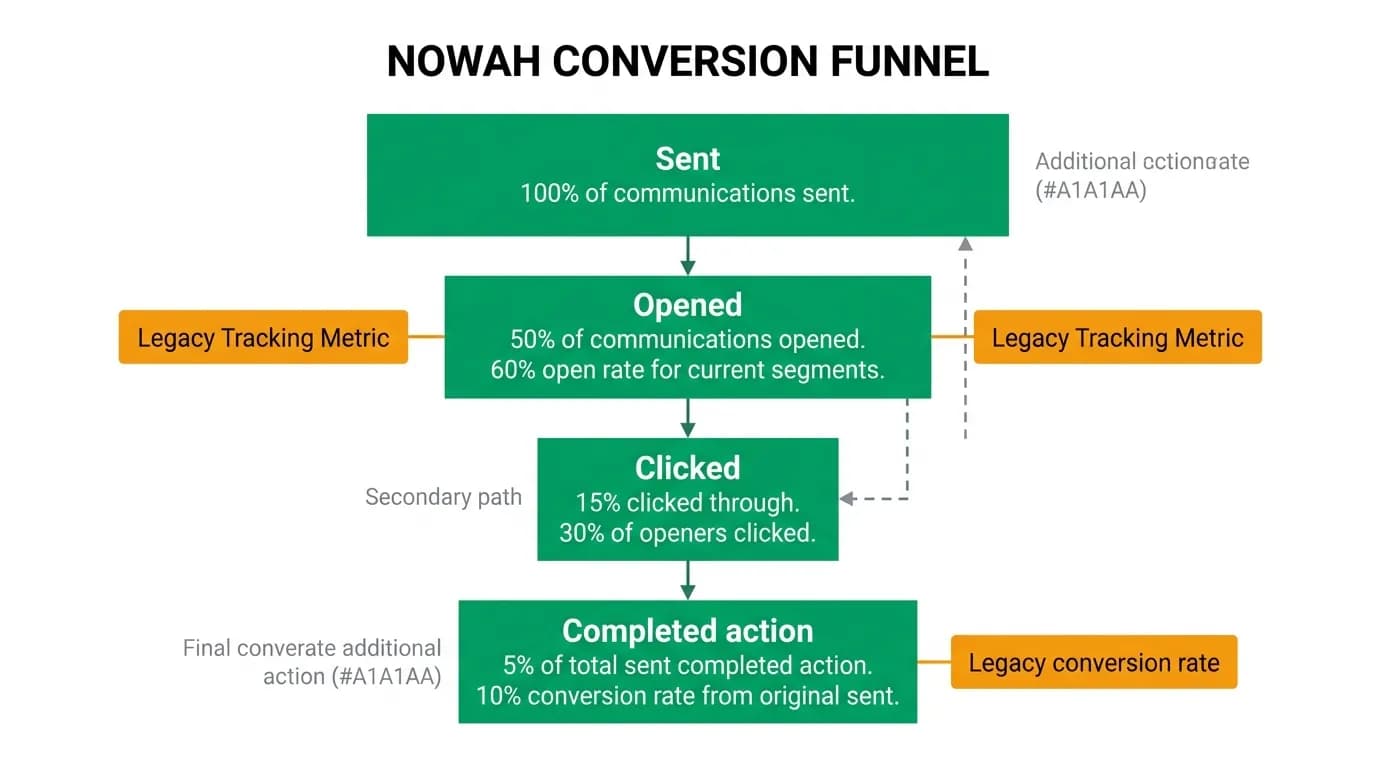
We track four metrics per email: open rate, click rate, quickstart completion rate (did clicking the email lead to a successful API call?), and unsubscribe rate.
Open rate tells us if the subject line is working. Click rate tells us if the content and CTA are compelling. Quickstart completion rate tells us if the email actually achieved its goal. Unsubscribe rate tells us if we are annoying people.
Email 1 targets a 50%+ open rate and 30%+ click rate. These are high for marketing emails but achievable for transactional onboarding emails, because the developer just signed up and is expecting communication from us.
Email 2 has lower baselines (it goes to developers who did not engage with the product) but the behavior trigger keeps it relevant. We see 35-40% open rates and 15-20% click rates.
Email 3 varies significantly based on whether the developer is active or inactive. Active developers engage at higher rates with the advanced features CTA.
Personalization that matters
Beyond language detection, we personalize emails based on the developer's actual behavior with the platform.
If a developer has used the flight search endpoint but not hotel search, email 3 mentions hotel search specifically. If they have made sandbox calls but not created a production API key, we mention the key creation step.
The email templates are built with componentized, testable markup. Each template is a composable set of sections that can be included or excluded based on the developer's state. This keeps the personalization logic clean and maintainable.
We do not personalize the subject line with the developer's name. "Hi Alex, welcome to Nowah!" feels like a marketing trick, not a helpful message. The subject line states what the email offers. The personalization happens in the content, where it actually affects the developer's experience.
Three emails. Five days. One goal: get the developer from sign-up to productive integration. Every element -- timing, content, CTA design, personalization -- is in service of that goal. Nothing else belongs in the sequence.
Nowah is an AI travel agent that searches and books real flights and hotels through conversation — no filters, no thirty open tabs. Plan your next trip.