From Booking to Inbox: The Email Pipeline
How we generate, deliver, and track rich booking confirmation emails using React-based templates — the same component model as the app itself.
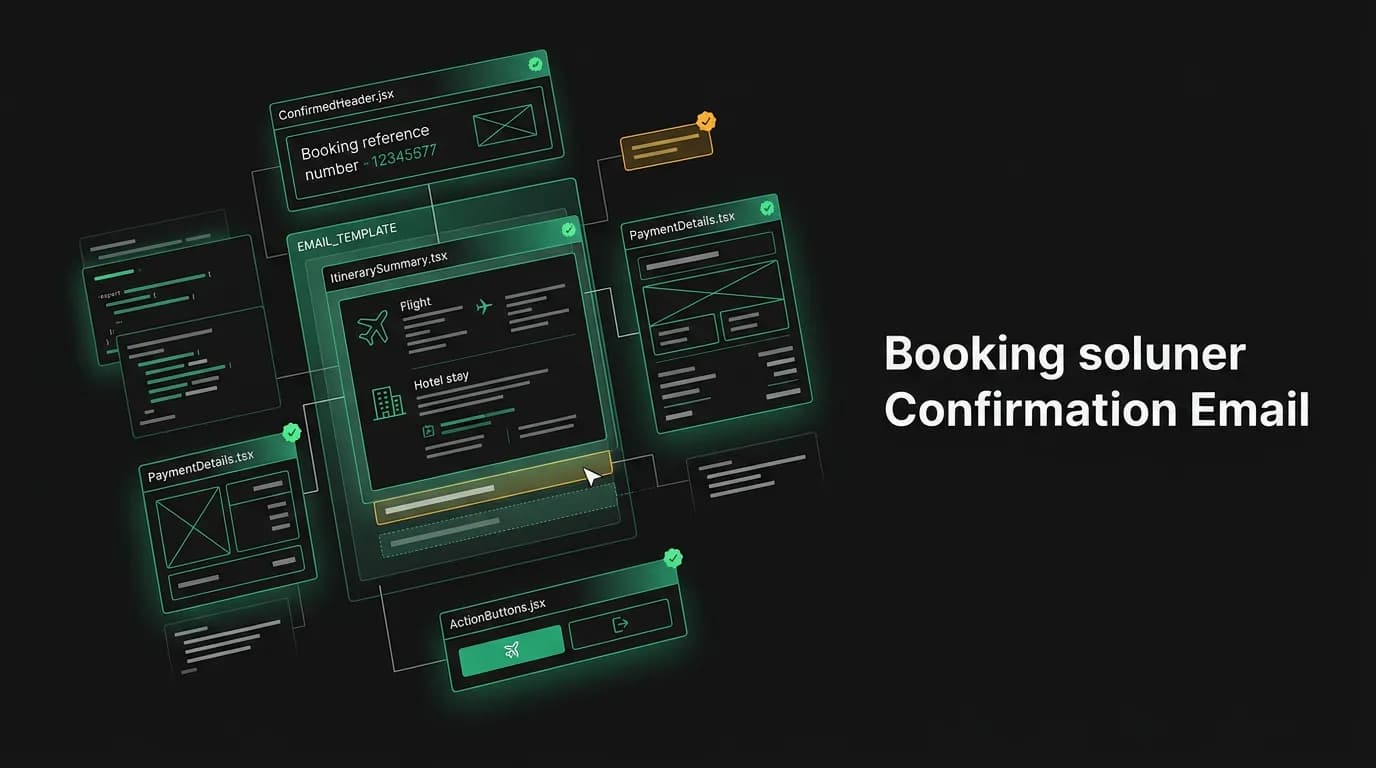
Your flight is booked. The confirmation shows up in the chat. You feel good. But there's a nagging voice in the back of your head that says "I need the email." Maybe it's years of conditioning from other booking platforms, maybe it's wanting a paper trail, but until that confirmation email hits your inbox, the booking doesn't feel fully real.
We have about 8 to 10 seconds before that anxiety kicks in. After that, people start checking their spam folder. After 30 seconds, they're wondering if something went wrong. After a minute, they're reaching out to support.
So the email has to be fast, it has to be reliable, and it has to look good. Here's how we built the pipeline.
React-based email templates
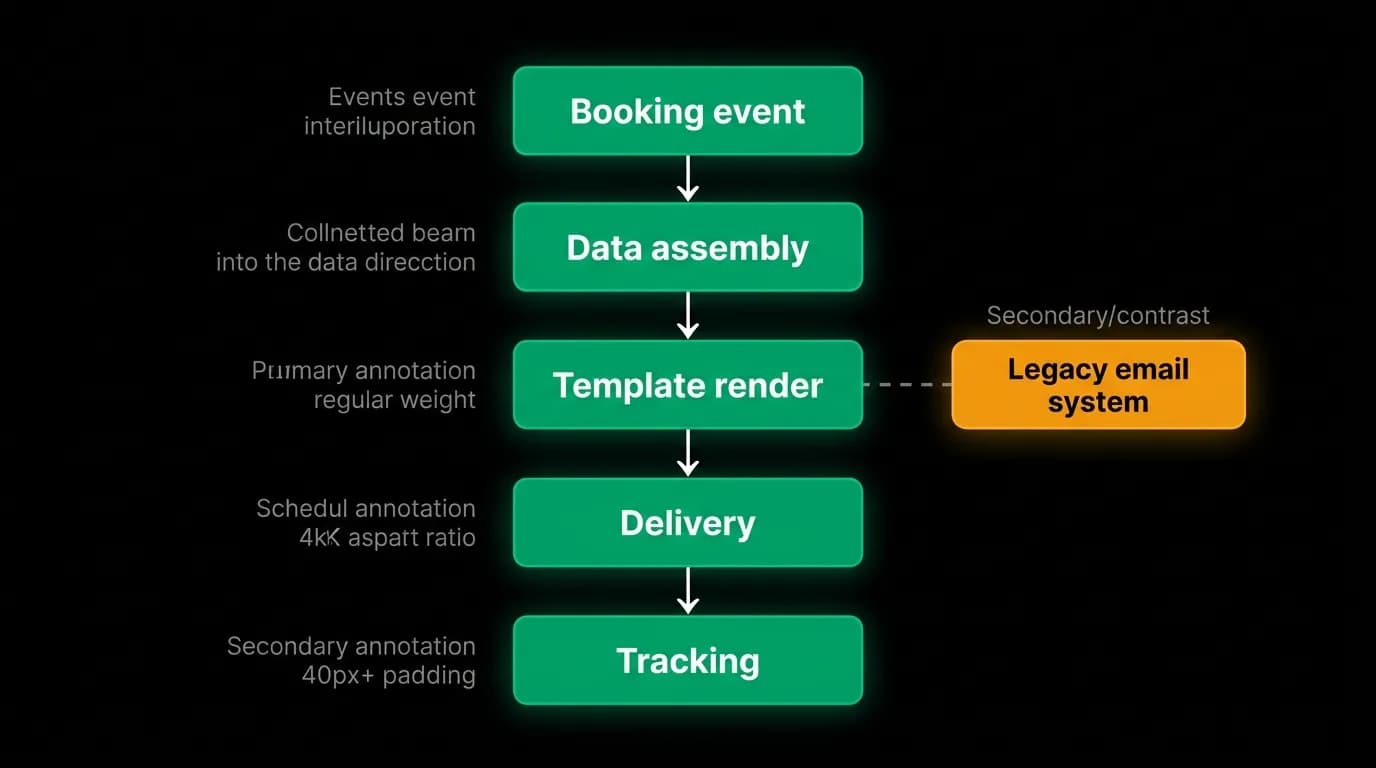
This might be the decision I'm most pleased with in our entire email stack. We build our email templates using the same React component model we use for the app itself.
The traditional approach to email templates is string interpolation into HTML. You have an HTML file with placeholders like `{{passenger_name}}` and `{{flight_number}}`, and you replace them with actual values. This works, but it scales terribly. Email HTML is notoriously finicky. Every email client renders differently. Conditional logic (show the hotel section only if there's a hotel booking) turns your template into a mess of nested conditionals and inline styles.
With React-based templates, we write email content as components. A `BookingConfirmation` component renders a `FlightDetails` component, which renders `DepartureInfo` and `ArrivalInfo` sub-components. Conditional rendering is just JSX. Styling is component-scoped. The design tokens (colors, fonts, spacing) are shared with the main app, so emails look like they belong to the same product.
The component tree compiles down to the ugly inline-styled HTML that email clients require, but we never have to write or maintain that HTML directly. We work with clean, typed React components and let the framework handle the email client compatibility layer.
Data assembly
When a booking confirmation email needs to go out, the email worker pulls together data from multiple sources:
Flight details come from the booking record: departure and arrival airports, times, airline, flight number, cabin class, seat assignment if available, and booking reference.
Traveler information comes from the user profile: name, email, loyalty program numbers, and any special requests on file.
Payment summary comes from the payment record: amount charged, last four digits of the card, and payment method type.
Trip link is a deep link back into the app that opens the specific trip, so the traveler can tap from the email straight to their itinerary.
This data assembly is where most email bugs hide. A field that's null because the booking was for a different cabin class than expected. A time zone that wasn't converted properly so the departure time is wrong. An airport code that doesn't match any airport in the display name lookup.
We validate the assembled data against a schema before passing it to the template. If required fields are missing or malformed, the email job fails fast and retries rather than sending a broken email. A delayed email is better than a wrong email.
Background delivery
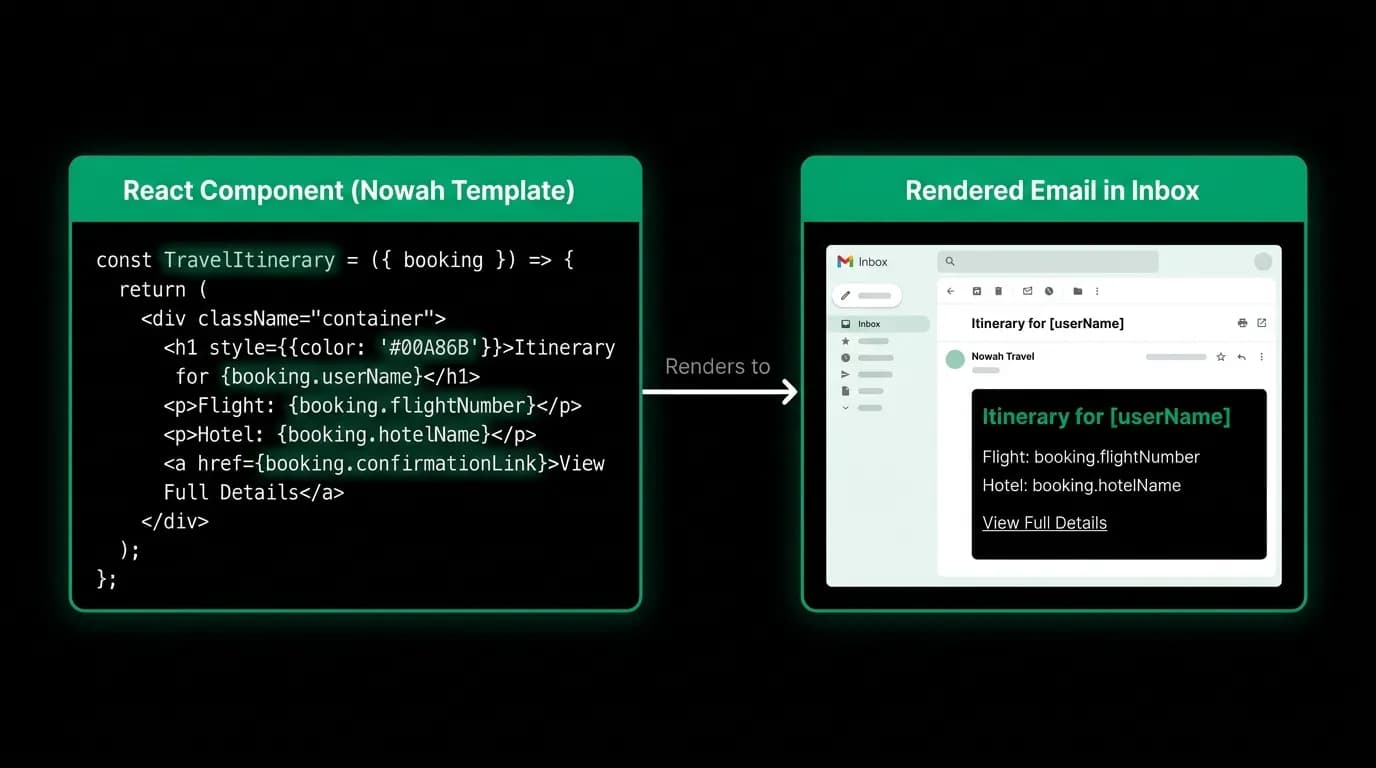
Email delivery runs as a background job, never in the booking request path. The booking endpoint finishes and responds to the traveler as soon as payment is captured and the reservation is confirmed. The email job gets enqueued with the booking ID and runs asynchronously.
The email worker picks up the job, assembles the data, renders the template, and hands the rendered HTML to our email delivery service. The delivery service handles the actual SMTP complexity: deliverability optimization, bounce handling, unsubscribe compliance, and retry logic for temporary failures.
If delivery fails (the email service is temporarily unavailable, the recipient's mailbox is full, DNS resolution fails), the job retries with exponential backoff. First retry after a few seconds, then longer delays. For booking confirmations, we retry more aggressively than for other email types because timely delivery matters.
Delivery tracking and bounce handling
Every email we send has delivery tracking. We know whether it was accepted by the recipient's mail server, whether it bounced (hard or soft), and whether it was delivered to the inbox.
Hard bounces (invalid email address, nonexistent domain) get flagged on the user's profile. If a traveler's email consistently bounces, we surface a warning in the app asking them to update their email address. We don't keep sending to addresses that are clearly wrong.
Soft bounces (mailbox full, server temporarily unavailable) trigger retries. After several soft bounces, we treat it as a potential deliverability issue and flag it for review.
For critical emails like booking confirmations, a delivery failure triggers a fallback to push notification. If we can't email the traveler their confirmation, we make sure they at least get a push notification with the booking details and a link to view the full itinerary in the app.
Template versioning
Email templates evolve over time. We add new sections (like a "What to pack" suggestion based on the destination weather), refine the layout, fix rendering issues in specific email clients.
We version our templates. Each booking records which template version was used for its confirmation email. This matters for debugging ("Why did that email look wrong?" -- "It was sent with v3, which had a rendering bug in Gmail that we fixed in v4") and for testing ("v5 with the new header performed 12% better in open rate than v4").
Template changes go through the same review process as app changes. They're tested against multiple email clients using preview tools, reviewed for content accuracy, and deployed alongside app releases.
Practical takeaways
If you're building a transactional email pipeline, here's what matters most from our experience.
Use a component model for templates. Whether that's React-based or something else, the ability to compose templates from reusable pieces and use conditional rendering natively is worth the setup cost.
Never block a user action on email delivery. Email is unreliable by nature. External services have latency. Delivery can fail. None of that should affect the user's immediate experience.
Validate data before rendering. A template that receives a null departure time will either crash or render "null" in the email. Neither is acceptable. Fail the job and retry with a clear error rather than sending garbage.
Track delivery end-to-end. Knowing that you called the email API isn't enough. You need to know if the email actually arrived. Bounce handling and delivery tracking are required, not optional.
Have a fallback for critical emails. If the booking confirmation email fails after all retries, the traveler needs to know their booking succeeded through another channel. Push notifications are the natural fallback.
Nowah is an AI travel agent that searches and books real flights and hotels through conversation — no filters, no thirty open tabs. Plan your next trip.