CLI Authentication Patterns: Browser, API Key, and Token Flows
Our CLI supports OAuth browser flow, API key entry, and token refresh — with secure keychain storage. Here are the patterns for CLI auth that do not frustrate developers.
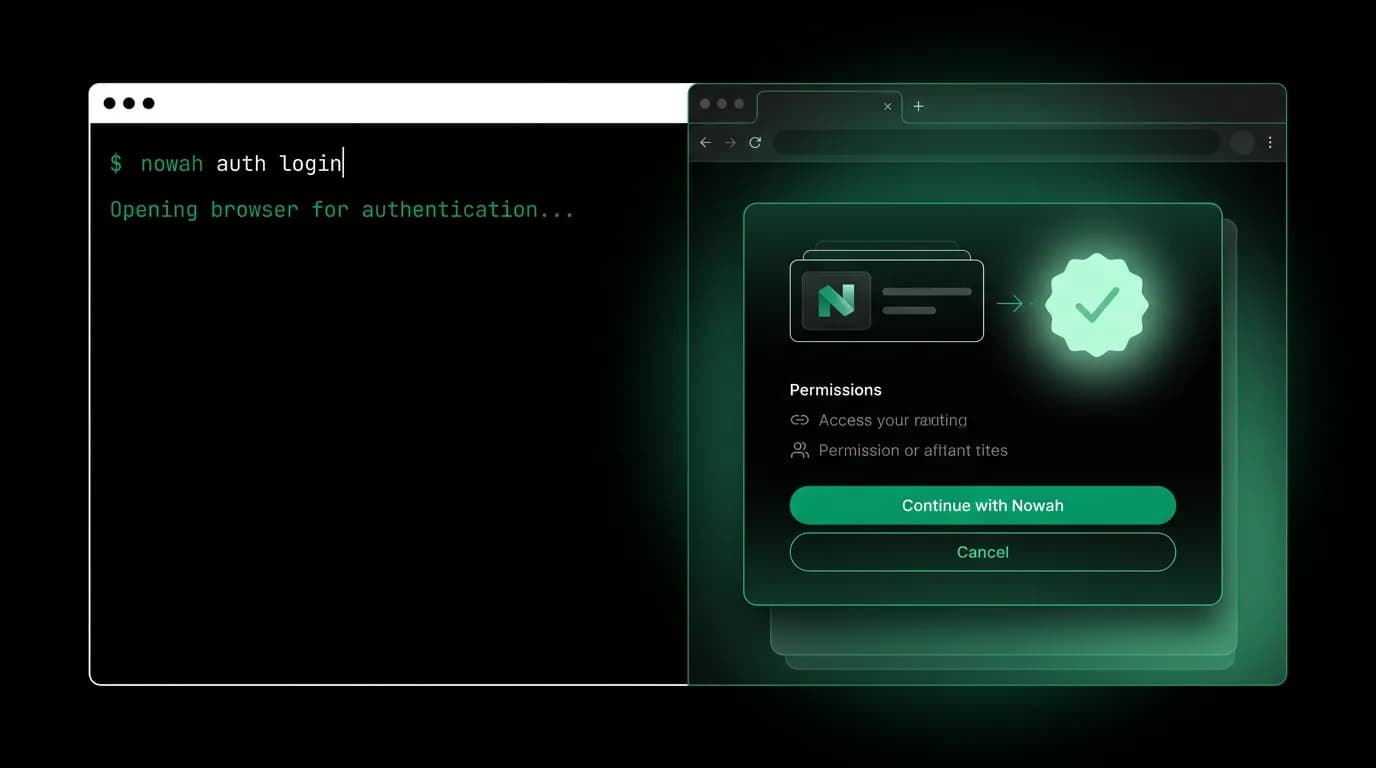
"I just want to make an API call." That is what every developer thinks when a CLI asks them to authenticate. They are not interested in auth flows, token management, or credential storage. They want to get past the gate and start working.
CLI authentication has to be fast, flexible, and forgiving. Fast because developers should not wait more than a few seconds. Flexible because different environments need different approaches (a laptop with a browser, a CI server without one, an SSH session to a remote machine). Forgiving because expired tokens and misconfigured credentials should produce clear errors with obvious fixes, not mysterious 401 responses.
Our CLI supports three authentication methods, each designed for a different context.
Browser OAuth flow

`nowah auth login` is the default authentication method for developers working on their laptops. It opens the default browser, shows a consent page, and completes authentication in under ten seconds.
The flow works like this:
- The CLI starts a temporary HTTP server on a random localhost port.
- It opens the browser to our authentication page with the callback URL pointing to the local server.
- The developer logs in (or is already logged in) and consents.
- The auth page redirects to the localhost callback with an authorization code.
- The CLI exchanges the code for access and refresh tokens.
- Tokens are stored securely (more on that below).
- The local server shuts down.
The entire flow takes under ten seconds including browser launch time. The developer types one command, clicks one button in the browser, and they are authenticated. No copying tokens from a web page, no entering credentials in the terminal.
If the browser does not open automatically (common in some Linux environments), the CLI prints the URL for the developer to copy and paste manually. The flow works either way.
API key flow
Not every environment has a browser. CI servers, SSH sessions, containers containers, and headless servers need an alternative.
`nowah auth login --api-key nwh_abc123` authenticates with a pre-generated API key. The key is validated against our servers and stored for subsequent commands. No browser needed, no interactive prompts.
API keys are generated from the developer dashboard. Each key has a name, a set of scoped permissions, and an expiration date. Developers can create separate keys for different environments (development, staging, CI) with appropriate permissions for each.
For CI environments, we recommend the `NOWAH_API_KEY` environment variable instead of the login command. When this variable is set, the CLI uses it for authentication without checking stored credentials. This avoids persisting credentials on ephemeral CI machines.
# CI configuration
env:
 NOWAH_API_KEY: ${{ secrets.NOWAH_API_KEY }}

steps:
 - run: nowah [search flights](/blog/launching-[tool-calling](/blog/tool-calling-at-scale-ai-travel-search)-layer-ai-agent-search-flights) --origin JFK --dest CDG
 # Authenticates automatically via NOWAH_API_KEY
The environment variable takes precedence over stored credentials. If both exist, the environment variable wins. This ensures CI pipelines always use the intended credentials regardless of any leftover state from previous runs.
Secure credential storage

Tokens and API keys need to persist between CLI sessions. Storing them in a plain text file is a security risk. We use the operating system's native credential storage:
macOS: Keychain via the `security` command. Tokens are encrypted at rest with the user's login password.
Linux: `libsecret` via the Secret Service D-Bus API. On systems without `libsecret`, we fall back to an encrypted file in `~/.config/nowah/` with a key derived from the system's machine ID.
Windows: Windows Credential Manager via the `wincred` API. Credentials are encrypted with the user's Windows login.
Each platform's credential store is the one developers already trust for SSH keys, browser passwords, and other sensitive data. We add our credentials to the same infrastructure rather than inventing our own.
Token refresh
Access tokens expire. Refresh tokens live longer. The CLI manages this lifecycle silently.
Before every API call, the CLI checks whether the access token is still valid. If it is expiring within the next five minutes, the CLI uses the refresh token to obtain a new access token in the background. The developer never sees an expired-token error during normal use.
If the refresh token itself has expired (the developer has not used the CLI in a very long time), the CLI prompts for re-authentication. The error message explains what happened and gives the appropriate command: `nowah auth login` for browser flow or instructions for setting the API key.
Multi-account support
Developers often work with multiple environments: development, staging, production. Each environment might have different API endpoints and credentials.
`nowah auth switch staging` switches the active profile. Each profile stores its own credentials, API endpoint, and configuration. `nowah auth status` shows which profile is currently active.
$ nowah auth status
Profile: staging
API URL: https://staging.api.nowah.com
Authenticated as: dev@company.com
Token expires: 2026-03-15T23:00:00Z
API key: nwh_...xyz (scoped: search, bookings)
Profiles are stored in the config file. Credentials for each profile are stored separately in the OS keychain, keyed by profile name. Switching profiles is instant — it is just a config file change, not a re-authentication.
This design prevents a common mistake: accidentally running a production command against staging or vice versa. The profile name prints as part of the output header, making the current context always visible.
Authentication should be a solved problem, not a recurring obstacle. Our three authentication methods cover every environment where developers work. The secure storage and silent token refresh ensure that authentication is something developers think about once during setup and then forget about entirely. That is the goal.
Nowah is an AI travel agent that searches and books real flights and hotels through conversation — no filters, no thirty open tabs. Plan your next trip.