Scaling an AI Travel Backend: 0 to Production Lessons
Honest retrospective on the bottlenecks we did not anticipate, the monitoring we wish we had earlier, and the cost surprises of AI workloads.
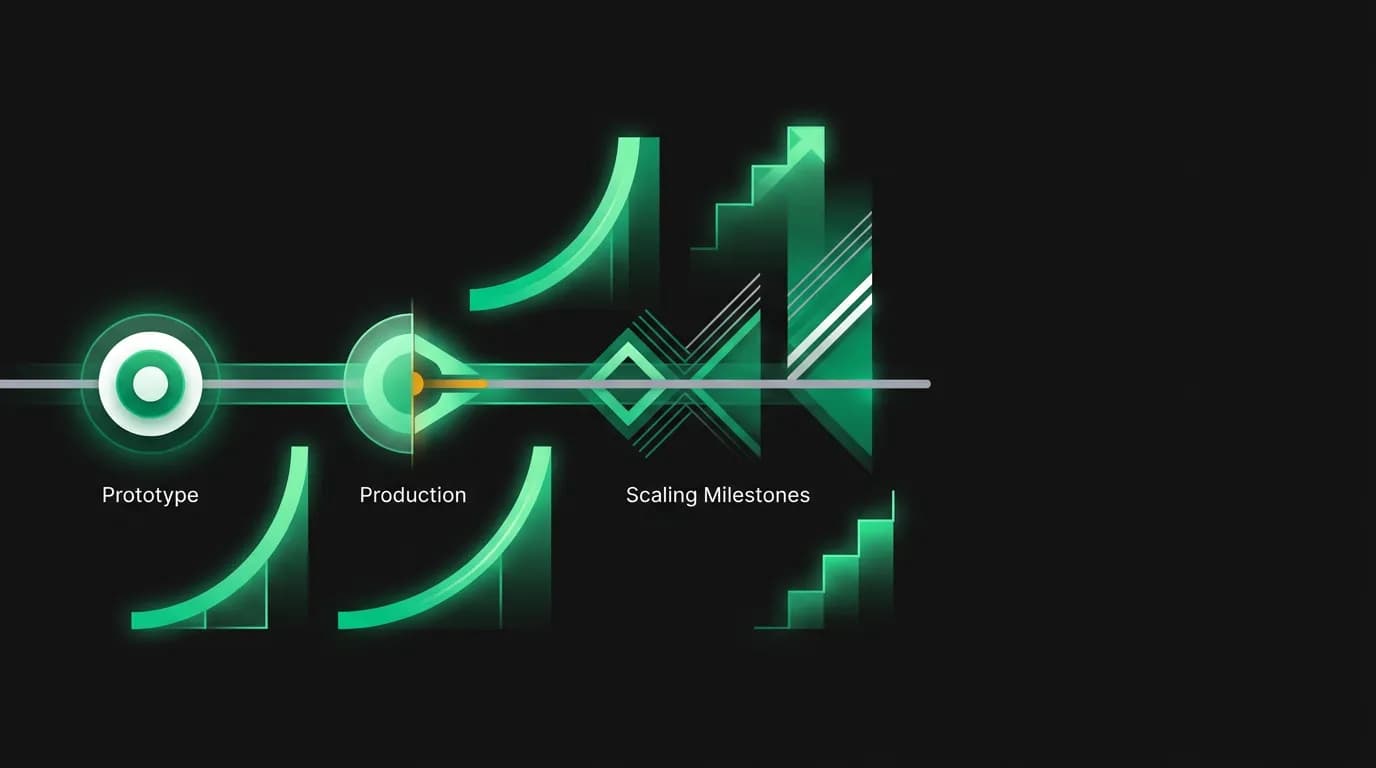
There is a gap between "it works in a demo" and "it works in production" that every engineering team encounters. For AI products, that gap is wider than most people expect and full of surprises that traditional scaling guides do not prepare you for.
We built Nowah's AI travel agent as a prototype in a few months. Getting it to production-ready took considerably longer. This post is an honest retrospective on what we learned along the way, including the mistakes we made and the things we wish we had known earlier.
The demo-to-production gap
Our demo was impressive. You could talk to the AI agent, search for flights, see results, and even trigger a booking flow. Investors loved it. Early testers were excited. We were excited.
Then we started stress-testing and the cracks appeared.
The demo worked because one person was using it at a time with a patient, forgiving mindset. Production means hundreds of concurrent users, some of whom are mid-booking when things go wrong. It means edge cases the demo never hit. It means third-party APIs being slow or down at the worst possible moment.
The first thing that broke was not what we expected. We assumed the AI model inference would be our bottleneck. It was not, at least not initially. The bottleneck was our database connection management. AI agent conversations hold connections open much longer than typical web requests because the agent makes multiple tool calls, each requiring database access, within a single user turn. A conversation that takes 15 seconds of AI processing time might hold a database connection for that entire duration. Multiply that by concurrent users and you exhaust your connection pool fast.
We had to rethink connection pooling from the ground up. Traditional connection pool sizes are designed for web requests that take 50-200 milliseconds. Ours needed to accommodate requests that take 5-30 seconds. That is a fundamentally different scaling challenge.
Bottlenecks we did not anticipate
The database connections were just the first surprise. Here are the others.
Travel API rate limits. Our travel data providers have per-second and per-minute rate limits. In a demo, you never hit them. In production, a burst of users all searching for flights at the same time absolutely hits them. We had to build request queuing and intelligent caching to stay within limits while still feeling responsive to users.
Memory usage during streaming. Our streaming architecture keeps the entire conversation context in memory while the AI agent processes a response. For a short conversation, this is fine. For a user on their tenth message with rich flight and hotel data in the context, the memory footprint per request is significant. We had to implement context windowing and summarization to keep memory usage bounded.
[Cold start](/blog/cold-start-problem-travel-ai) latency. When a new AI agent session starts, there is initialization overhead. Loading the model instructions, retrieving user preferences from our memory system, setting up tool configurations. In development, we barely noticed this because we reused the same session. In production, every new conversation has a cold start, and users notice if the first response takes twice as long as subsequent ones.
Webhook processing delays. Our payment and booking webhooks need to update booking status in real-time. Under load, webhook processing lagged because it shared resources with the main API. We had to move webhook processing to dedicated workers to ensure booking confirmations were never delayed.
Monitoring from day one (or rather, the monitoring we wish we had from day one)
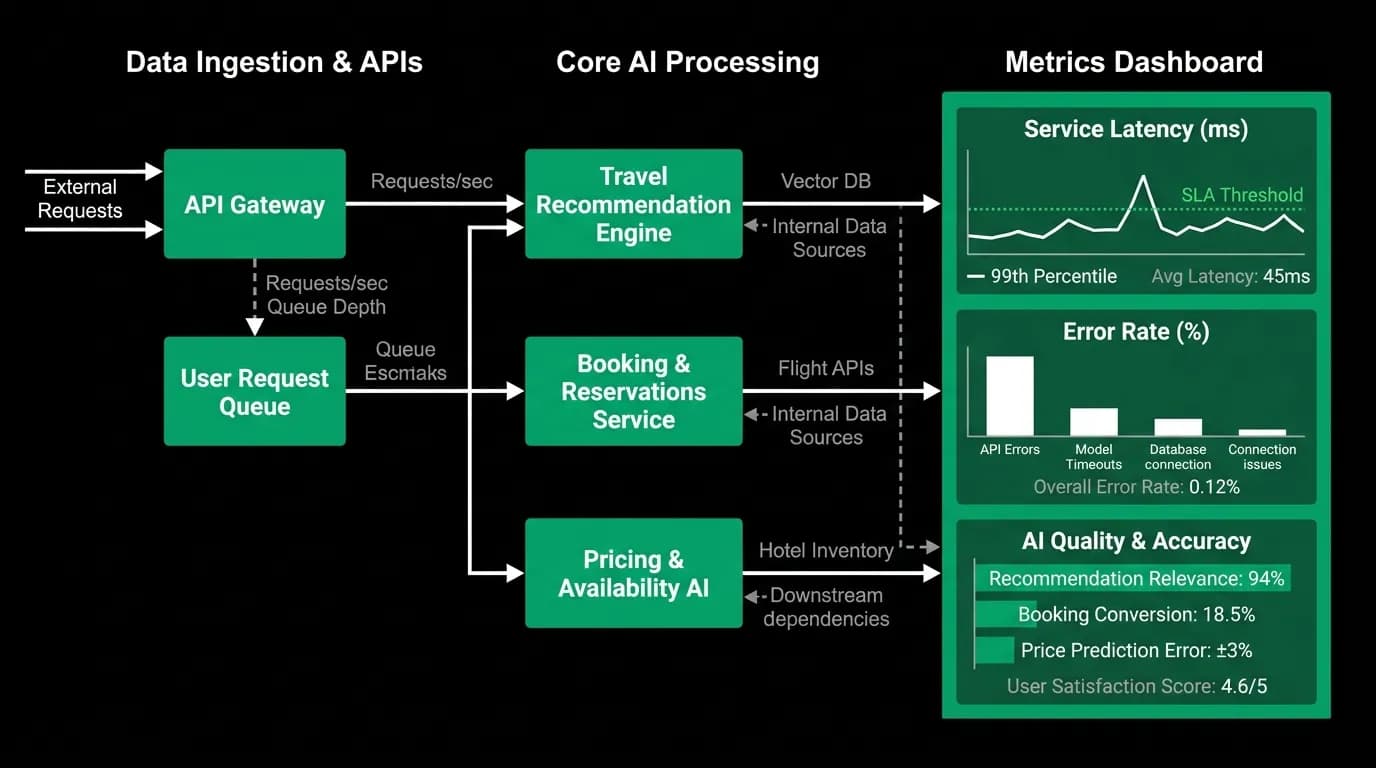
We should have invested in monitoring infrastructure before our first production user. We did not. We invested in it after our first production incident, which is the less fun way to learn this lesson.
Traditional monitoring tells you if your servers are up and if response times are acceptable. For an AI travel platform, that is necessary but nowhere near sufficient. You also need to know:
Is the AI agent making good decisions? A server can be healthy with great latency while the AI agent is giving terrible recommendations. We built quality metrics that sample agent responses and score them on relevance, accuracy, and helpfulness. If the quality score drops below a threshold, we get alerted.
Are travel API responses fresh? We cache flight and hotel data to reduce costs and improve speed. But if the cache is stale and prices have changed, users see one price in the chat and a different price at checkout. We monitor cache hit rates and staleness metrics to catch this.
What is the cost per conversation? AI inference has a per-token cost. Travel API searches have a per-request cost. Without monitoring cost per conversation, we had no idea if a single edge-case user was burning through our budget by triggering dozens of unnecessary searches.
The metrics we track today include: P50 and P95 response latency, AI quality score, tool call success rate, travel API cache hit ratio, cost per conversation, cost per booking, streaming latency (time to first token), conversation completion rate, and error rate by type.
If I were starting over, I would instrument all of these before the first user ever touches the product.
Cost management for AI workloads
AI-native companies spend 15-30% of their infrastructure budget on AI model inference alone. That was a number I had read but did not fully internalize until I saw our first real invoice.
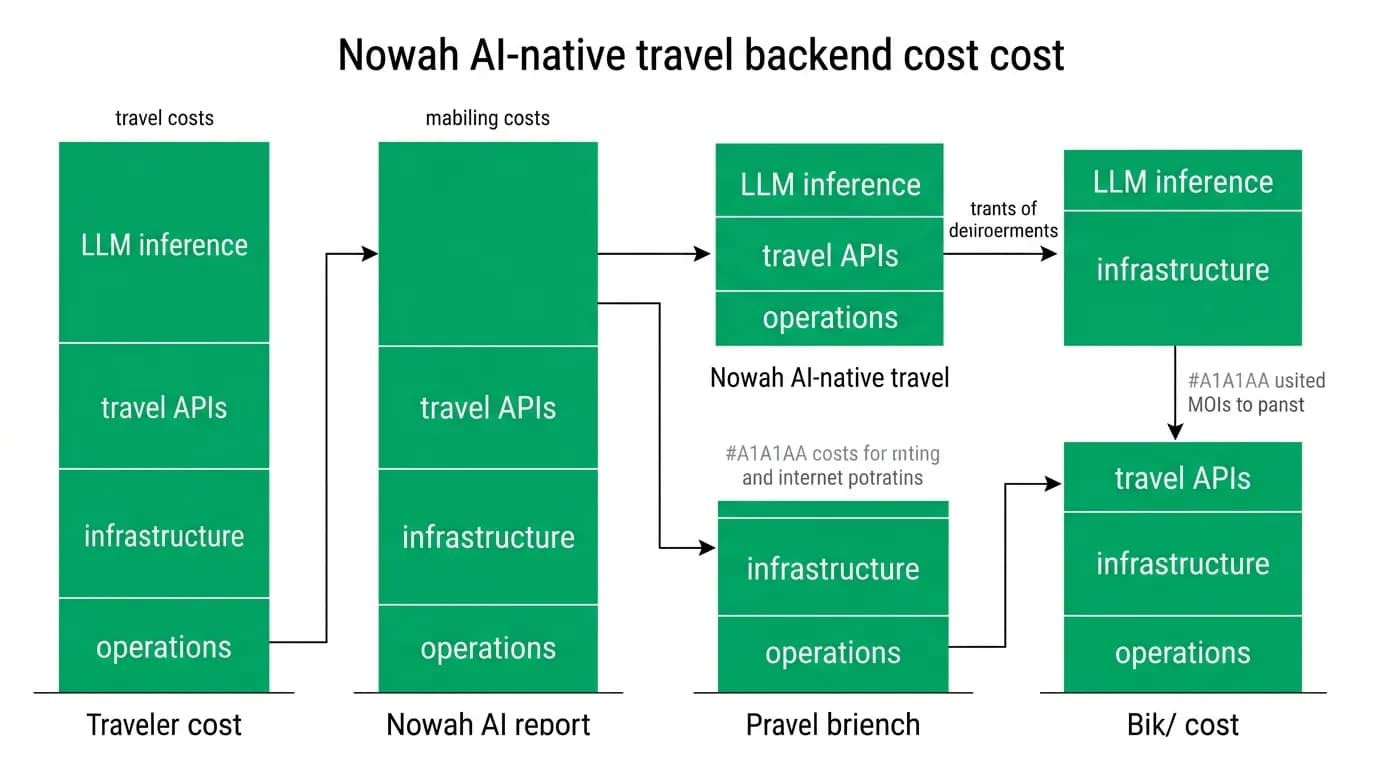
The cost structure of an AI travel platform has three major components:
AI inference accounts for roughly 30% of our per-booking cost. Every message the user sends triggers inference. Complex conversations with multiple search-and-refine cycles trigger more. The good news is that inference costs have dropped roughly 10x in the past 18 months, and the trend continues. The bad news is that usage grows faster than costs drop, so net spend still increases.
Travel API costs account for about 25%. Our travel data providers charge per search. Every time the AI agent searches for flights or hotels on behalf of a user, that is a real dollar cost. Caching helps enormously here. If ten users search for flights from New York to London next Tuesday, the results are similar enough that we can serve cached data for most of them. Aggressive caching and smart request deduplication cut our travel API costs by roughly a large share.
Infrastructure is the remaining chunk. Compute, database, an in-memory data store, storage, networking. These costs are more predictable than AI and API costs, but they scale with usage in ways that are not always linear. A spike in concurrent AI sessions requires more compute than a spike in simple page views because each AI session is resource-intensive.
We obsess over cost-per-booking as our north star metric. Every optimization we make to the AI agent, the caching layer, or the infrastructure gets measured against its impact on this number. The goal is to get the cost of an AI-powered booking interaction below the cost of a human-handled one. We are approaching that threshold.
Performance budgets for conversational AI
Traditional web apps have performance budgets measured in page load time. For a conversational AI product, the performance budget is more nuanced.
We break our performance budget into three segments:
Time to first token is the most important metric. When a user sends a message, how long until they see the AI start to respond? This needs to be under 1 second for the experience to feel conversational. If it takes 3 seconds of silence before text starts appearing, the user wonders if the app is broken.
Search and tool execution time is the middle segment. When the AI agent searches for flights, the user sees a "searching" indicator. This can take 3-8 seconds depending on the search complexity and provider response times. Users tolerate this because they can see progress, but we work constantly to reduce it.
Total conversation turn time is the full round-trip from user message to complete AI response. For a simple text reply, this should be 2-3 seconds. For a search-and-present-options turn, 8-12 seconds is acceptable if the user sees streaming progress throughout.
We allocate our latency budget across the stack: 200ms for request processing and context loading, 300-500ms for AI inference startup, variable time for tool execution (the expensive part), and 100ms for response formatting and streaming initiation.
What early OTAs learned that still applies
The scaling challenges of online travel are not entirely new. Hopper, Kayak, and the early OTAs all faced the problem of bursty traffic, volatile pricing data, and upstream API reliability. Some of their lessons translate directly to AI-native products.
Cache aggressively but expire wisely. Travel data goes stale fast. A flight price from 10 minutes ago might be wrong. But a flight schedule from 10 minutes ago is probably still correct. Different data types need different cache TTLs.
Degrade gracefully when upstream APIs fail. Travel data providers go down. When they do, you need to show the user something useful, not an error page. For us, this means the AI agent explains the situation conversationally and offers alternatives.
Expect traffic spikes around events. Holidays, long weekends, and major events drive search spikes. For traditional OTAs, this means more page views. For us, it means more AI conversations, each of which is 10-50x more resource-intensive than a page view.
What is different for AI-native products is the cost curve. A traditional OTA scales compute roughly linearly with traffic. Our costs scale with conversation complexity, not just volume. One user having a 30-message conversation about a multi-city trip costs more than ten users each doing a simple one-way search.
Advice for teams going from prototype to production
If you are building an AI product and getting ready for production, here is what I wish someone had told us.
Instrument everything [before launch](/blog/building-beta-community-before-launch). The cost of adding monitoring after an incident is much higher than adding it proactively. You will discover things about your system in the first week of production that you never saw in months of development.
Budget for AI costs separately. AI inference and API costs behave differently from infrastructure costs. They scale with usage in less predictable ways, and a single misbehaving conversation can spike your costs in ways a single web request never would.
Test with realistic conversation patterns. Load testing an AI product means simulating realistic multi-turn conversations, not just hammering endpoints with GET requests. Build conversation replay tools that can simulate your actual usage patterns.
Plan for long-running requests. AI agent turns are not millisecond HTTP requests. They are multi-second operations that hold resources. Your connection pools, timeouts, and resource limits all need to account for this.
Accept that your first production architecture will change. We rewrote significant parts of our backend in the first three months of production. Not because the original was bad, but because production revealed requirements we could not have anticipated. Design for replaceability, not permanence.
The gap between demo and production is real, but it is crossable. You just have to respect it enough to prepare for it.
Nowah is an AI travel agent that searches and books real flights and hotels through conversation — no filters, no thirty open tabs. Plan your next trip.