Latest
Fresh fromthe journal.
Page 19 of 24
Developer Experience
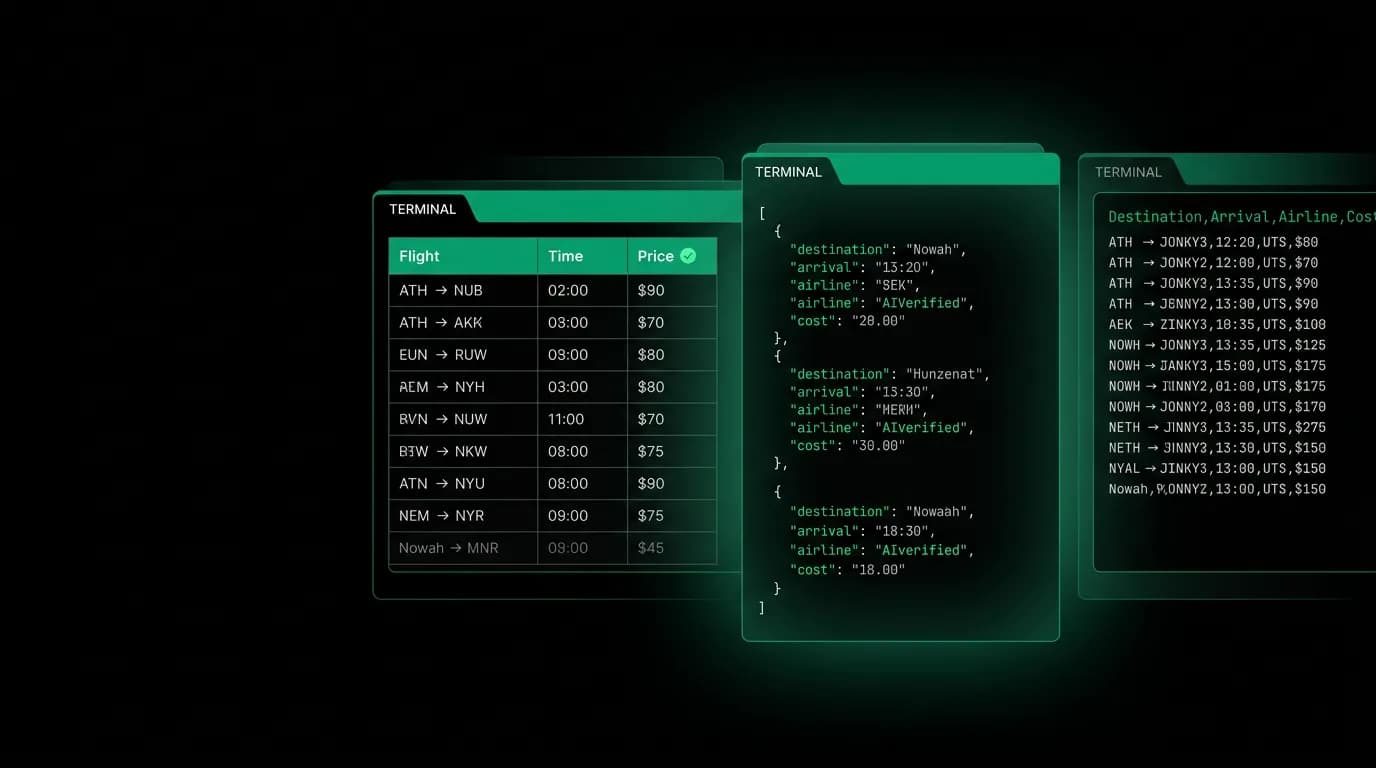
Designing CLI Output for Humans and Machines
Table for reading, JSON for piping, CSV for spreadsheets. Supporting multiple output formats makes your CLI useful for interactive work and automated pipelines.
Developer Experience
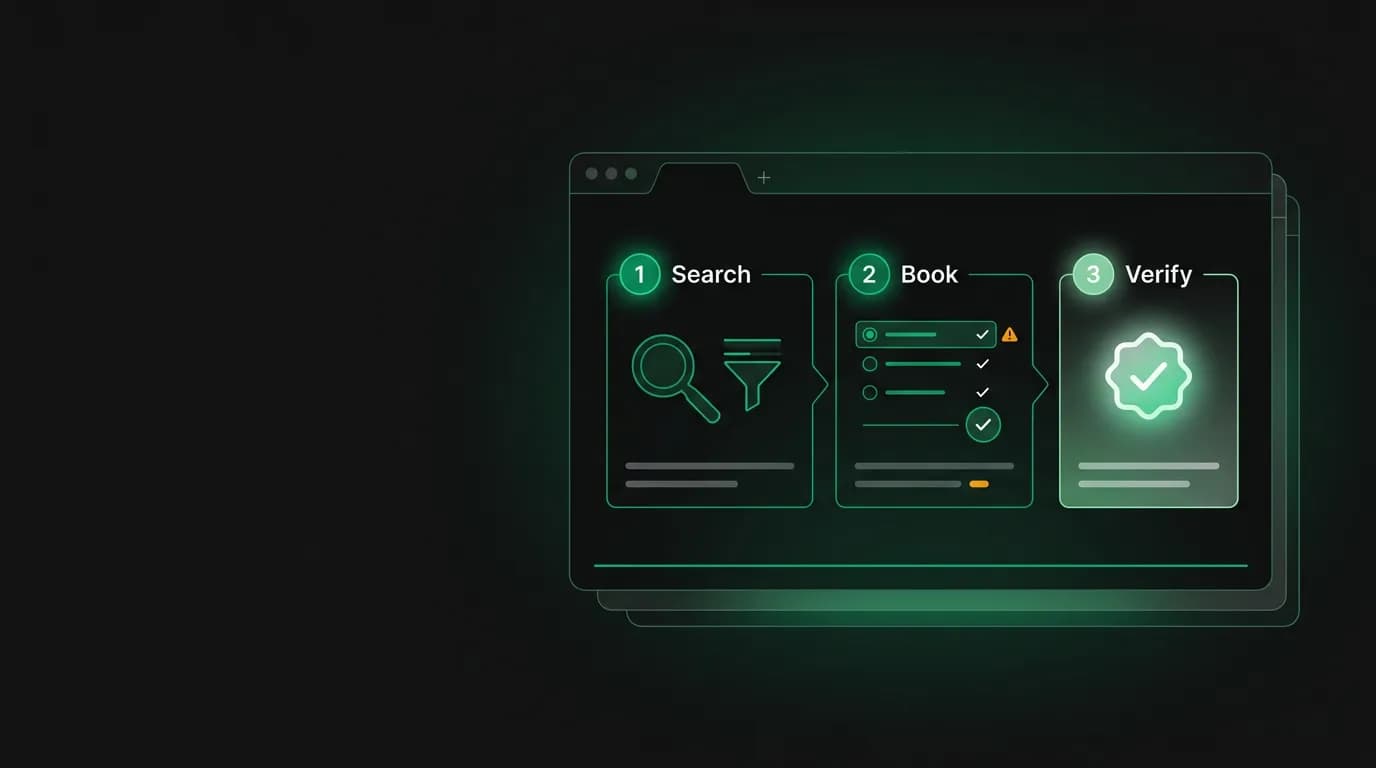
The Developer's Travel Workstation: CLI Workflows for API Testing
Search, book, verify, cancel — all from your terminal. Common CLI workflows for integration testing with shell aliases, test data management, and CI integration.
Developer Experience
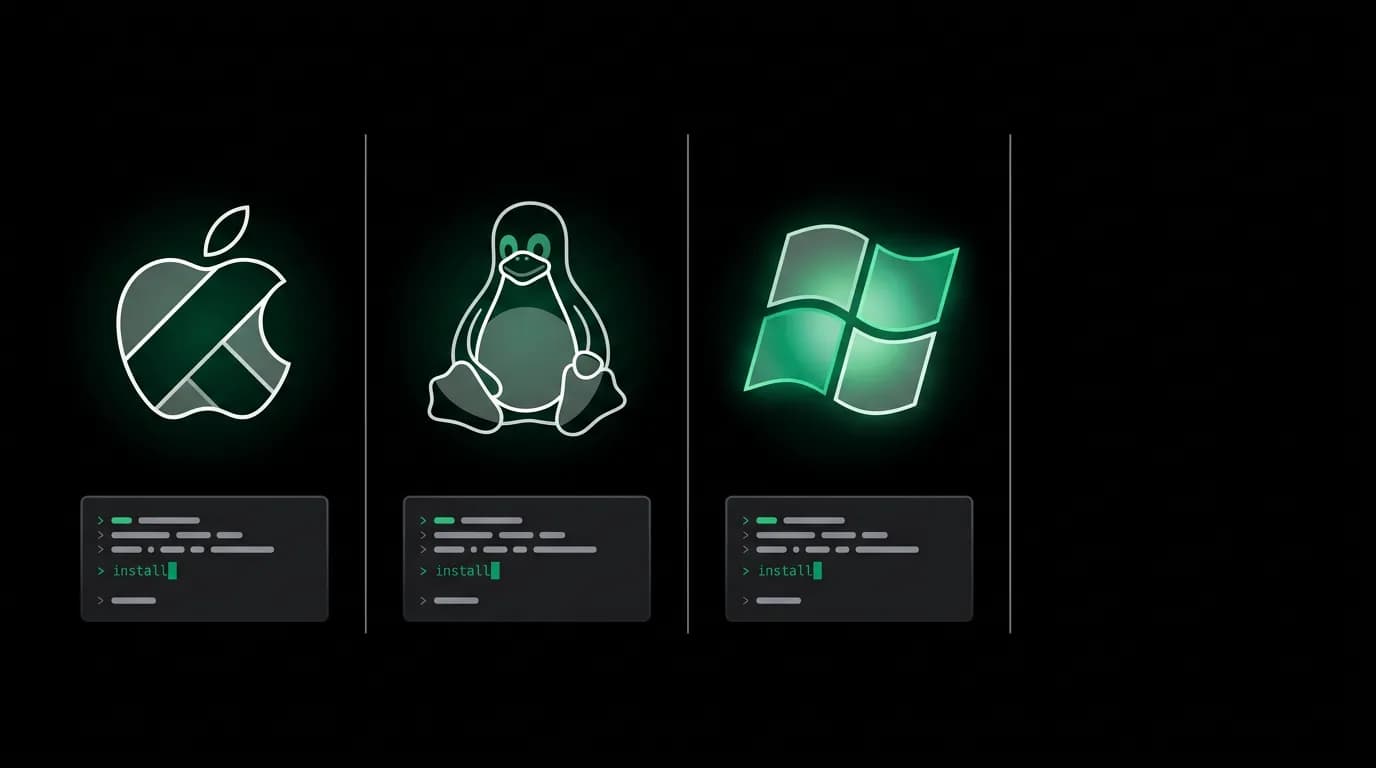
Cross-Platform CLI Distribution: macOS, Linux, and Windows
Distributing a Go binary across three OSes means Homebrew, apt, Chocolatey, Apple notarization, code signing, and direct downloads. Here is our distribution strategy.
Developer Experience
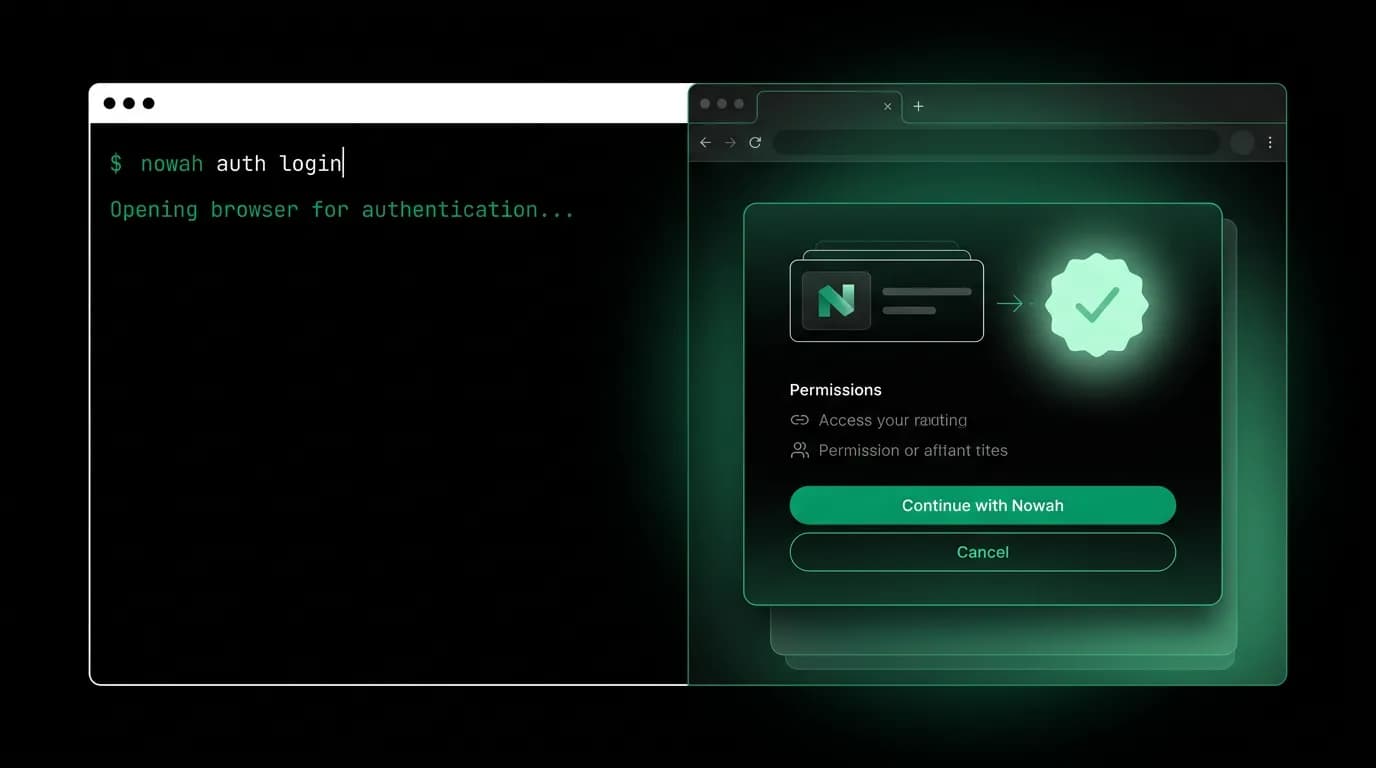
CLI Authentication Patterns: Browser, API Key, and Token Flows
Our CLI supports OAuth browser flow, API key entry, and token refresh — with secure keychain storage. Here are the patterns for CLI auth that do not frustrate developers.
Developer Experience
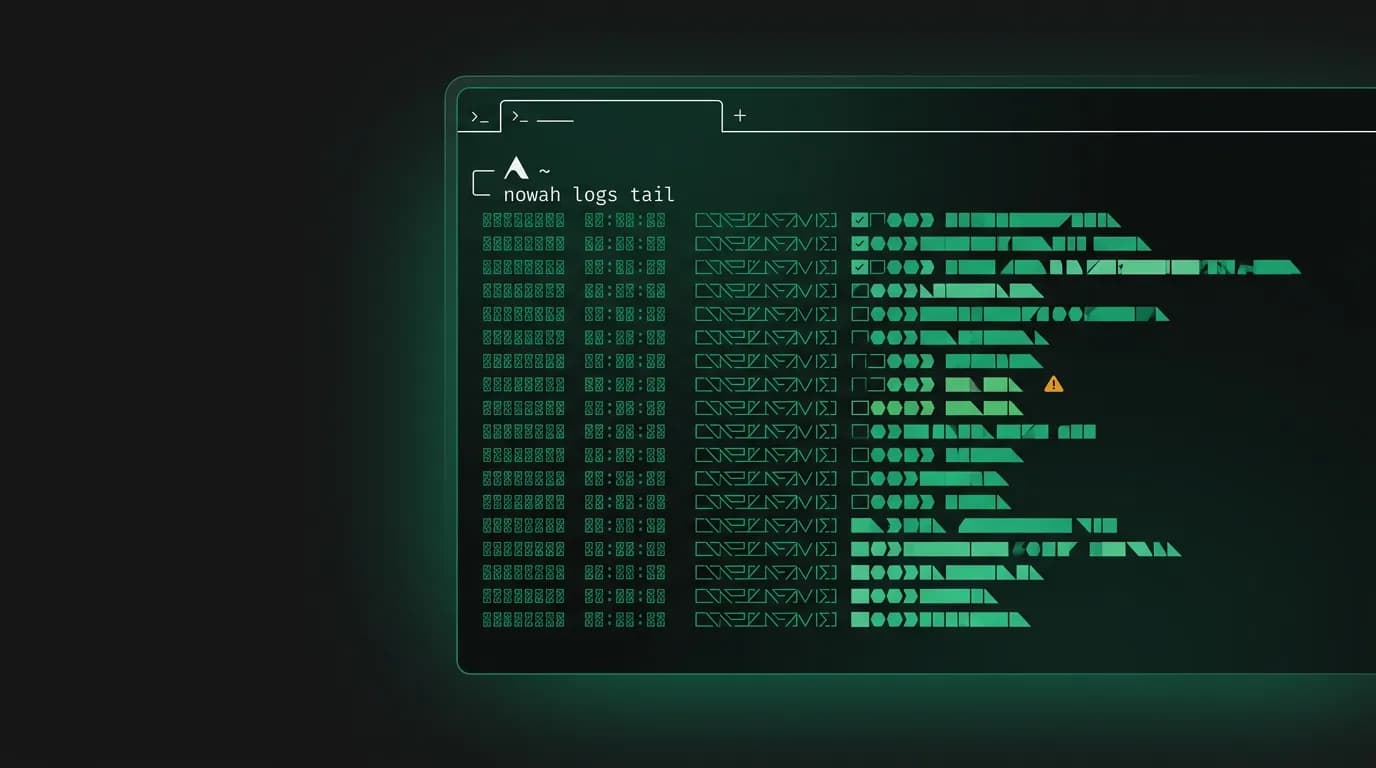
Real-Time Log Streaming in the Terminal
`nowah logs tail` streams your API request logs with filtering, syntax highlighting, and search — giving you production observability without leaving the terminal.
Developer Experience
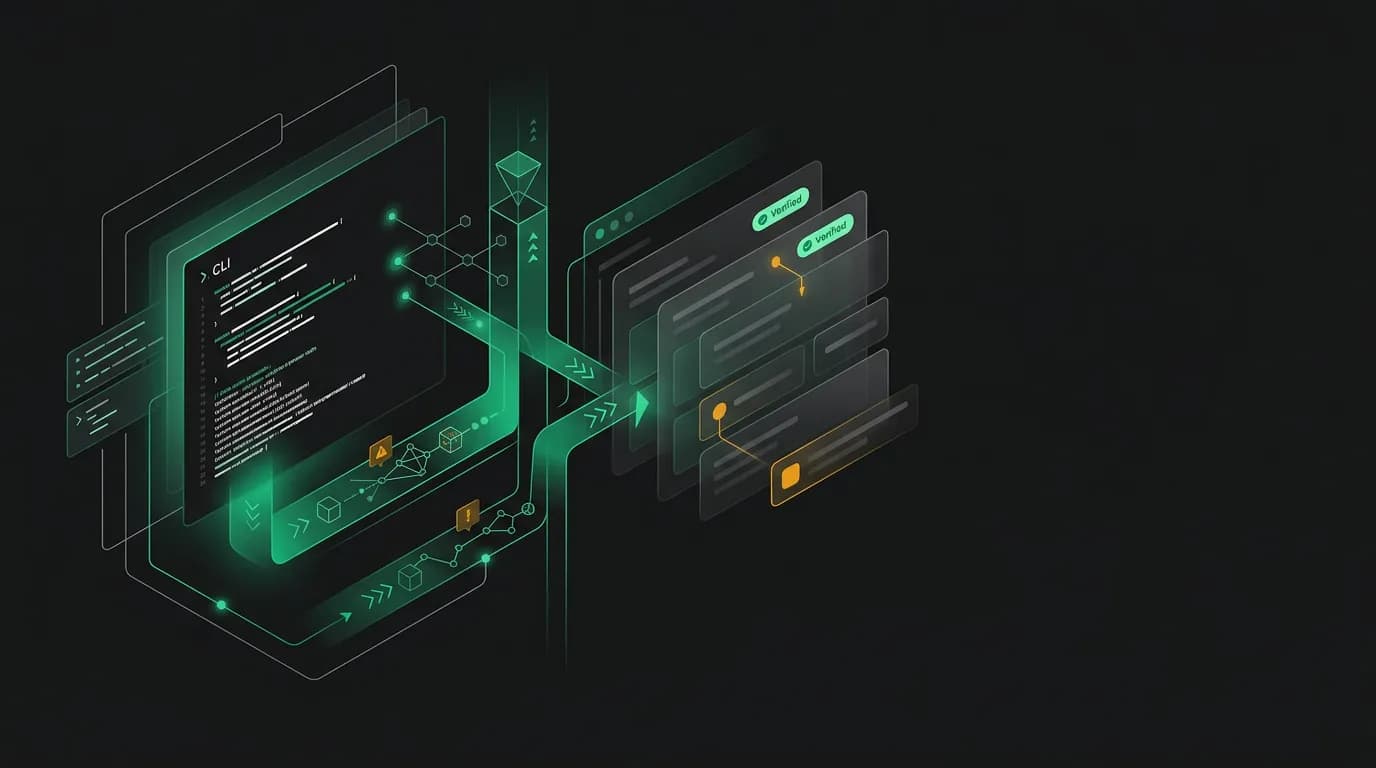
Dogfooding Our CLI: How We Use It Internally
Our engineering team uses the Nowah CLI daily — for testing, debugging, and incident response. Internal feedback drives most CLI improvements. Here is our dogfooding practice.
Developer Experience
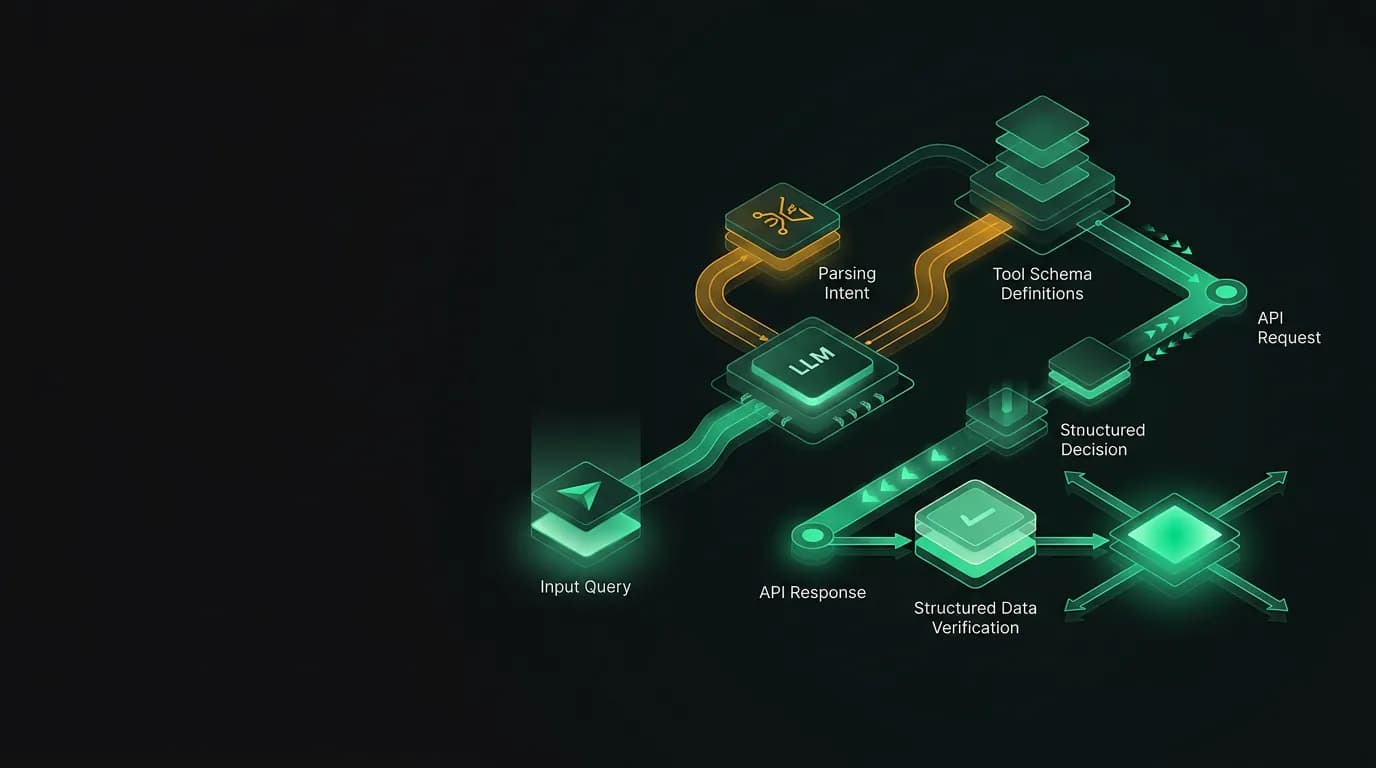
Designing APIs for AI Agents: A Practical Guide
LLM agents are the next wave of API consumers. This guide covers tool schemas, deterministic errors, retry safety, output predictability, and human-in-the-loop patterns.
Developer Experience
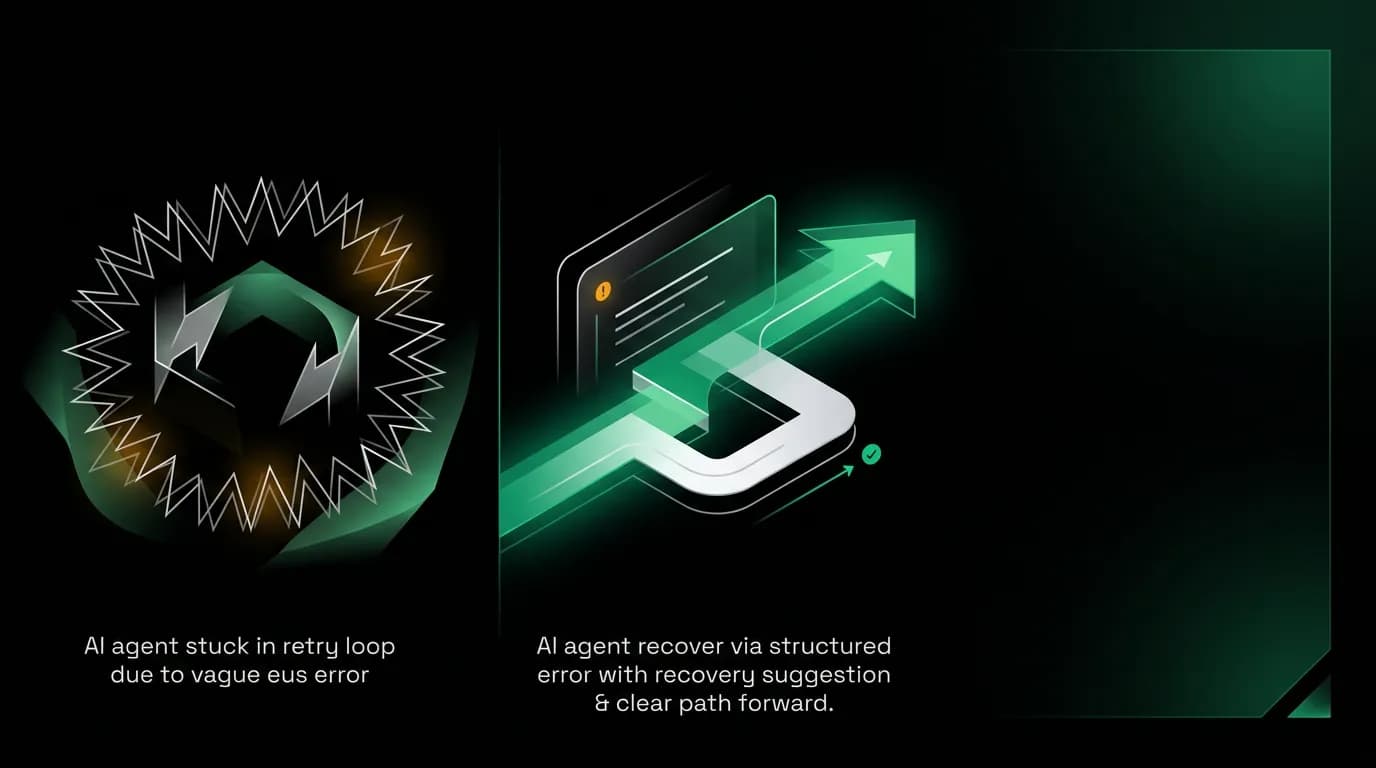
Your Error Messages Are Your AI Agent's Only Lifeline
When an LLM agent hits an error, the message is all it has. Machine-parseable codes, recovery suggestions, and deterministic structure turn errors into agent guidance.

Developer Experience
Tool Schemas That LLMs Actually Understand
Poorly written JSON Schema tool definitions cause LLM hallucination. Precise descriptions, enum constraints, required fields, and examples maximize correct tool invocations.