Rollback Strategies When Your AI Agent Goes Wrong
How to safely revert AI features when they break. Model versions, tool configs, prompt templates, memory state — and what we learned rolling back in prod.
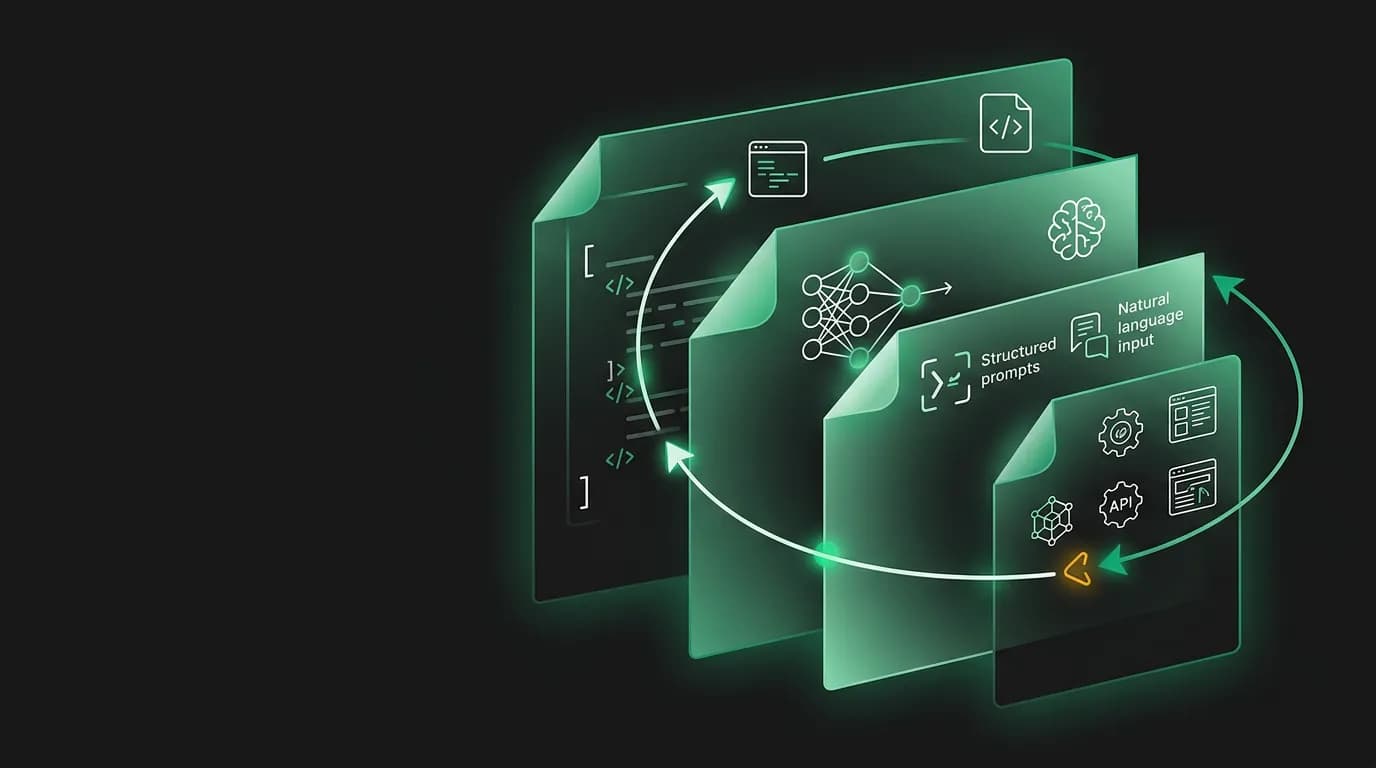
The rollback took six minutes for the code and six hours for the side effects. We reverted the deployment quickly. The agent went back to its previous version. But the background job queue still held tasks referencing the rolled-back feature. The memory system had stored preferences inferred during the brief window the new code was live. And three travelers were mid-conversation when the rollback happened, leaving their sessions in an inconsistent state.
That experience is why we design for rolling back an AI agent is fundamentally different from rolling back traditional software. The code is only one layer. The agent's state spans four layers, and each layer has its own rollback complexity.
Four rollback layers
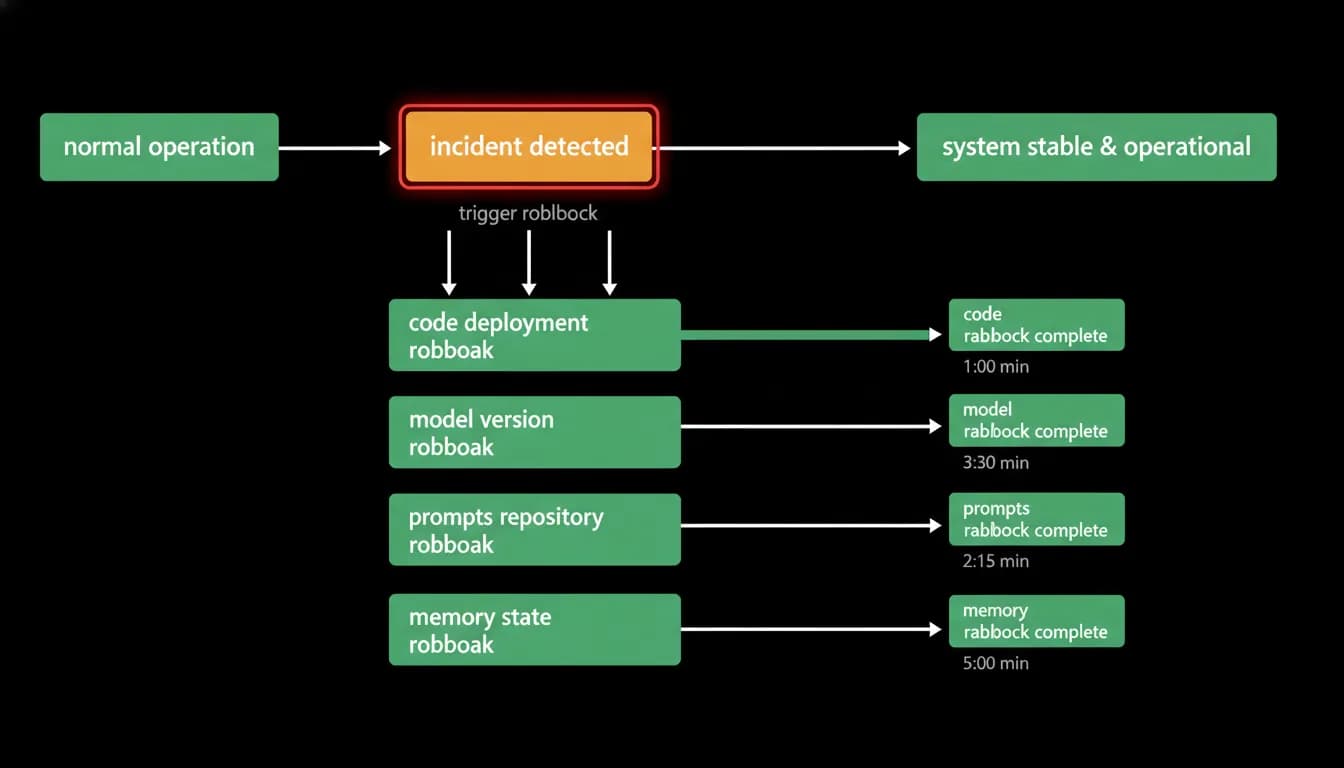
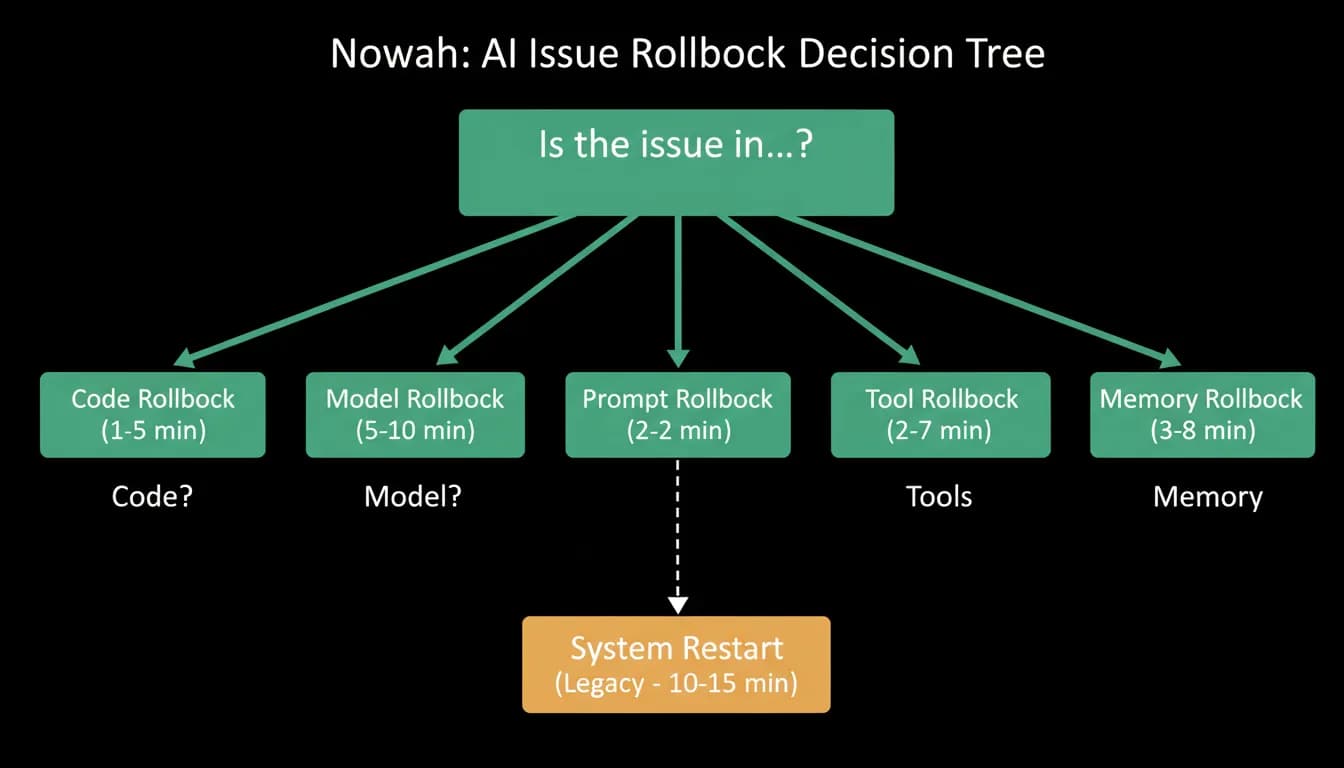
Code deployment is the simplest layer. Revert to the previous version, redeploy, verify the service is healthy. We target under five minutes for this. Modern deployment pipelines make this straightforward, and we maintain the previous version in a ready-to-deploy state for the duration of every rollout.
Model version is the next layer. If the launch involved changing the language model version or adjusting model parameters, reverting the code may not be enough. The new model might produce different outputs even with the same prompts. Rolling back the model version means switching back to the previous model configuration, which may require separate deployment from the application code.
Prompt templates are the layer most people forget. Prompts are configuration, not code, and they can change independently of both the code and the model. A prompt change that seemed harmless in testing might cause the agent to behave differently in production. Rolling back a prompt means reverting to the previous template version, which requires version control for prompts, something we initially did not have and now treat as essential infrastructure.
Tool configuration is the most granular layer. The agent has a large set of tools, each with its own parameter definitions, error handling, and integration points. Rolling back a single tool's configuration must not break the other 69. This requires that tool configurations are modular and independently versioned, not tangled together in a monolithic configuration file.
The memory problem
Memory is the layer that makes AI rollback uniquely difficult. You cannot un-remember what the agent learned.
During the brief window when the new code was live, the agent may have inferred preferences from traveler conversations. A traveler mentioned they prefer morning flights, and the memory system recorded that preference. If the new code inferred preferences more aggressively or differently than the old code, those inferences persist in memory even after the code is rolled back.
The old code now operates with memory state it did not create. It might interpret stored preferences differently, surface them at wrong times, or conflict with its own inference logic.
We handle this in two ways. First, we tag memory entries with the version of the code that created them. After a rollback, we can identify which memory entries were created by the rolled-back version and flag them for review. We do not delete them automatically because they might be accurate, but we mark them as requiring verification.
Second, we design memory changes to be additive rather than destructive. New code can add preferences and context, but it cannot delete or modify existing memory without explicit traveler action. This means a rollback never loses memory state from before the launch, even if it creates some ambiguity about state from during the launch.
Draining in-flight conversations
When a rollback happens, some travelers are mid-conversation. Their session has context built up over multiple messages, and that context references the rolled-back capability. Abruptly changing the agent's behavior mid-conversation is confusing and potentially harmful if the traveler was in the middle of a booking flow.
We handle this by draining in-flight conversations. When a rollback is initiated, active sessions are allowed to complete their current interaction before transitioning to the rolled-back agent version. The traveler finishes their current message exchange, receives a response, and the next message they send routes to the rolled-back version.
If the session involves a booking in progress, we are more conservative. We allow the booking to complete on the current version rather than interrupting it mid-payment. A payment that starts under one version and completes under another is a recipe for inconsistency that our idempotency system was not designed to handle.
Background job cleanup
Our system runs seven background worker queues handling tasks from booking confirmation polling to notification delivery to document processing. During a rollback, some of these queues may contain jobs that reference the rolled-back feature.
A notification job might try to send an alert about a capability that no longer exists. A booking confirmation job might expect a data format that the rolled-back code does not produce. An analytics job might try to record metrics for features that are no longer active.
We handle this by tagging jobs with the code version that created them. During a rollback, jobs tagged with the rolled-back version are either drained to completion if they are safe, paused for review if they are ambiguous, or cancelled if they reference functionality that no longer exists.
This tagging system was not part of our original architecture. We added it after a rollback where orphaned background jobs continued running for hours, sending notifications about a feature that was no longer live and confusing travelers who received alerts about capabilities they could not access.
Communication during rollback
Rollback is an operational event, but it has a communication dimension. Travelers who were using the rolled-back feature may notice that it disappeared. Support team members need to know what happened so they can respond to inquiries. Internal stakeholders need to understand why the feature was pulled and what the plan is.
We maintain rollback communication templates for each audience. Travelers see a brief, honest message: "We identified an issue with [feature] and have temporarily removed it while we investigate. Your bookings and trip data are unaffected." Internal teams get a technical summary: what triggered the rollback, what the current state is, and what the timeline for investigation looks like.
We do not pretend the rollback did not happen. Transparency about issues builds more trust than pretending everything is fine. Travelers who notice a feature disappearing and receive no explanation lose trust faster than travelers who receive an honest acknowledgment.
Building a rollback runbook
Every launch at Nowah now includes a pre-tested rollback procedure. Before we ship, we verify that:
The previous code version is deployed to a staging environment and confirmed working. The rollback can be executed in under five minutes. Background job draining is configured for the specific feature. Memory state created by the new code can be identified and flagged. In-flight conversation handling is tested for the specific capability. Communication templates are drafted and reviewed. The support team knows the rollback procedure and expected traveler impact.
We rehearse the rollback before every major launch. Not reading the runbook. Actually executing it against a staging environment. The time to discover that your rollback procedure has a gap is not during a production incident.
Our target is full stabilization in under 30 minutes from rollback decision to confirmed stable state. The code reverts in five minutes. The remaining 25 minutes account for background job draining, in-flight conversation completion, memory state flagging, and communication execution.
It sounds like a lot of overhead. It is. But the alternative is a six-hour cleanup after a six-minute code revert, and we have been there. We prefer the overhead.
Nowah is an AI travel agent that searches and books real flights and hotels through conversation — no filters, no thirty open tabs. Plan your next trip.