Latest
Fresh fromthe journal.
Page 151 of 156
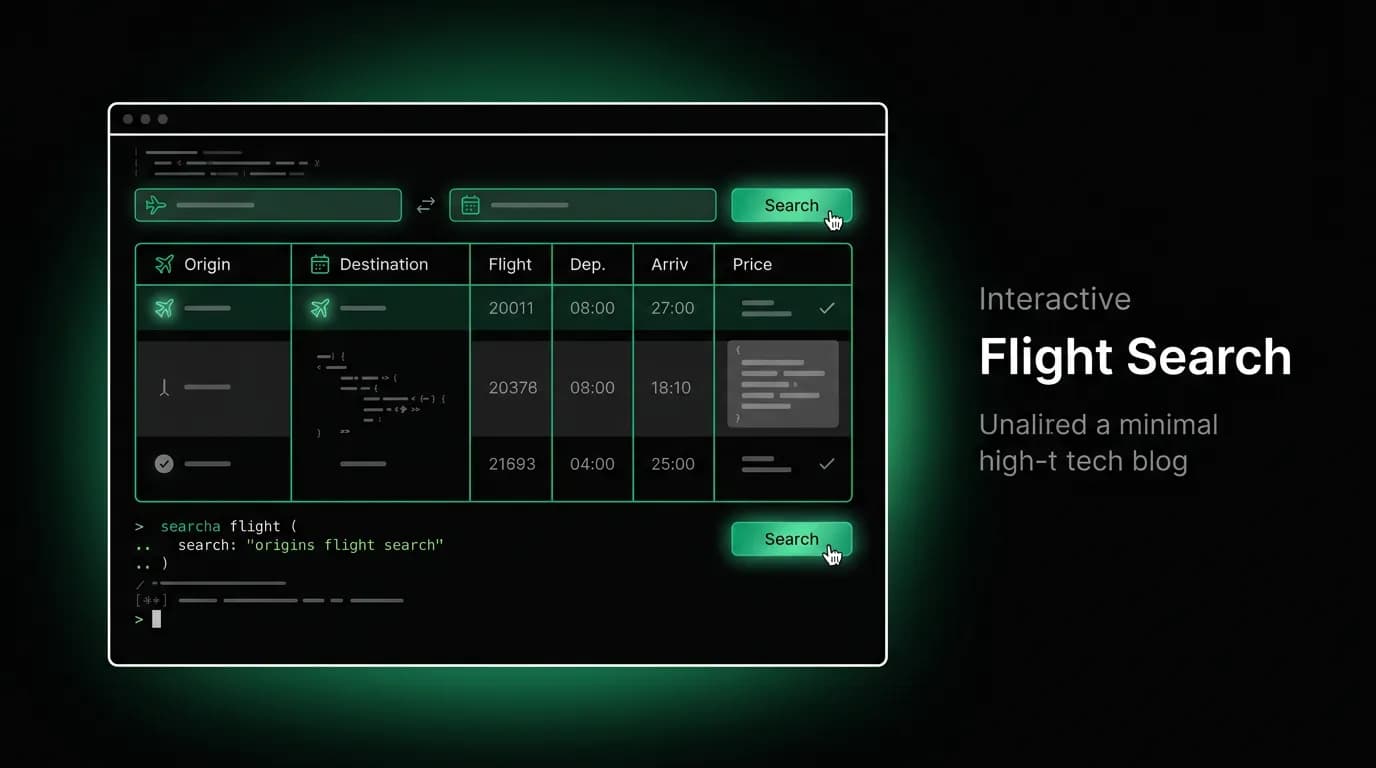
Developer Experience
Interactive Terminal UIs for API Exploration
We built interactive flight and hotel search right in the terminal — formatted tables, color-coded pricing, and offer selection. Here are the TUI design patterns that work.
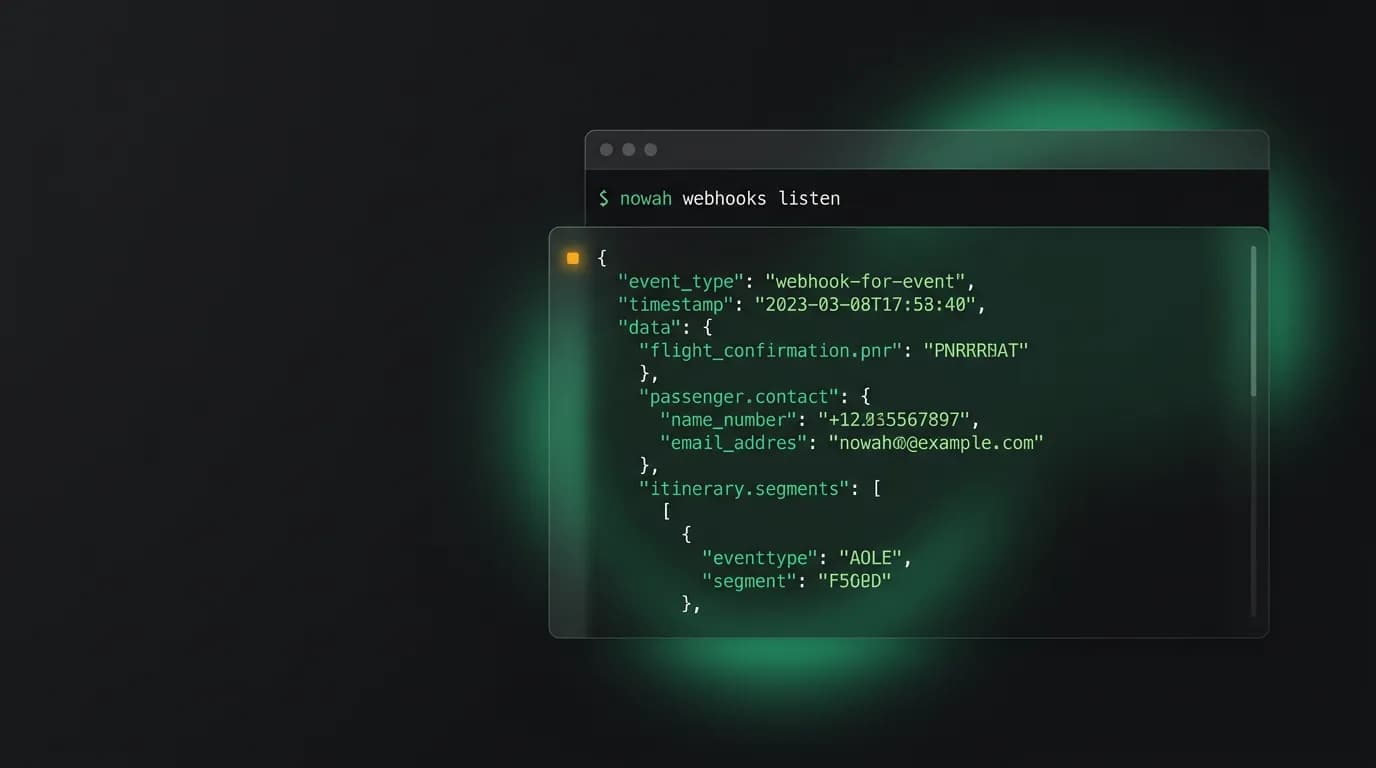
Developer Experience
Webhook Forwarding: Bringing Production Events to Localhost
Our CLI tunnels webhook events from Nowah servers to your local dev server — no ngrok needed. Syntax-highlighted payloads, replay, and filtering built in.
Developer Experience
Auto-Updating CLIs Without Annoying Developers
CLI updates should be invisible until they matter. Background checks, cached notifications, self-update commands, and CI version pinning keep developers in flow.
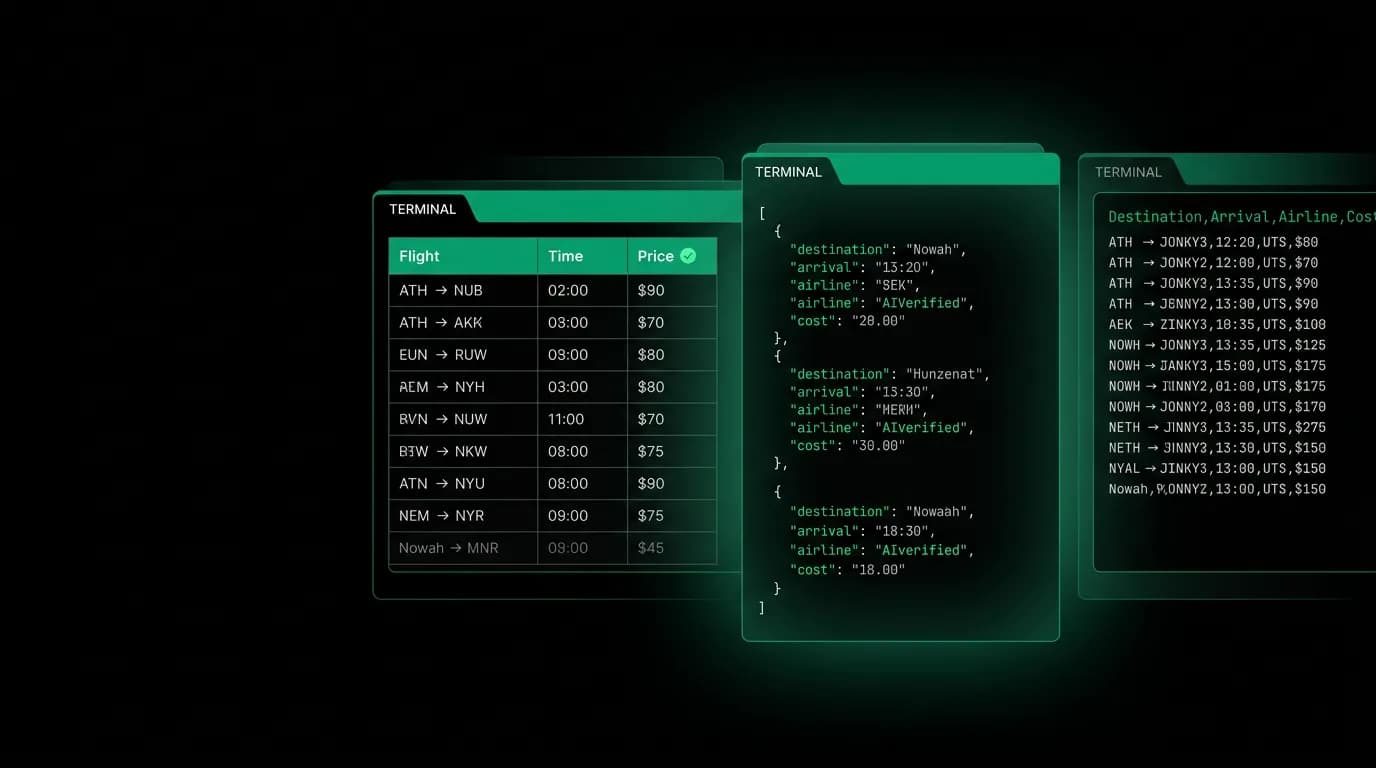
Developer Experience
Designing CLI Output for Humans and Machines
Table for reading, JSON for piping, CSV for spreadsheets. Supporting multiple output formats makes your CLI useful for interactive work and automated pipelines.
Developer Experience
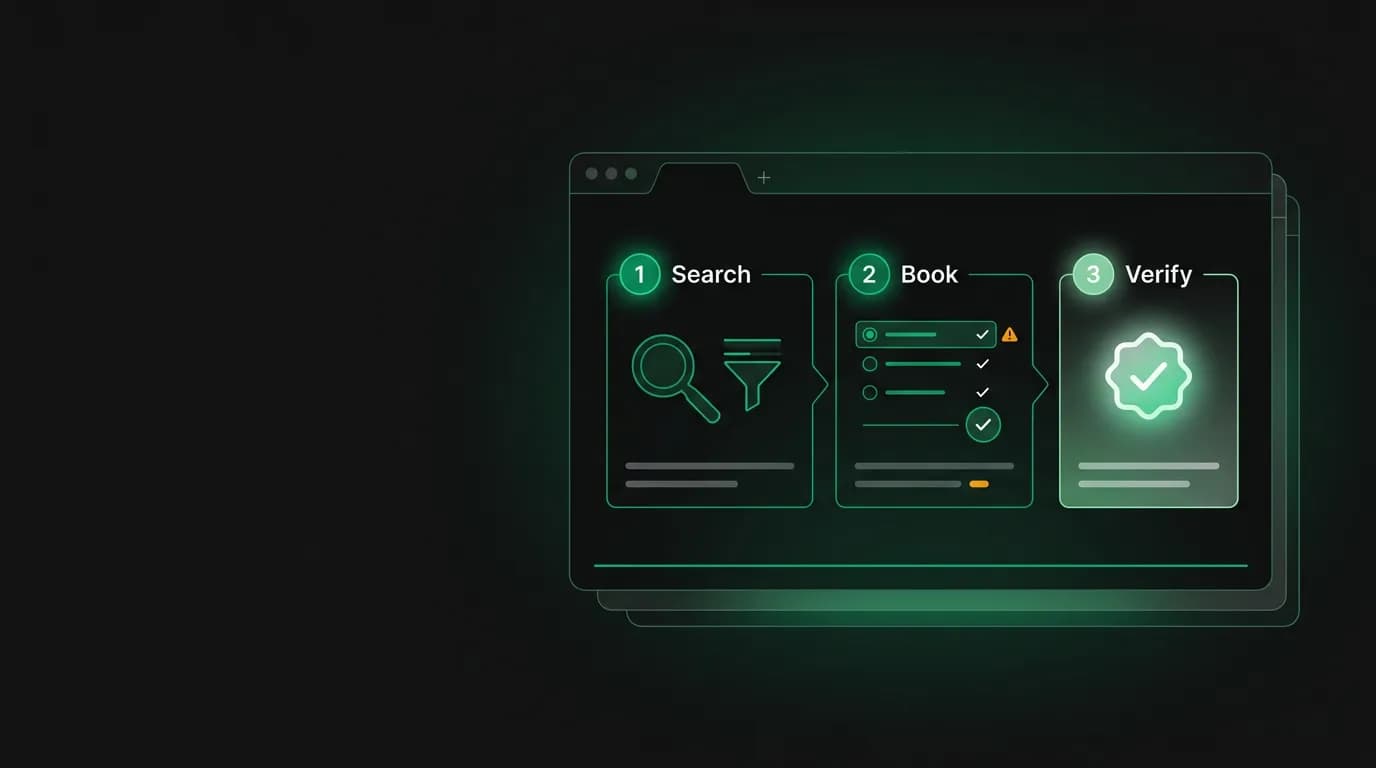
The Developer's Travel Workstation: CLI Workflows for API Testing
Search, book, verify, cancel — all from your terminal. Common CLI workflows for integration testing with shell aliases, test data management, and CI integration.
Developer Experience
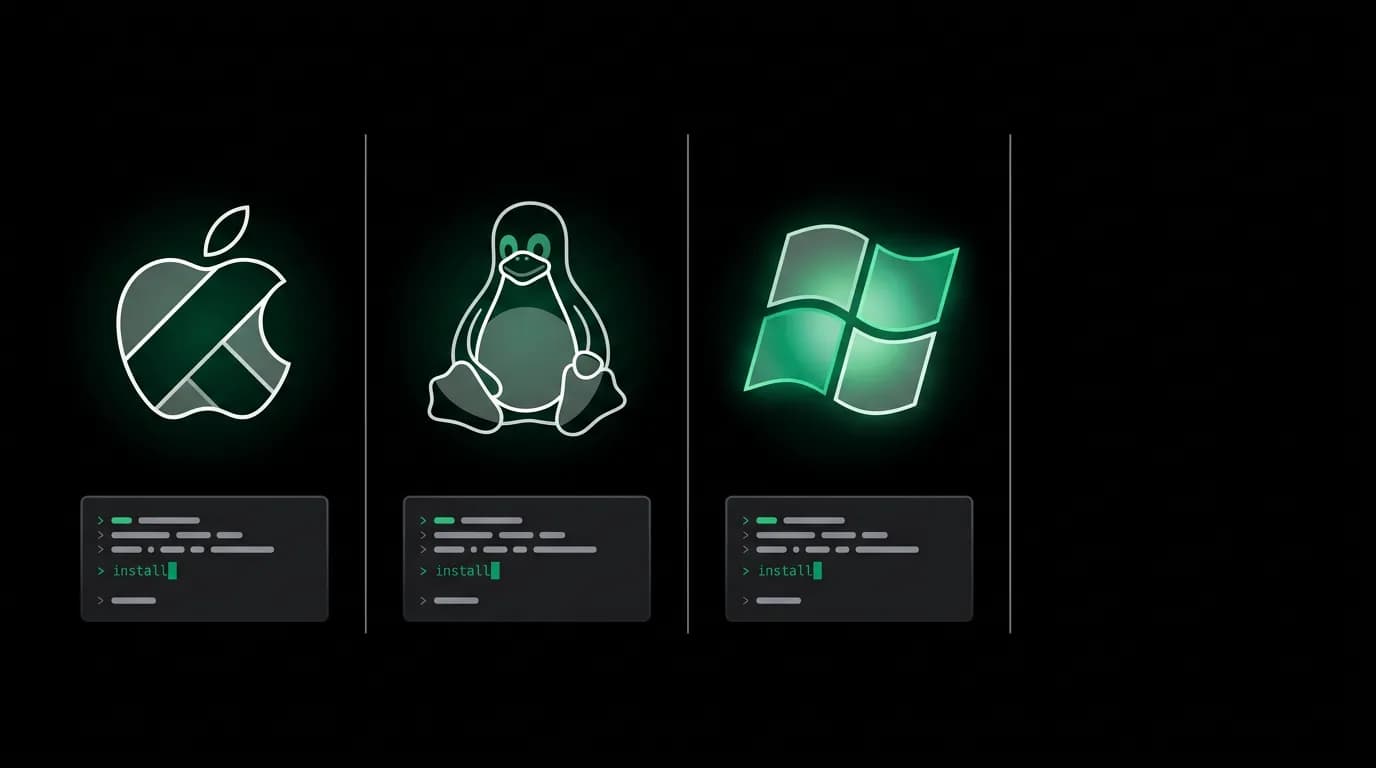
Cross-Platform CLI Distribution: macOS, Linux, and Windows
Distributing a Go binary across three OSes means Homebrew, apt, Chocolatey, Apple notarization, code signing, and direct downloads. Here is our distribution strategy.
Developer Experience
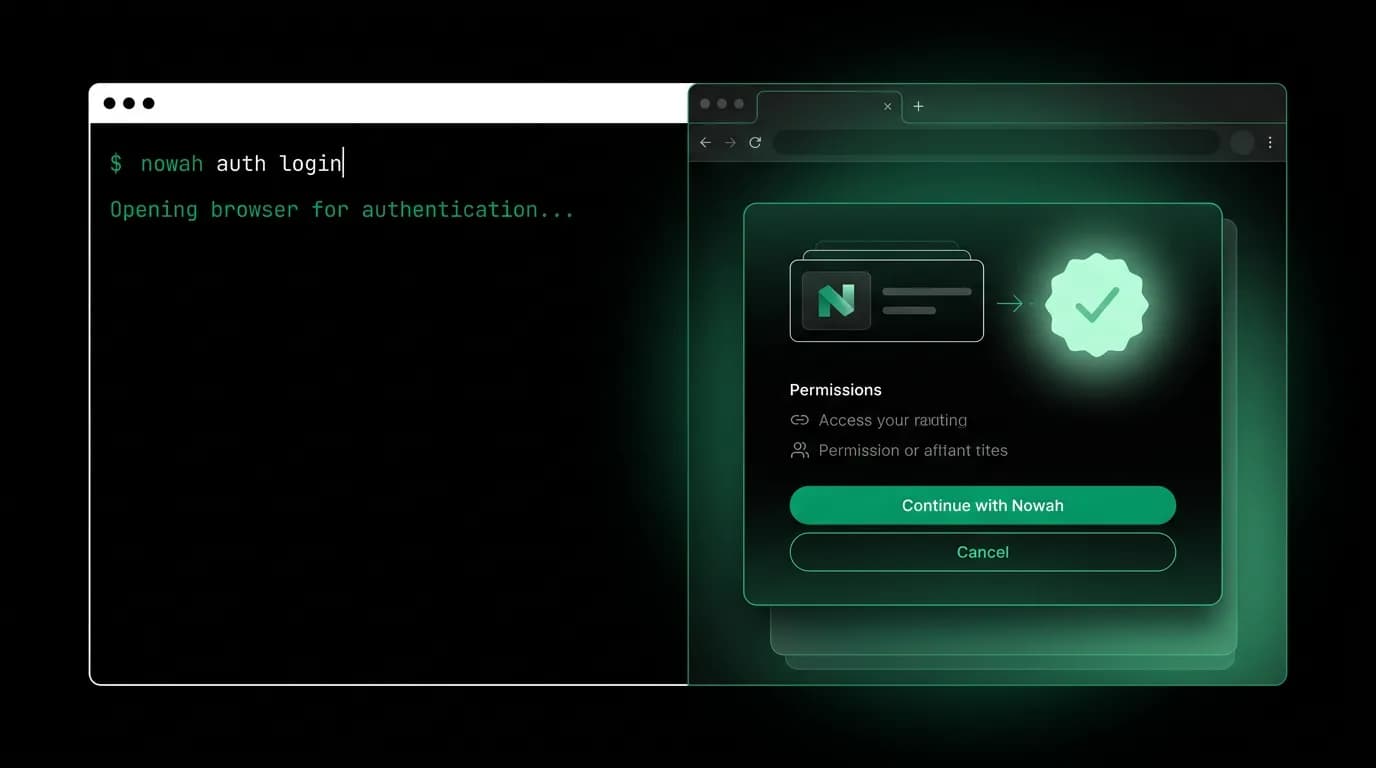
CLI Authentication Patterns: Browser, API Key, and Token Flows
Our CLI supports OAuth browser flow, API key entry, and token refresh — with secure keychain storage. Here are the patterns for CLI auth that do not frustrate developers.
Developer Experience
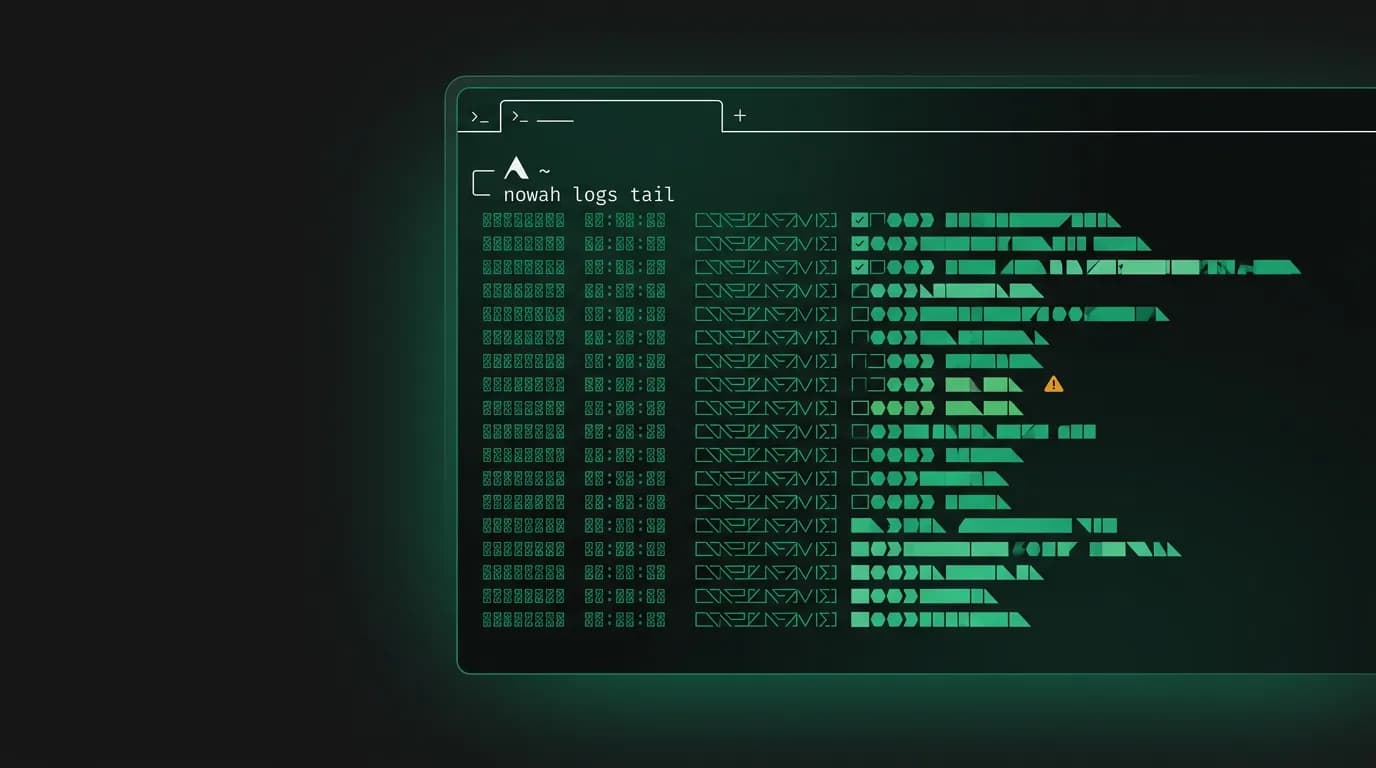
Real-Time Log Streaming in the Terminal
`nowah logs tail` streams your API request logs with filtering, syntax highlighting, and search — giving you production observability without leaving the terminal.
Developer Experience
Dogfooding Our CLI: How We Use It Internally
Our engineering team uses the Nowah CLI daily — for testing, debugging, and incident response. Internal feedback drives most CLI improvements. Here is our dogfooding practice.