Latest
Fresh fromthe journal.
Page 119 of 156
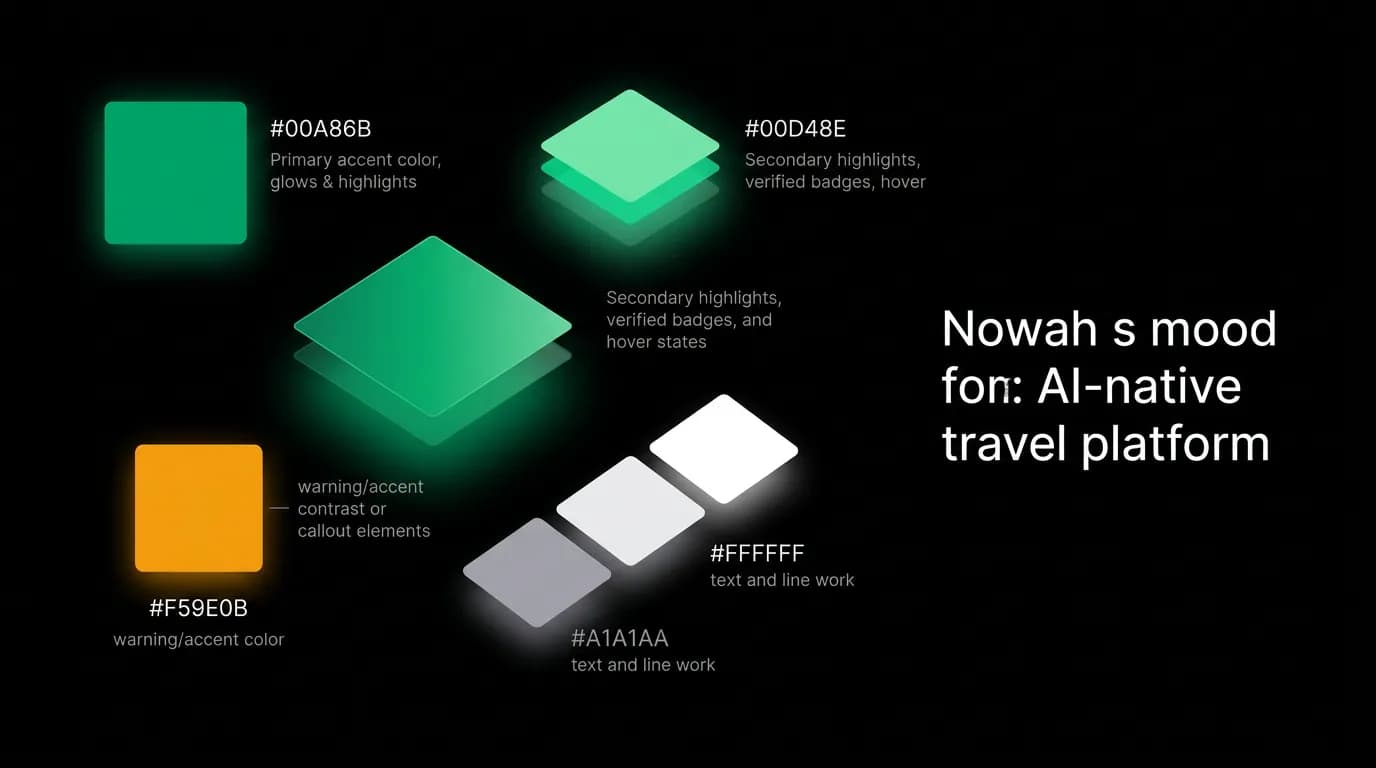
Design
Designing Color for Dark Interfaces
Accent colors behave differently on dark backgrounds — luminance shifts, neon fatigue sets in faster, and semantic meaning must carry through reduced palette choices.

Design
Typography on Black: Lessons from Six Months of Dark-Only Design
White text on black requires different font weights, increased line spacing, and opacity-based hierarchy — six months of dark-only design taught us what the style guides skip.

Design
Elevation Without Light Mode: Shadows, Borders, and Layers
Light mode uses drop shadows for elevation. Dark-only interfaces use subtle background tints, thin borders, and blur effects to create visual hierarchy without a single shadow.
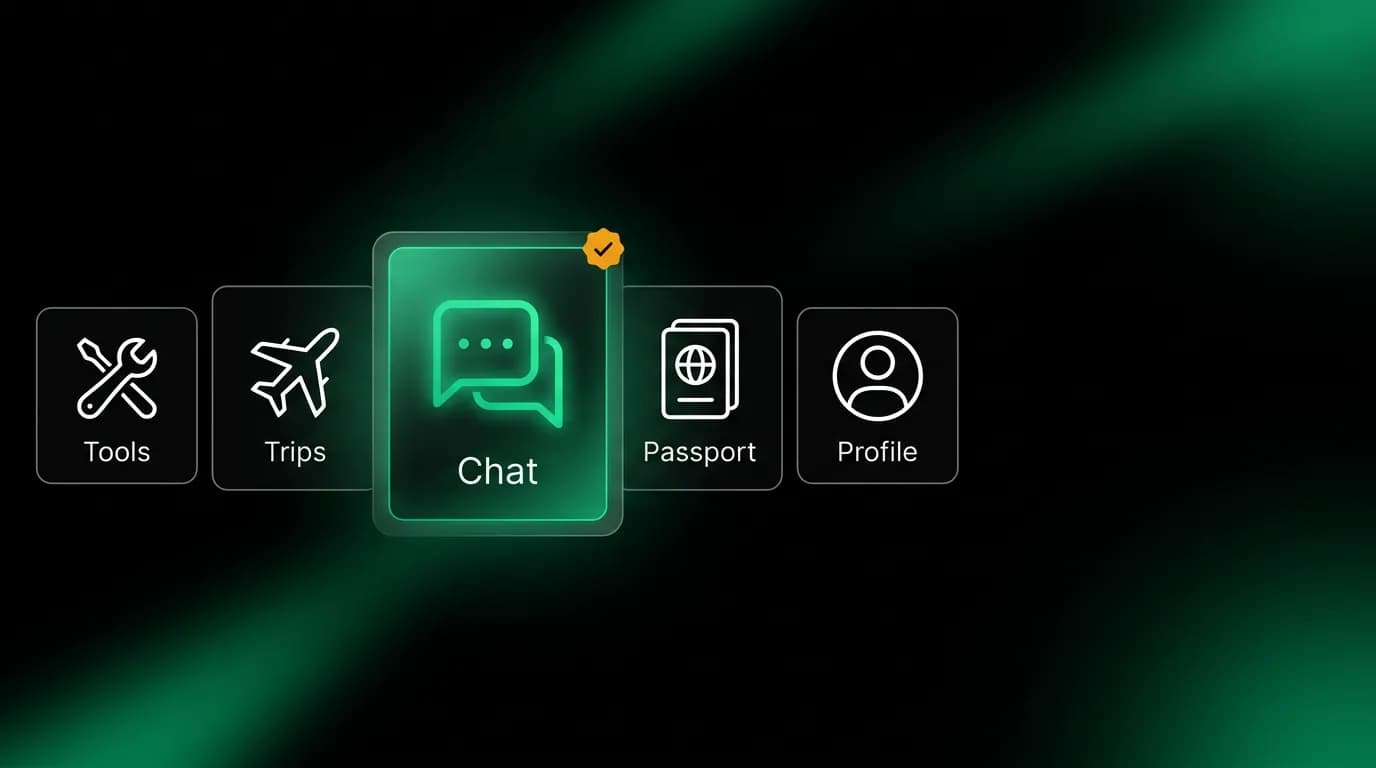
Design
Iconography for Dark Interfaces
Icons that read clearly on white backgrounds can vanish on black. Stroke width, fill vs. outline decisions, and semantic color choices all shift for dark-first design.

Design
Designing Voice Input for AI Travel Agents
Voice is not an accessibility add-on — it is the optimal input for travel planning while walking through airports, sitting in cabs, or lying in bed researching a trip.
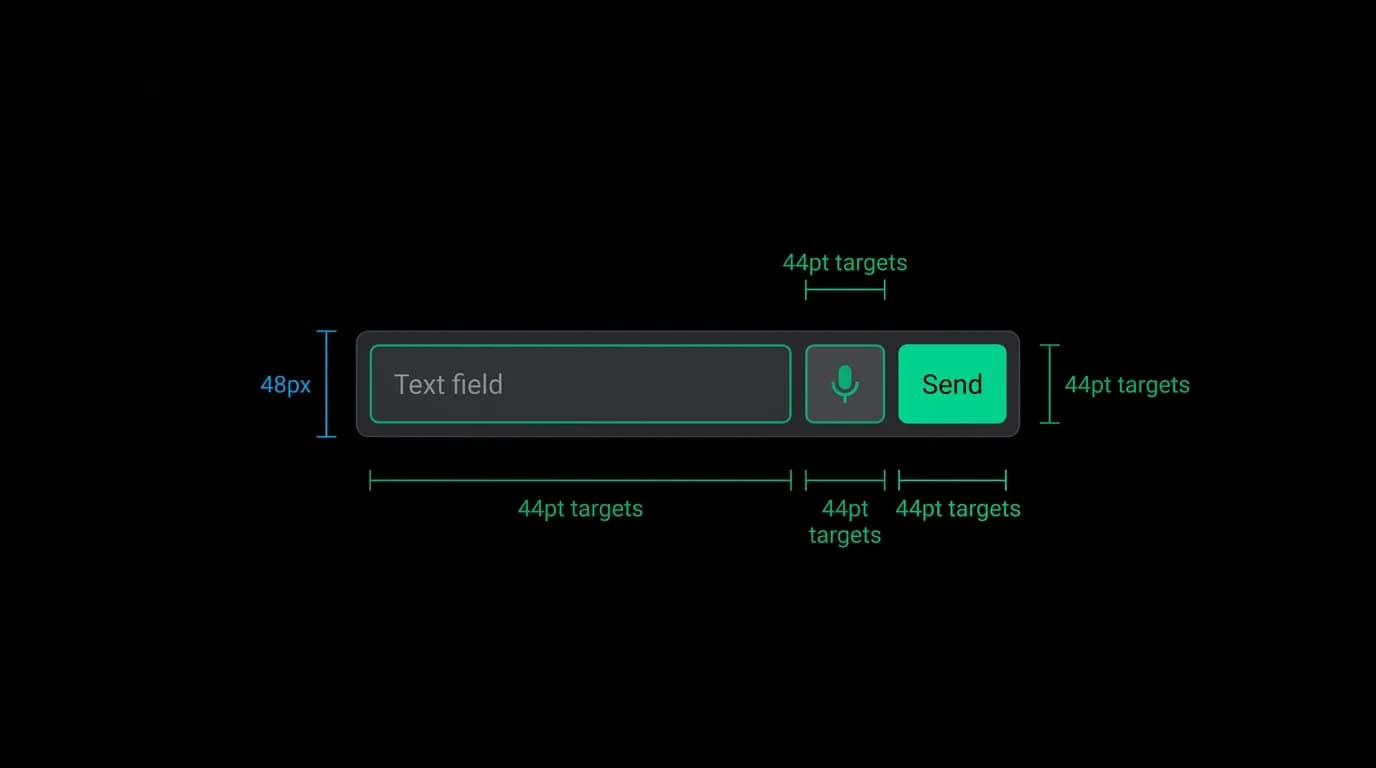
Design
The Input Bar: Most Important 48 Pixels in the App
Text field, voice button, send button, keyboard avoidance, safe area handling — the input bar is where every conversation begins, and its 48-pixel height must be flawless.
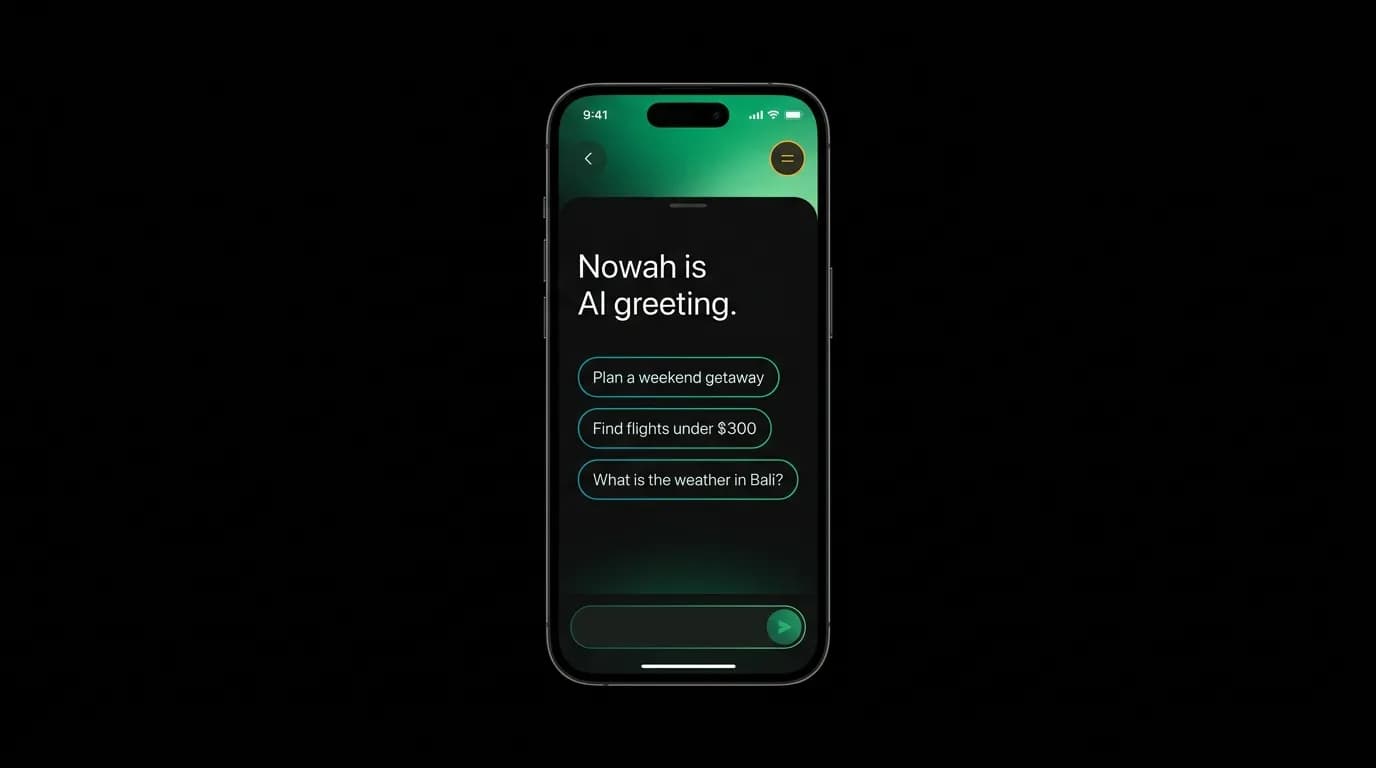
Design
Suggested Prompts: Designing Discovery for AI Capabilities
Users cannot use what they do not know exists. Chip-based suggested prompts, contextual hints, and rotating examples teach AI capabilities without a tutorial screen.
Design
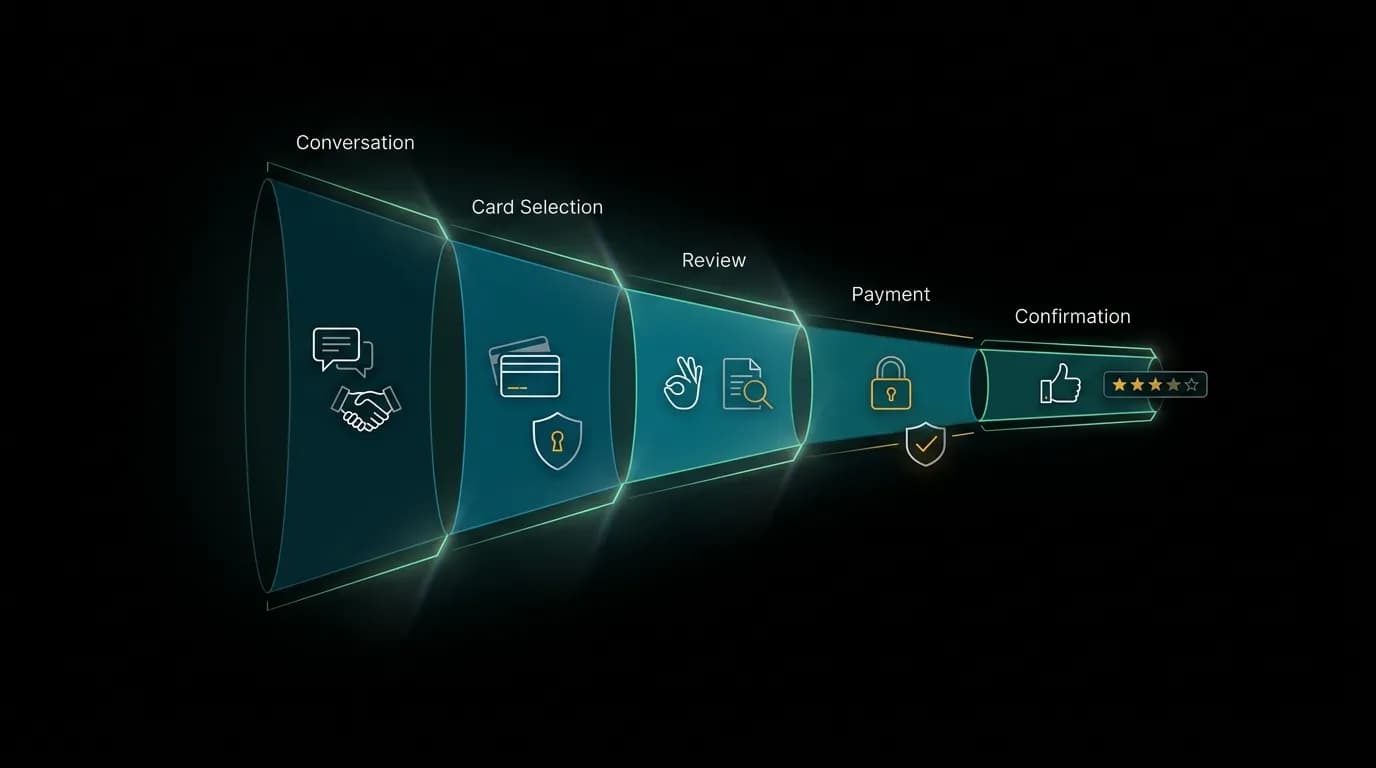
From Chat to Checkout: Designing the Conversational Booking Flow
Five stages from casual conversation to confirmed booking — each with specific trust signals, transition animations, and design rationale that keeps users moving forward.
Design
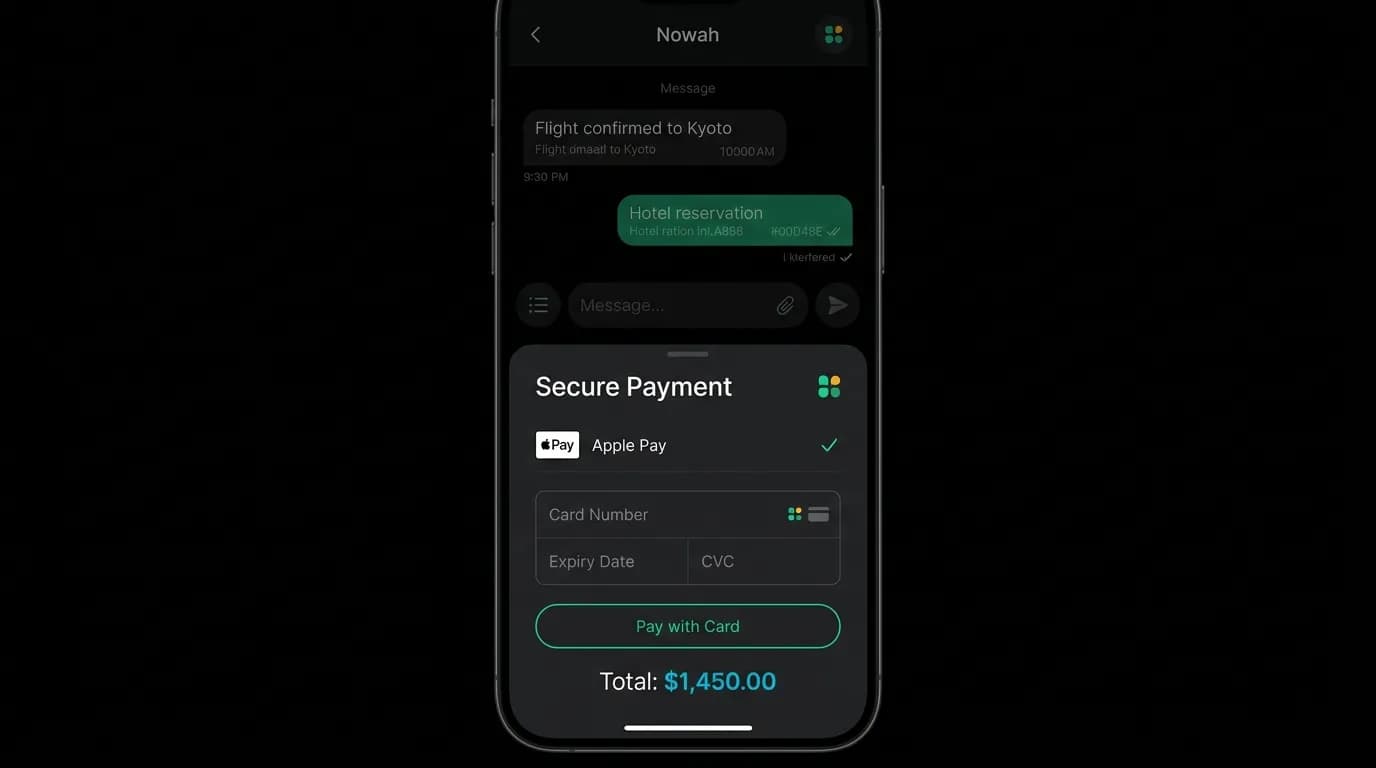
The Payment Sheet: Native vs. Custom in a Chat Context
We use native platform payment sheets inside a custom chat UI because payment is where trust cannot be custom — users need to see Apple Pay, Google Pay, and Stripe they recognize.