Designing Notifications for Travelers
A check-in reminder at the right moment is helpful. A marketing push during a red-eye flight is hostile. Notification design for travel demands timing intelligence.
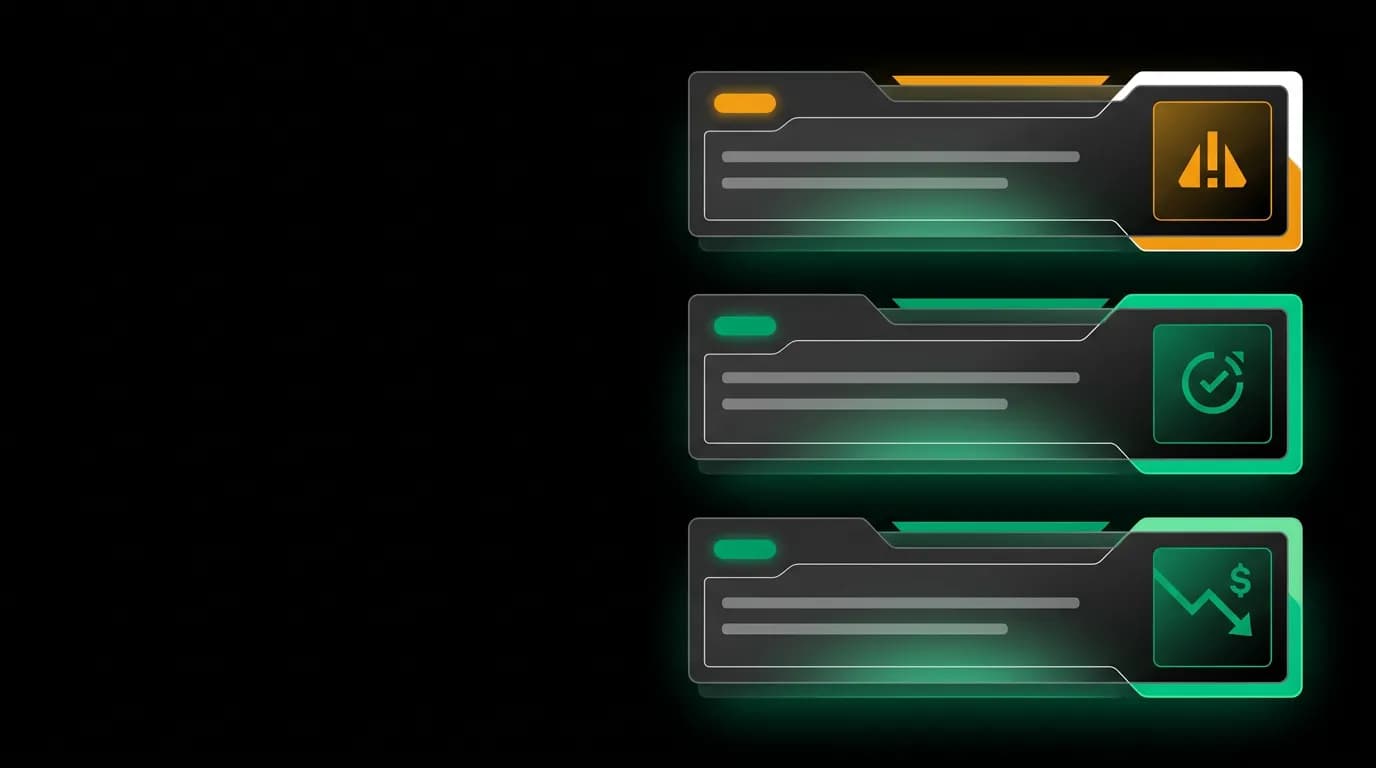
A push notification at the right moment can save a trip. "Gate changed to B12" when you are walking toward B7 is life-altering information delivered at the exact right time. But a marketing push — "Check out weekend deals!" — sent at 3 AM during a red-eye flight is hostile. Same technology, opposite experiences.
Notification design for travel is not about whether to notify. It is about when, why, and how urgently. Getting the timing wrong does not just annoy the user — it trains them to disable notifications entirely, which means they miss the critical ones.
Priority levels
Not all notifications carry equal weight. We classify every notification into three priority levels, each with different visual treatment, sound behavior, and timing rules.
Critical notifications are safety and logistics events that require immediate attention: gate changes, flight cancellations, significant delays, boarding calls. These override quiet hours, display with an alert-style presentation (red accent), and use the system's urgent notification channel. They are rare — ideally, a user never receives one. When they do, it must be unmissable.
Important notifications are time-sensitive actions that benefit from promptness: check-in reminders, upcoming departure alerts, hotel check-in approaching. These respect quiet hours but use a prominent display (amber accent) and can include action buttons ("Check in now"). They represent the core value of travel notifications — timely information that helps the user manage their trip.
Informational notifications are useful but not time-sensitive: price drops on saved routes, trip summary after return, booking confirmation receipts. These always respect quiet hours, use a subtle display (standard accent), and are grouped to avoid notification fatigue. They should feel like helpful updates, not interruptions.
Timing intelligence
Travel creates unique timing challenges that generic notification systems handle poorly. A user flying from New York to Tokyo crosses multiple time zones. Their "morning" shifts by 13 hours in a single day. A check-in reminder sent at 9 AM New York time arrives at 10 PM Tokyo time — useless and intrusive.
Our notification system is timezone-aware. Reminders are scheduled relative to the event, not the clock. "Check-in opens in 1 hour" fires one hour before the check-in window regardless of what time zone the user is in. "Your flight departs in 6 hours" fires 6 hours before departure, in the user's current timezone.
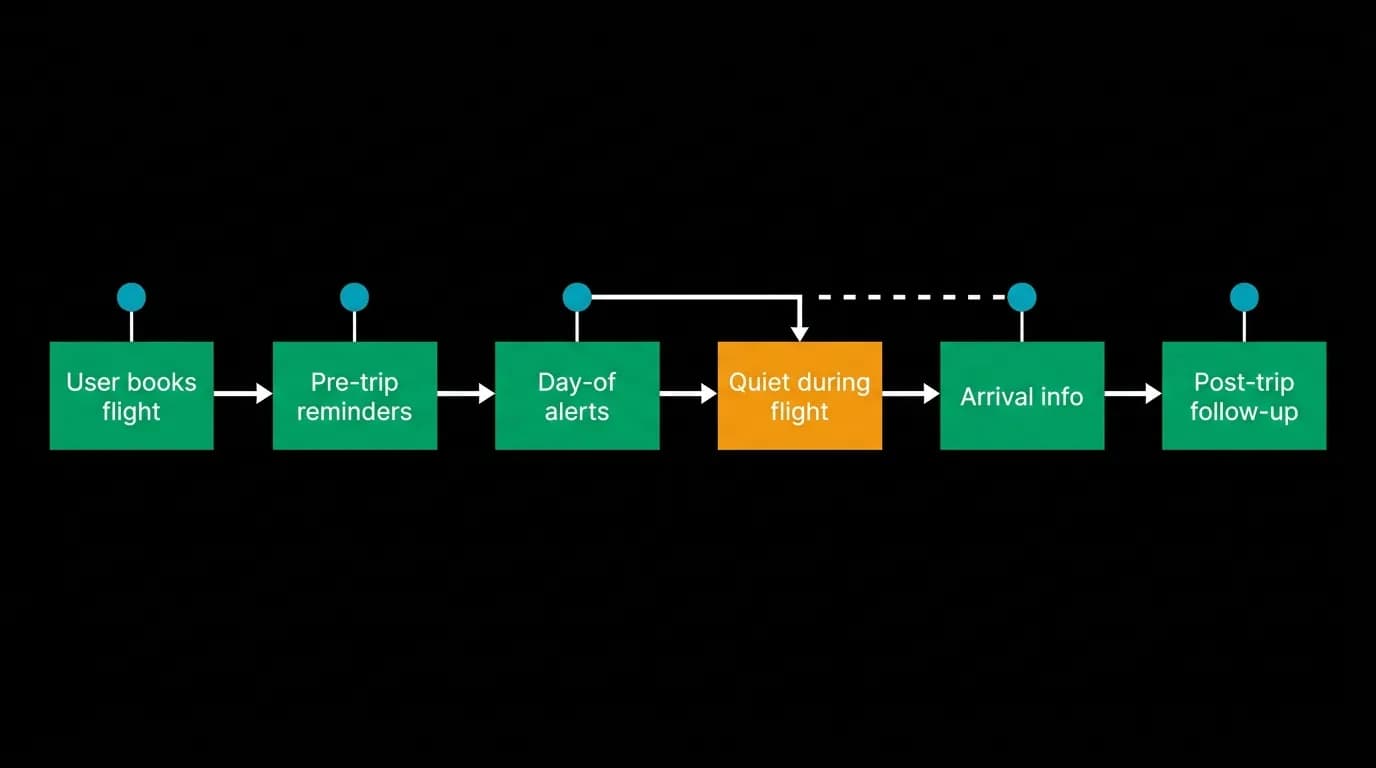
Quiet hours add another layer. Users can set quiet hours in their notification preferences — a time range during which non-critical notifications are held. We also apply automatic quiet hours during flights. If the user has an active flight segment, non-critical notifications are suppressed for the duration. Nobody needs a "Weekend deals!" push while they are on a transatlantic flight.
The combination of timezone awareness and quiet hours creates a notification system that feels respectful of the user's actual situation rather than operating on an arbitrary schedule.
Actionable notifications
A notification that says "Your flight is in 6 hours" is informational. A notification that says "Check-in is now open" with a "Check in" button is actionable. The difference is significant — actionable notifications reduce the steps between awareness and action from multiple (open app, navigate to trip, find flight, tap check-in) to one (tap the notification button).
We design every important notification to include at least one action. Check-in reminders include a "Check in" action. Departure alerts include a "View boarding pass" action. Hotel check-in notifications include a "Get directions" action.
The action opens the relevant screen directly, bypassing the normal navigation path. Tapping "Check in" from a notification opens the check-in flow for that specific flight, not the app's home screen. This deep-link precision matters when the user is standing in an airport and needs to act fast.
Notification preferences
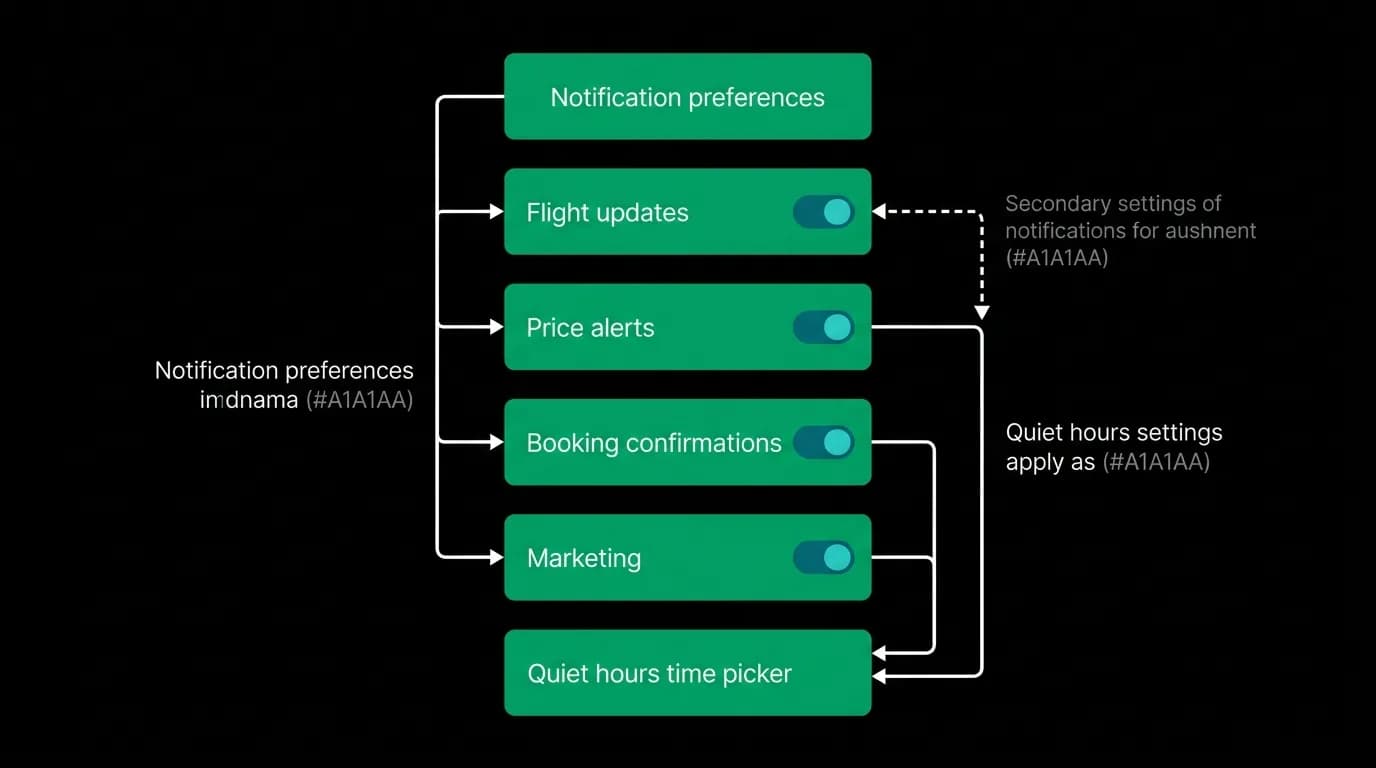
User control over notifications is a trust signal. We provide granular controls over every notification category: flight updates, price alerts, booking confirmations, check-in reminders, trip summaries, and marketing messages. Each category has independent toggles for push notifications and email.
The quiet hours picker lets users set a daily window of silence. They can also set per-trip overrides — for example, suppressing all non-critical notifications during a vacation. The controls are accessible from the settings screen, organized by category with clear labels.
The default configuration enables flight updates, booking confirmations, and check-in reminders while leaving marketing notifications off. This default respects the user's attention — they get the notifications that protect their trip and none that serve only the platform's business goals. Users who want marketing notifications can opt in explicitly.
Channel selection
Push notifications, email, and in-app alerts are three channels with different strengths. Push is immediate and attention-grabbing — right for time-sensitive alerts. Email is persistent and detailed — right for booking confirmations and trip summaries that the user might need to reference later. In-app alerts are contextual — right for information relevant only when the user is actively using the app.
We use the right channel for each notification type. Gate changes go to push (immediate, critical). Booking confirmations go to both push and email (immediate awareness plus persistent record). Price drops go to in-app alerts (relevant when browsing, not urgent enough for push). Trip summary after return goes to email only (long-form content best consumed at leisure).
The multi-channel approach means users get information through the medium that best suits the urgency and format of each message. Push for urgency, email for permanence, in-app for context.
Travel notifications are a trust contract. Notify me when it matters, leave me alone when it does not, and always give me control over the boundary between the two. Honor that contract and users keep notifications on. Violate it once with a 3 AM marketing push, and they disable everything — including the gate change alert they will desperately need next Tuesday.
Nowah is an AI travel agent that searches and books real flights and hotels through conversation — no filters, no thirty open tabs. Plan your next trip.