Latest
Fresh fromthe journal.
Page 114 of 156

Design
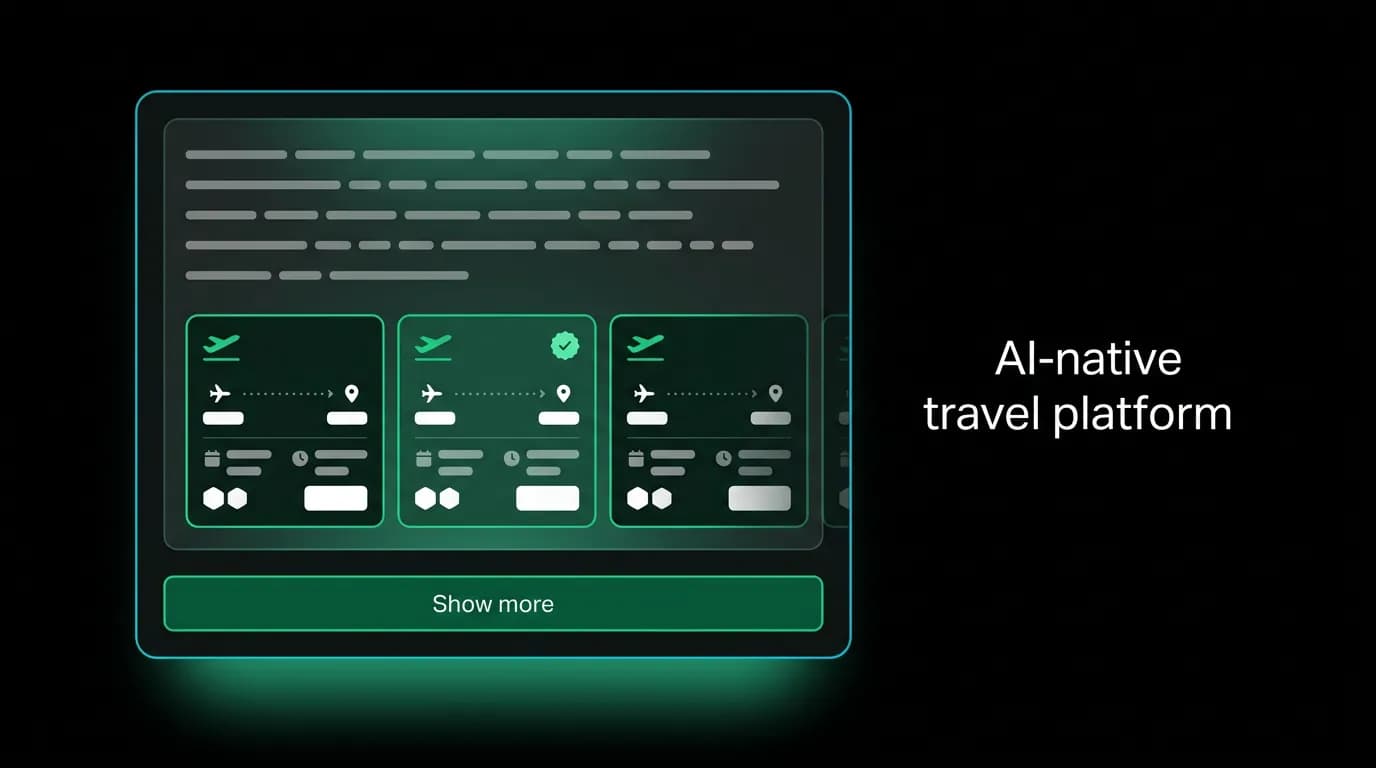
What Happens When You Cannot Wireframe the Interface
AI generates the layout. You cannot draw screens in advance when the content is unknown — so you design components, constraints, and ranges instead.
Design
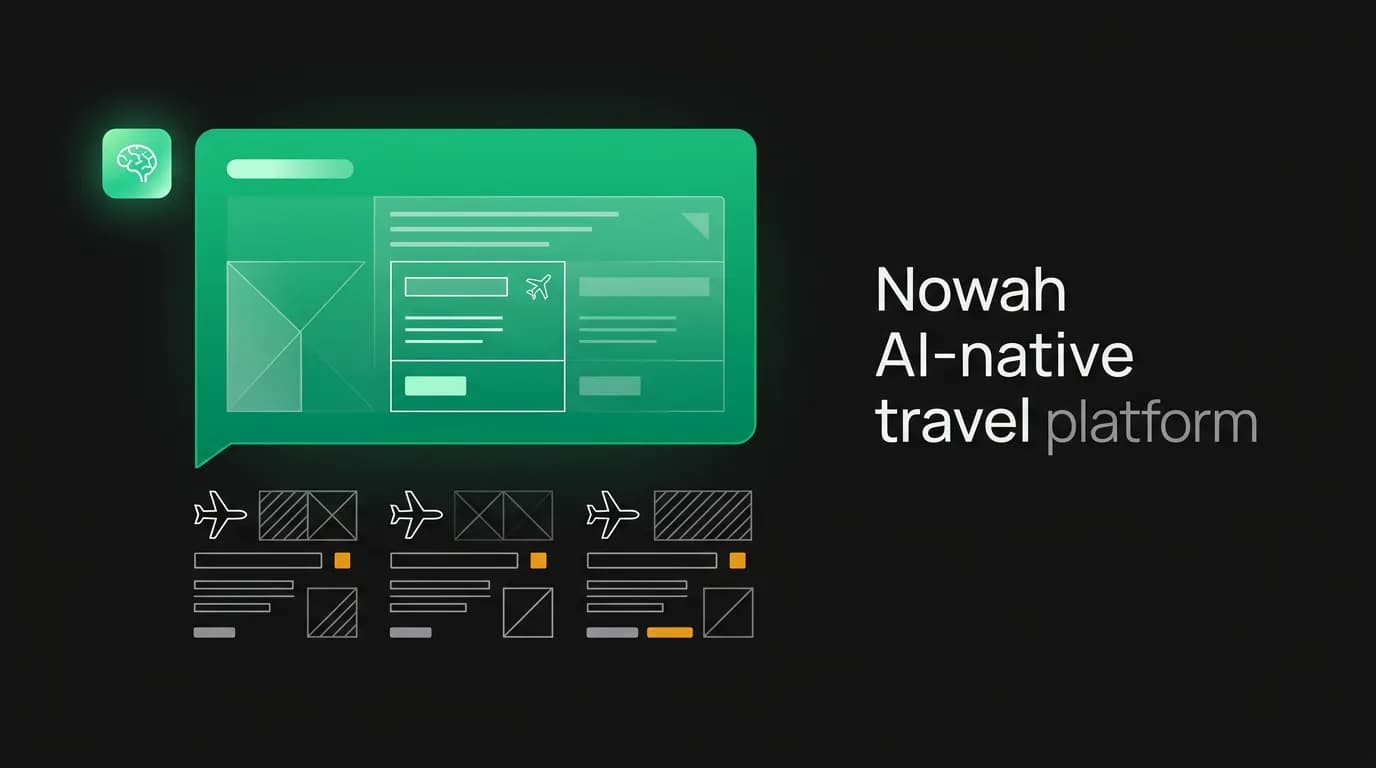
The AI Message Bubble Is a Canvas
A single chat bubble can hold text, flight cards, hotel images, action buttons, and maps. Designing the bubble as a canvas unlocks rich conversational commerce.
Design
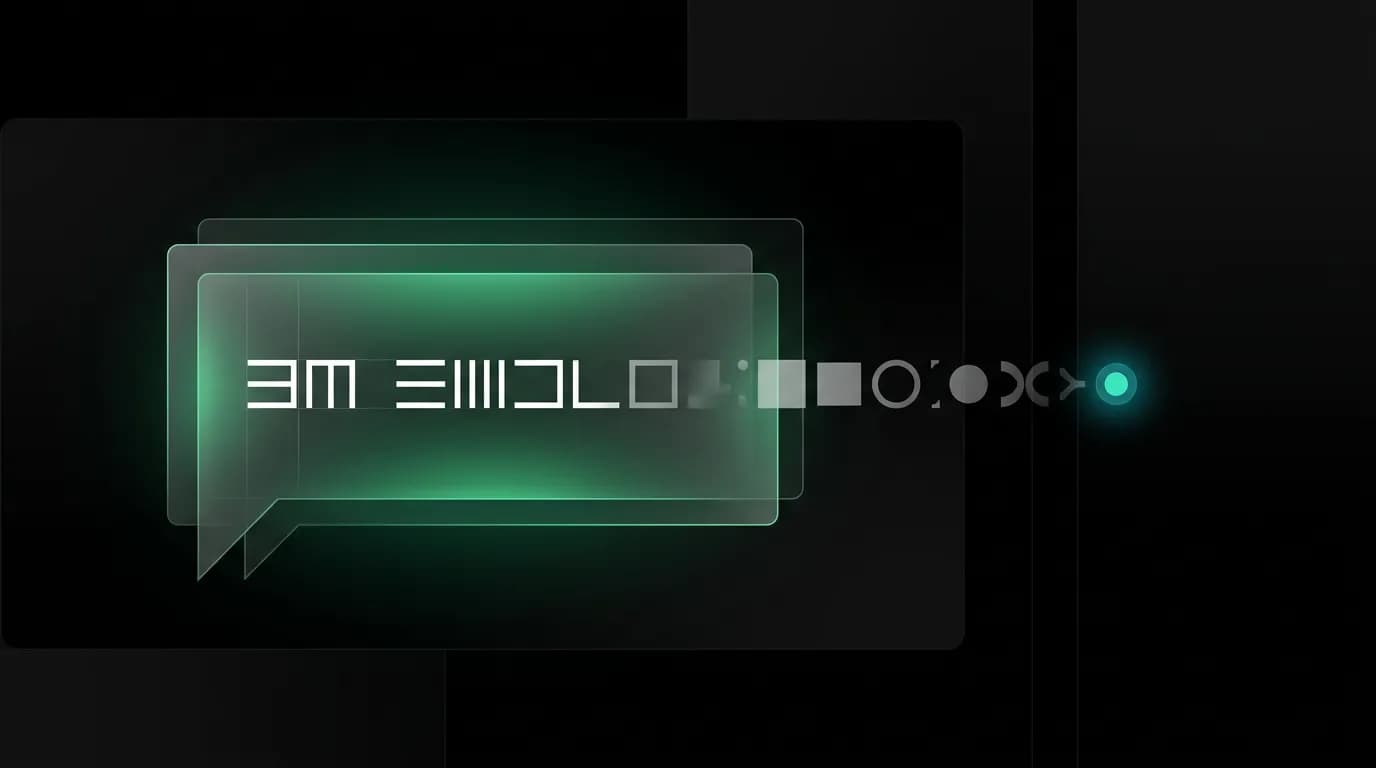
Streaming Text: Designing for an AI That Thinks Out Loud
Token-by-token text streaming reduces perceived wait time by a large share and transforms a loading screen into a live conversation where users read as the AI writes.
Design
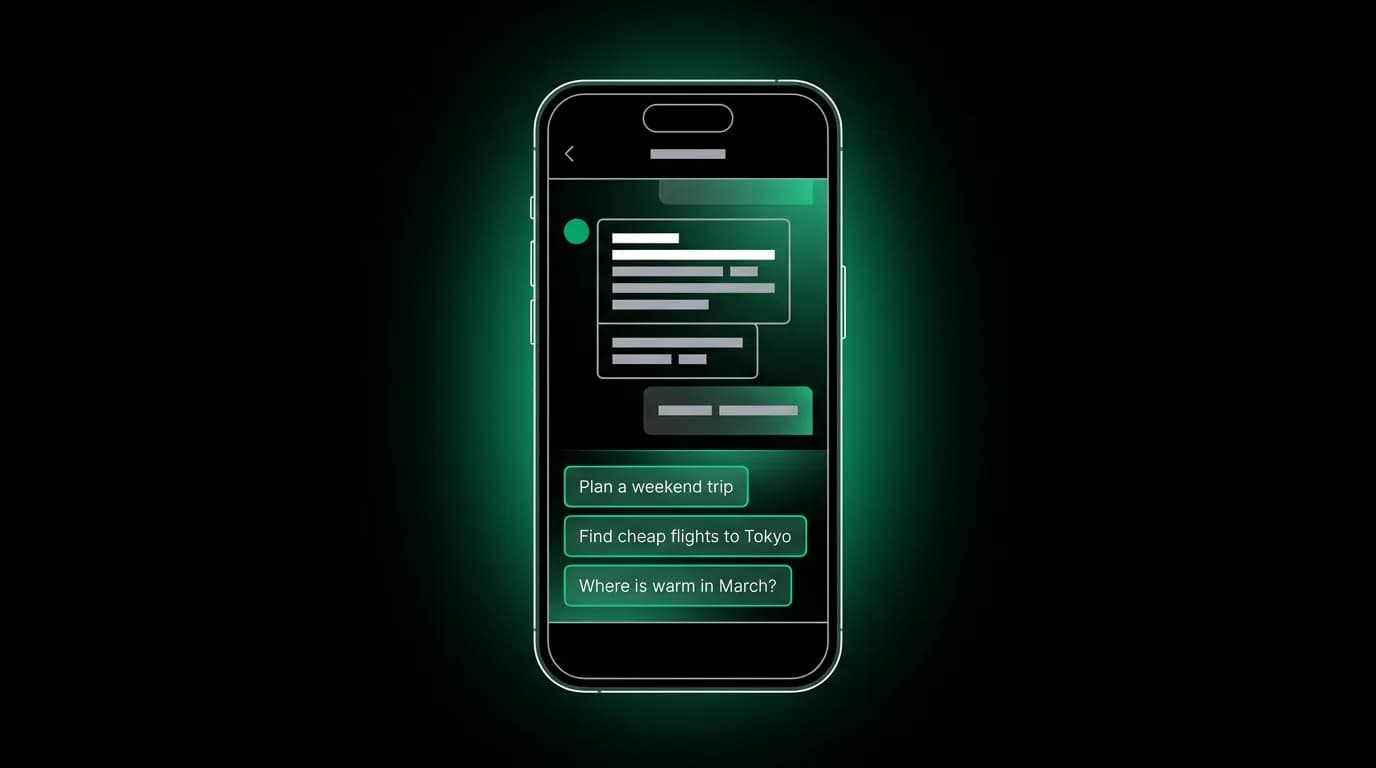
Designing Empty States for AI Products
When there is nothing to show, the AI starts a conversation. Empty states in AI products are greetings, not illustrations — the first moment of personality.
Design
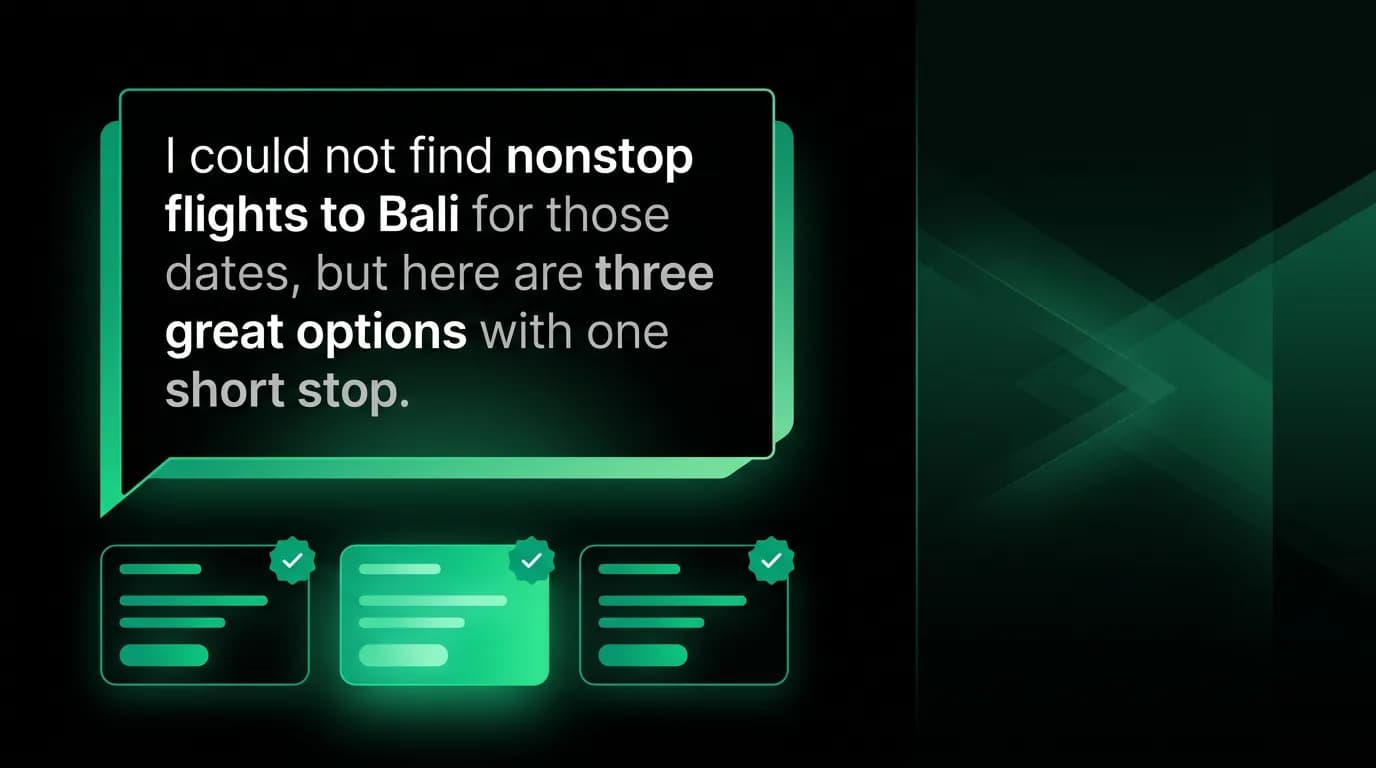
Error States as Dialogue, Not Dead Ends
When something fails in an AI interface, the AI explains what happened, suggests alternatives, and keeps the conversation going — no red banners, no dead ends.
Design
Designing for AI Memory: When Your App Remembers Everything
Visible personalization feels like service; silent personalization feels like surveillance. Design AI memory so users see what is remembered and control what is kept.

Design
The Thinking Indicator: Most Important Animation in AI UX
Three pulsing dots carry the entire weight of user trust during AI processing. Get the thinking indicator wrong and users assume the app is broken.
Design
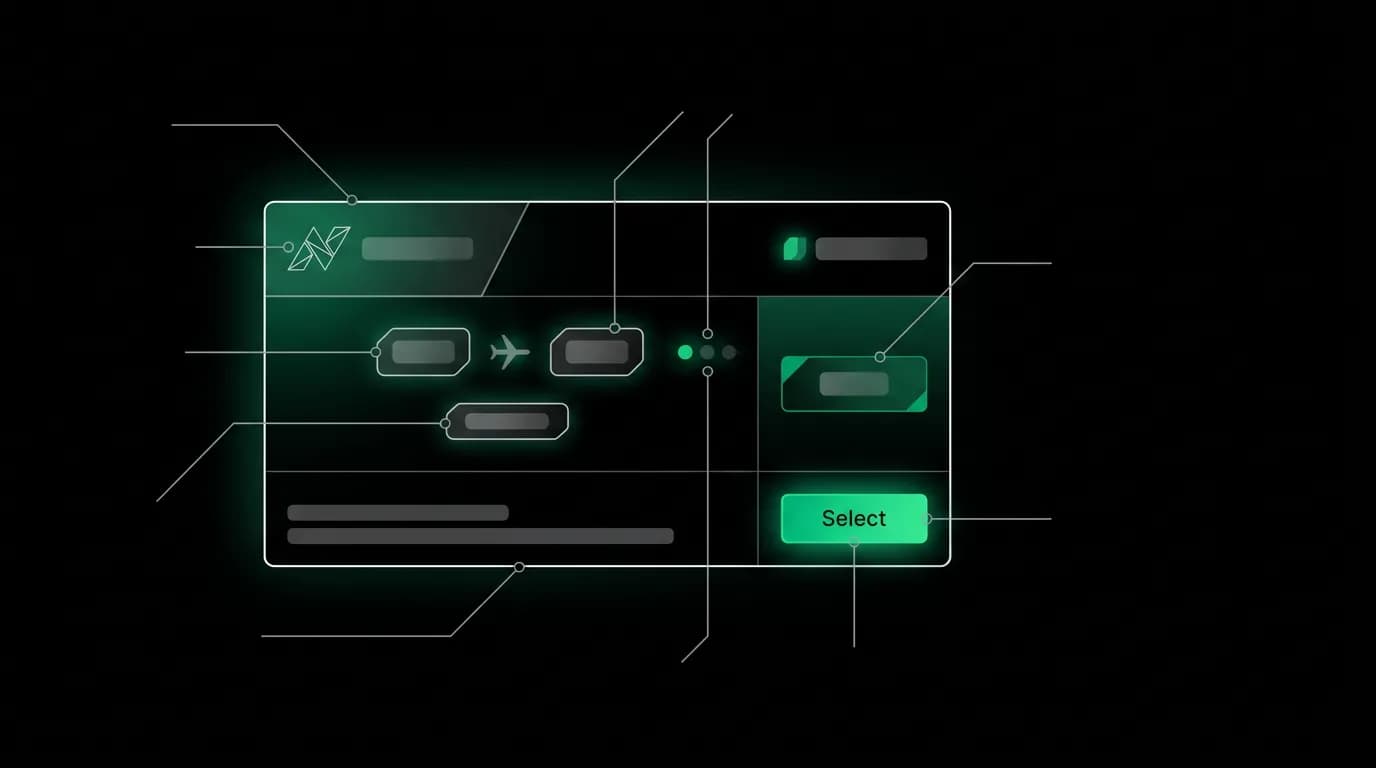
Designing Flight Cards That Sell at a Glance
A flight card has 180 pixels of height to communicate airline, times, duration, stops, price, and cabin class — every pixel must earn its place in the layout.
Design
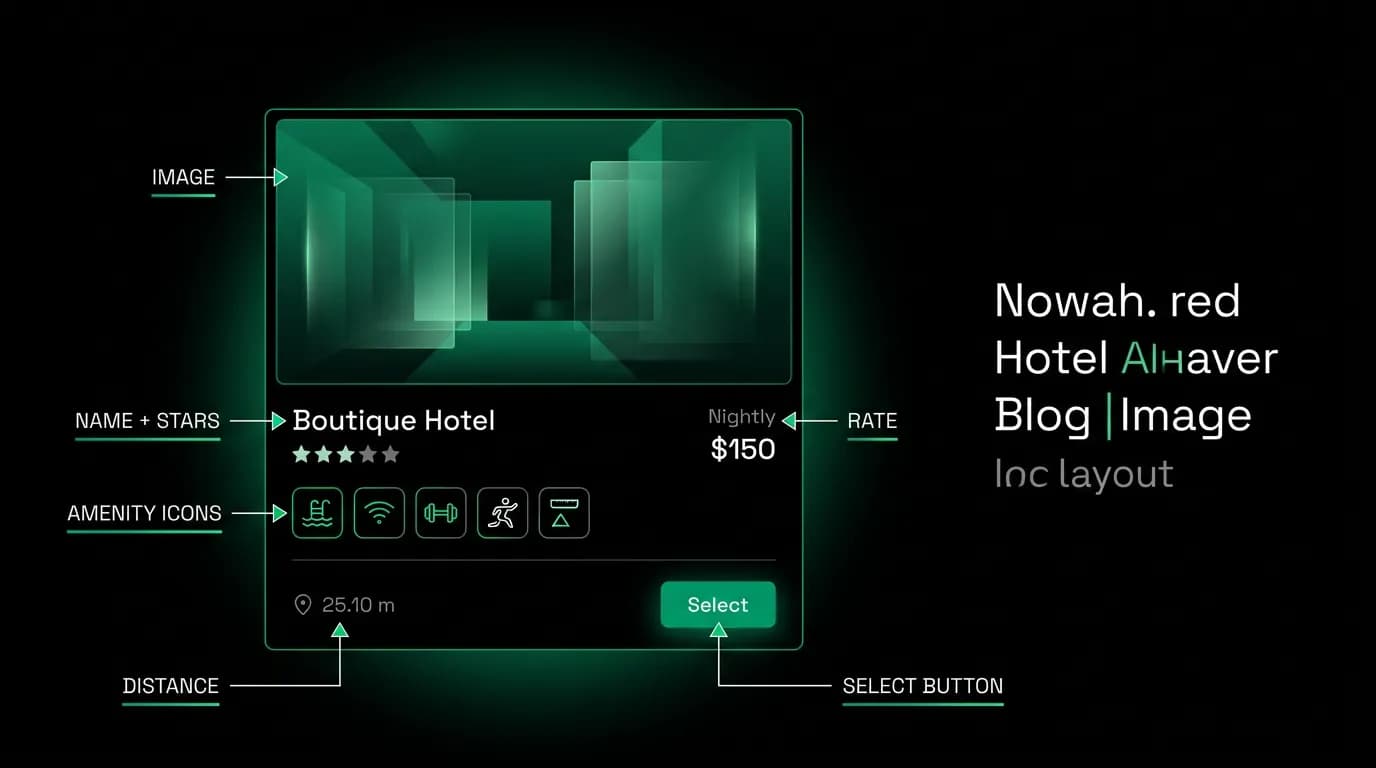
Hotel Cards: Images, Prices, and Trust
The hero image does 60% of the selling on a hotel card. Pair it with a clear nightly rate, key amenity icons, and location context to close the remaining 40%.